


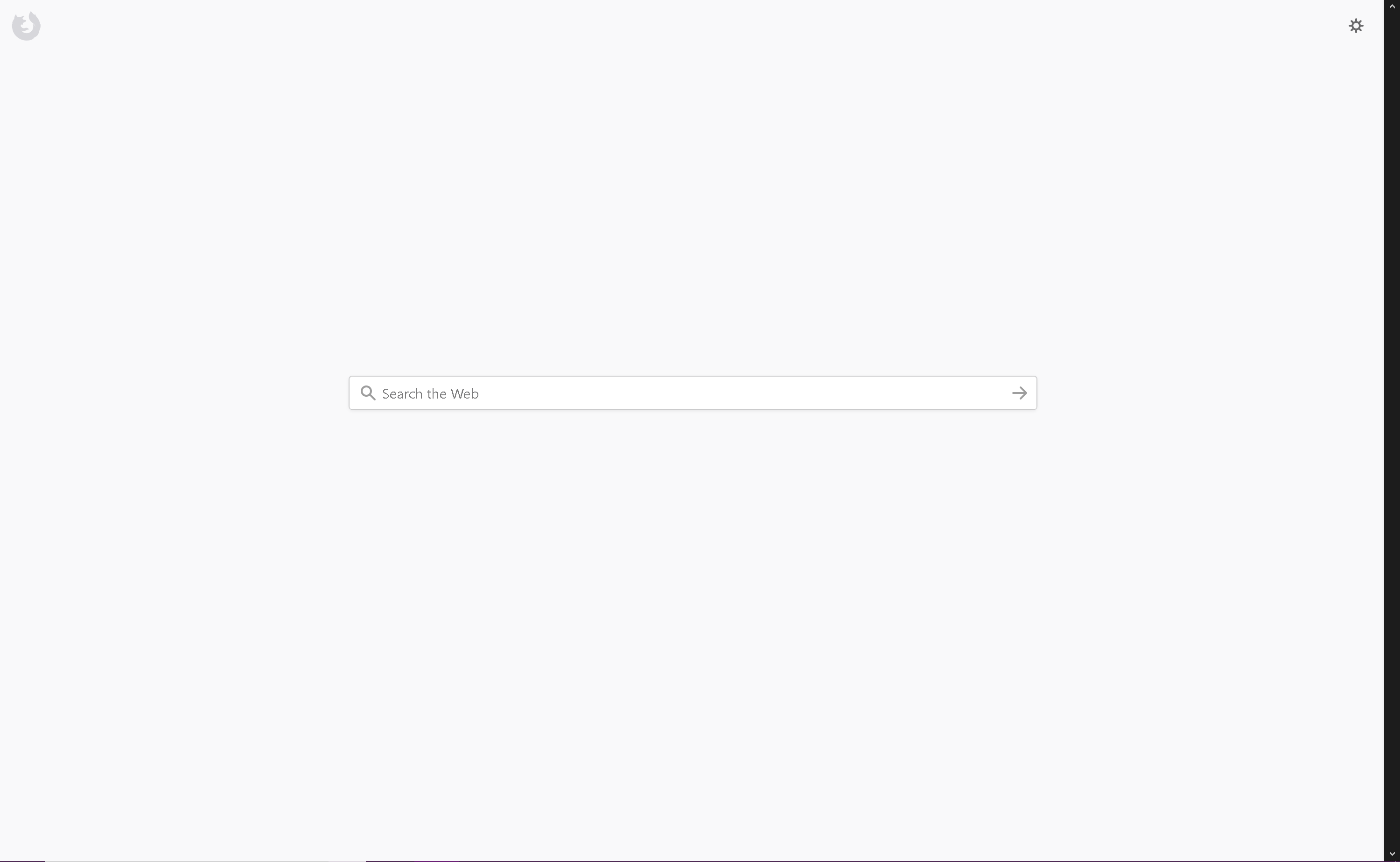
New Tab Page a bit bland

After removing my top sites and highlights, leaving only the search bar the new tab page is a bit bland. I was wondering if you could add some sort of logo, such as a mozilla or firefox one to take up some of that space or maybe some addon that allows us to put a custom logo there.
Zmodyfikowany przez AntonTru3 w dniu
Wszystkie odpowiedzi (1)
Hi !
You could get the 'old' New Tab page back if you want to :
Type in the address bar about:config (press Enter) (promist to be careful, if asked)
Type in the search bar and look for the preference :
browser.newtabpage.activity-stream.enabled
and set its values to false
Then close and restart Firefox.
In case you want the New Tab page to be your home page, you could change this preference :
browser.newtabpage.activity-stream.aboutHome.enabled
and set its values to false