


Wrong page comes up as home page
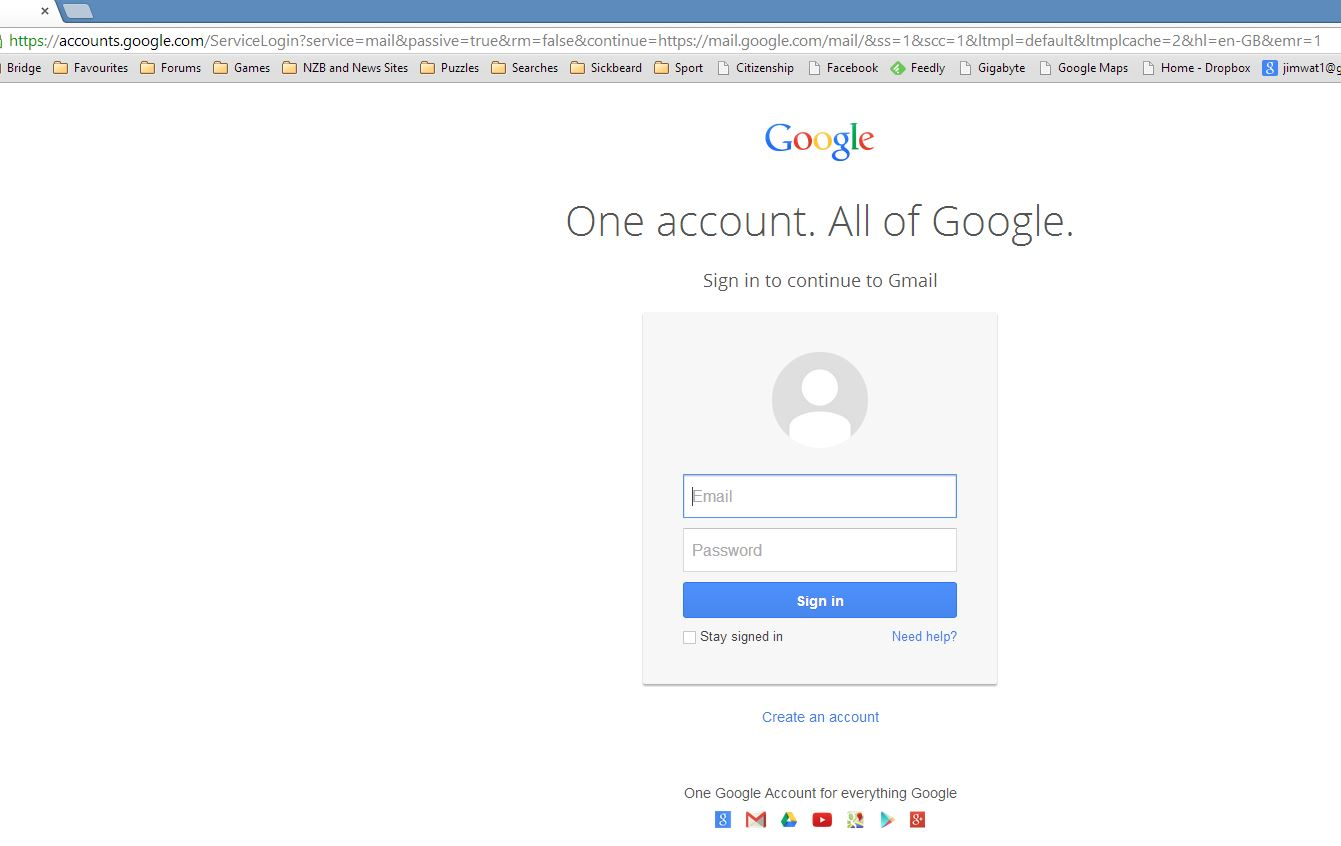
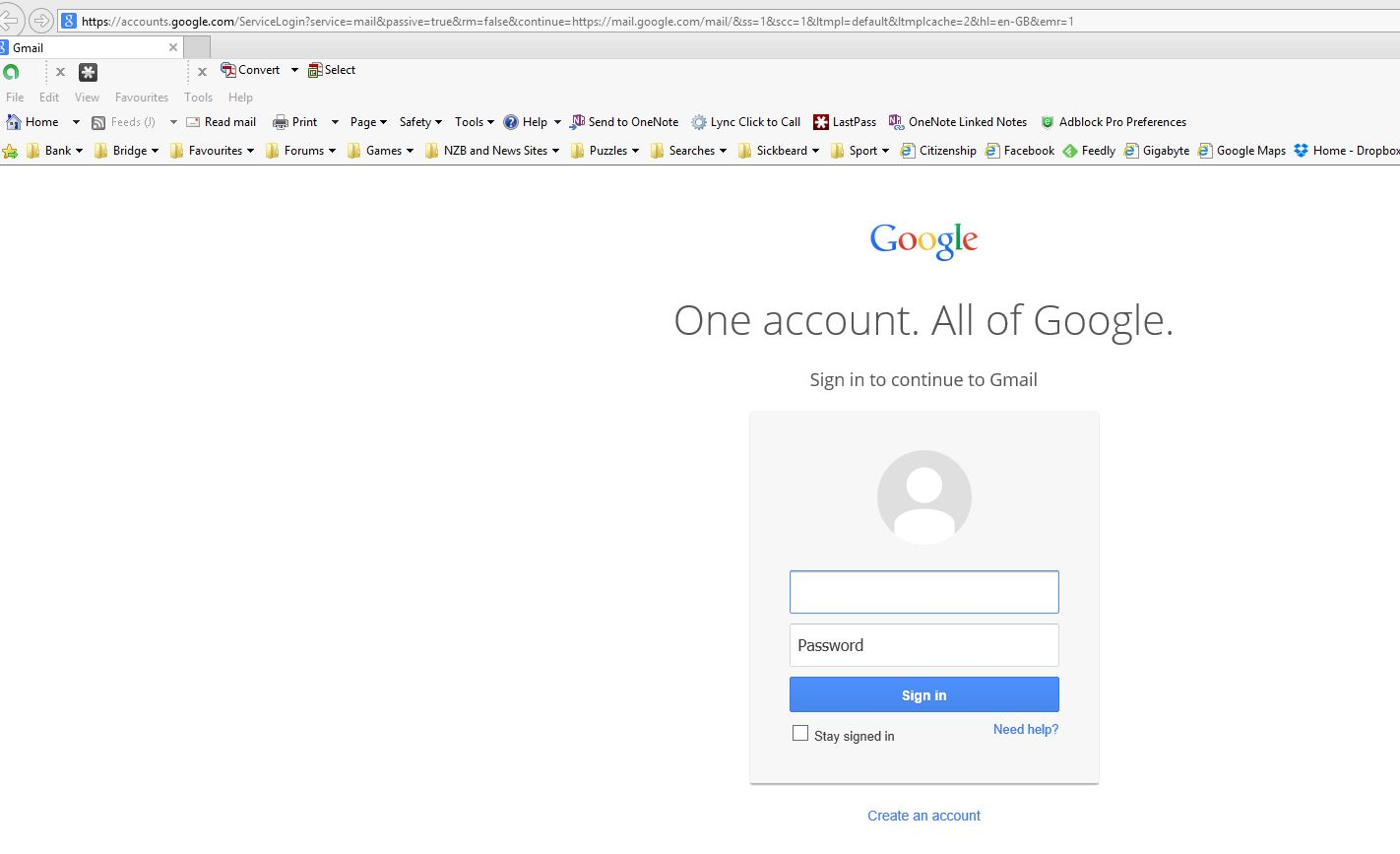
In options I have "Home Page" set to "https://accounts.google.com/ServiceLogin?service=mail&passive=true&rm=false&continue=https://mail.google.com/mail/&ss=1&scc=1<mpl=default<mplcache=2&hl=en-GB&emr=1" but the page that comes up is "https://mail.google.com/intl/en-GB/mail/help/about.html". This does not occur with any other browser. It also occurs in safe mode. There is something that flashes up in the background before the page loads but it disappears too quickly .
When I first set up that home page it did work for a couple of days.
Valgt løsning
We are glad to here that your problem is solved.
Thank you for using the Mozilla support forum.
All Replies (5)
Are you signed into your Google account when you start Firefox?
Your desired homepage will not come up unless you are.
Endret av Wesley Branton
My desired home page is in fact the signon page for my Google account, and being the home page it is in fact the first page to appear when I open Firefox. The plan is that I get that page and the sign in to my Google account. Is that not how the home page is intended to operate? As I said it did work correctly for a few days and it does work correctly on Chrome and IE11.
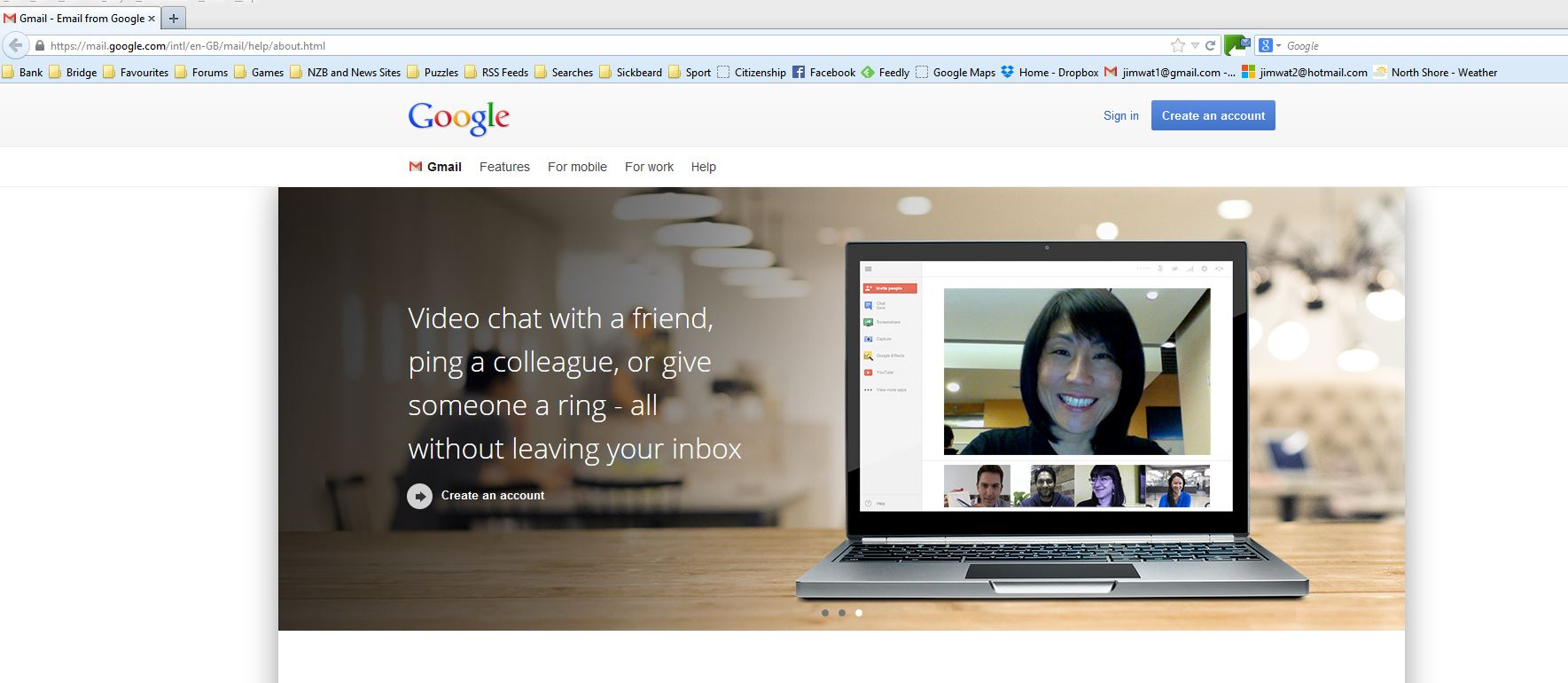
If you are not signed into your Google account, you will be brought to the about Gmail page. This is just the way that Google works.
If you want the Google sign-in page, please try saving this site as your homepage.
Sorry for any inconvenience.
Thanks ComputerWhiz. Your solution did not quite work as I wanted but a couple of tweaks got me there.
- -))
Endret av Hairy Scot
Valgt løsning
We are glad to here that your problem is solved.
Thank you for using the Mozilla support forum.