


Thunderbird wide or other views don't display correctly

This seems to have occurred in the last month or so.
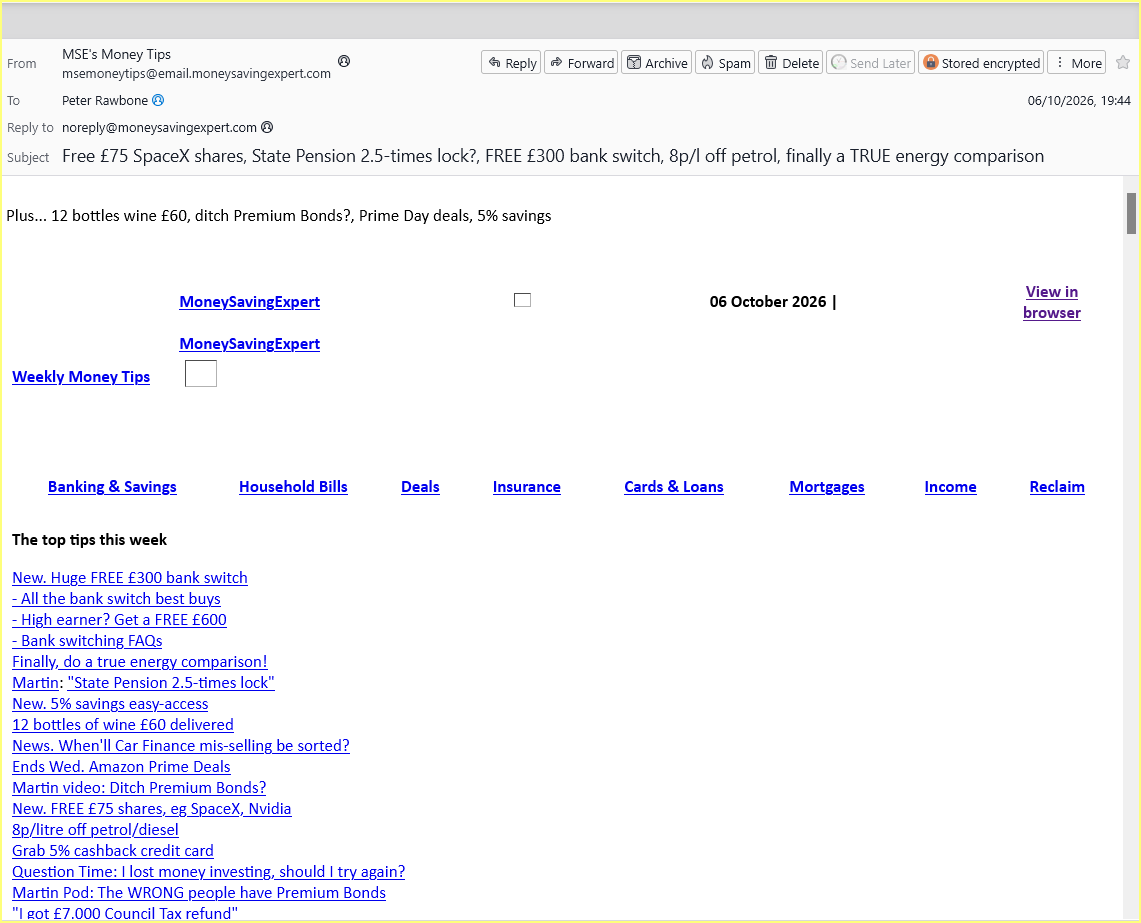
Whenever I click on a message in the folders pane, the message is not displayed correctly in any of the three layout views but, if I am offered to display in a browser, it does! Also, if I select 'Edit as a new message' it displays correctly, as also do iPhone and iPads. The screenshot shows the problem?
Any ideas, anyone?
All Replies (1)
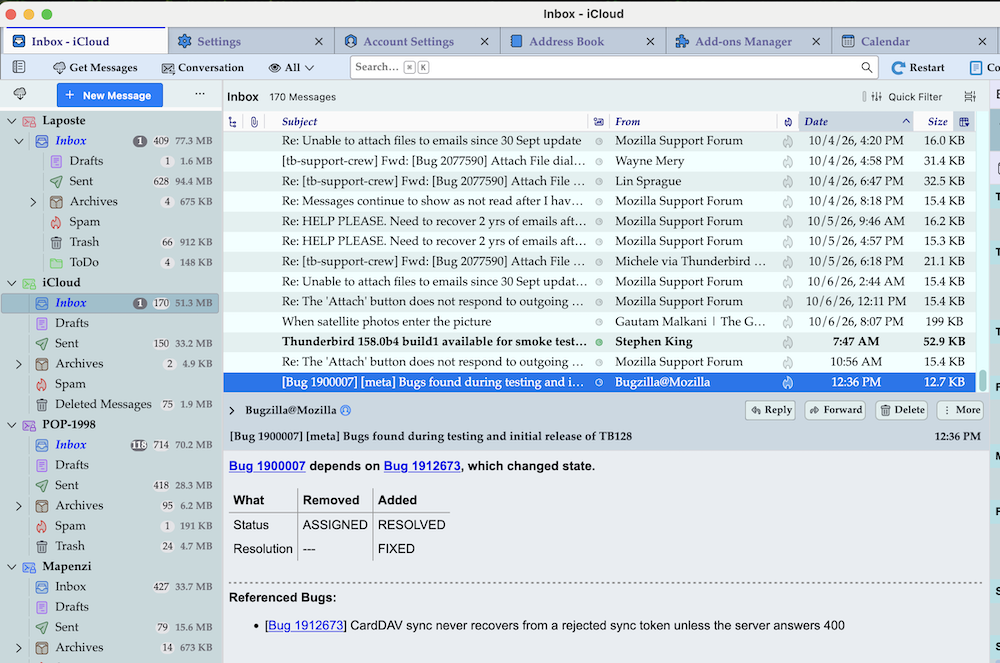
It seems to me that actually you open a message with a double-click in a new window. But I wonder how you could open messages by clicking in the "folder pane". The only way I know to open a message - whether in the message pane, a new tab oder a new windows - is to click or double-click the message in the thread pane ( = message list). Unfortunately I don't know how you displayed and read messages before this "issue". And what do you mean by "I am offered to display in a browser" ? I am not familiar with this option... To compare with I include a screen shot of my Thunderbird installation on a Mac, using classic view and table view
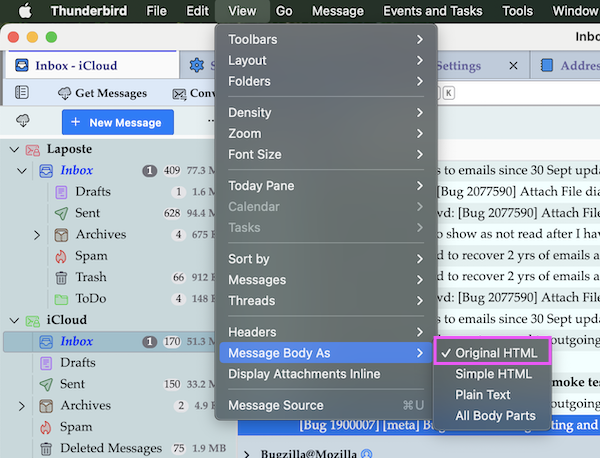
EDIT: maybe I was entirely wrong with my interpretation of your screen shot, and your real issue is the display of the contents of messages. Actually you are using View > Message Body As > Plain Text Probably you were used to Original HTML
Endret av Mapenzi