


Message retrieval triggers a threat stop in McAfee.

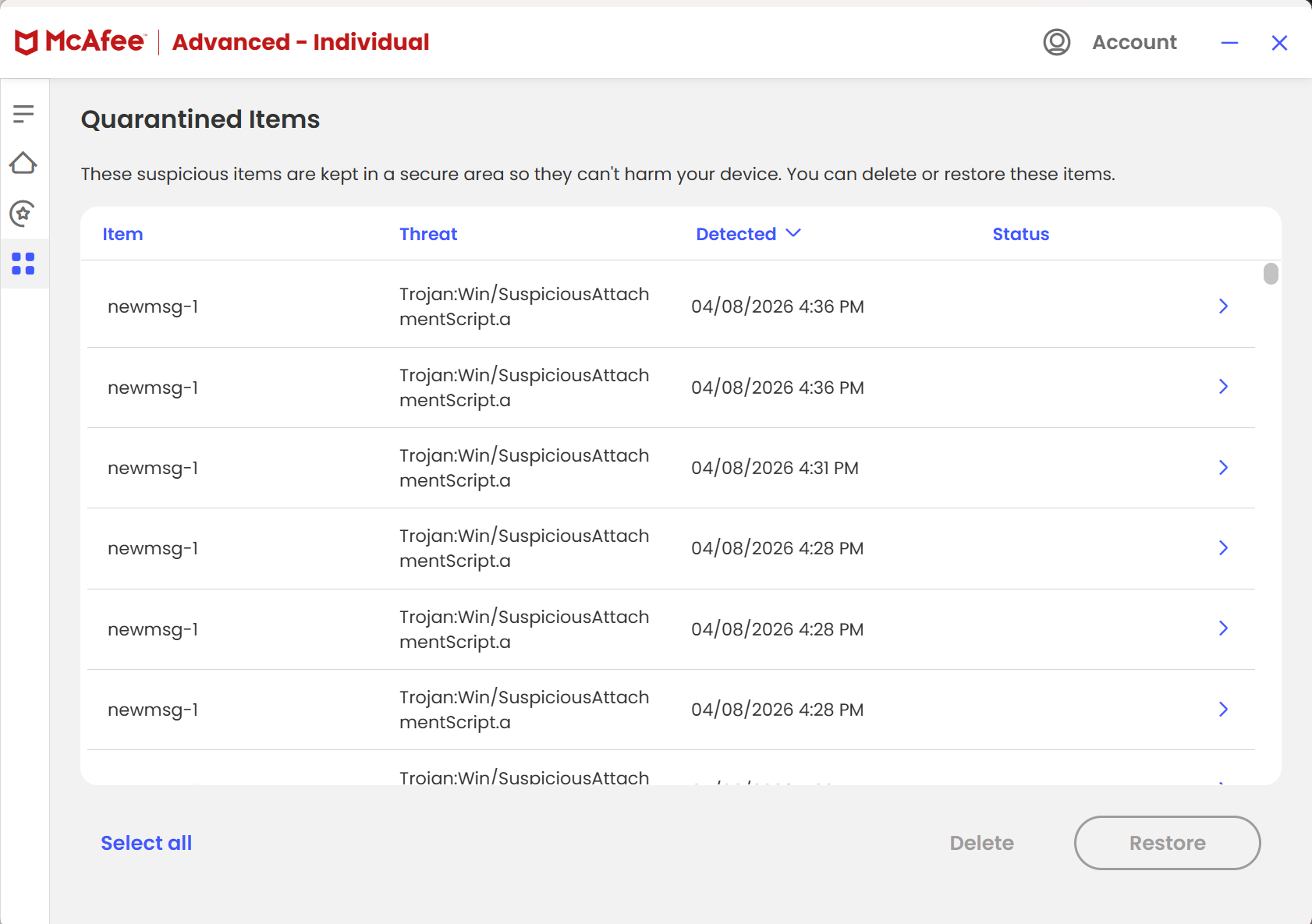
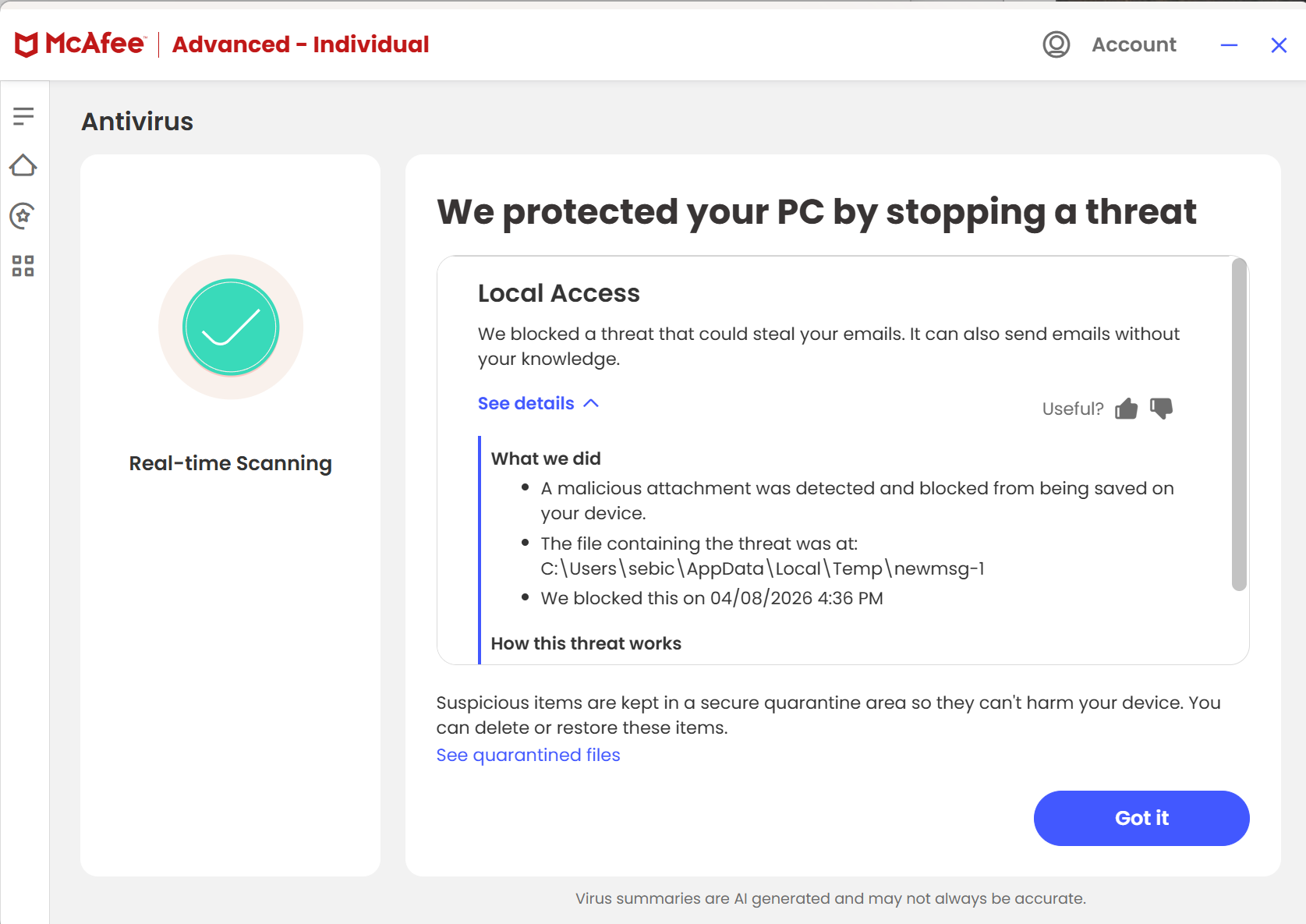
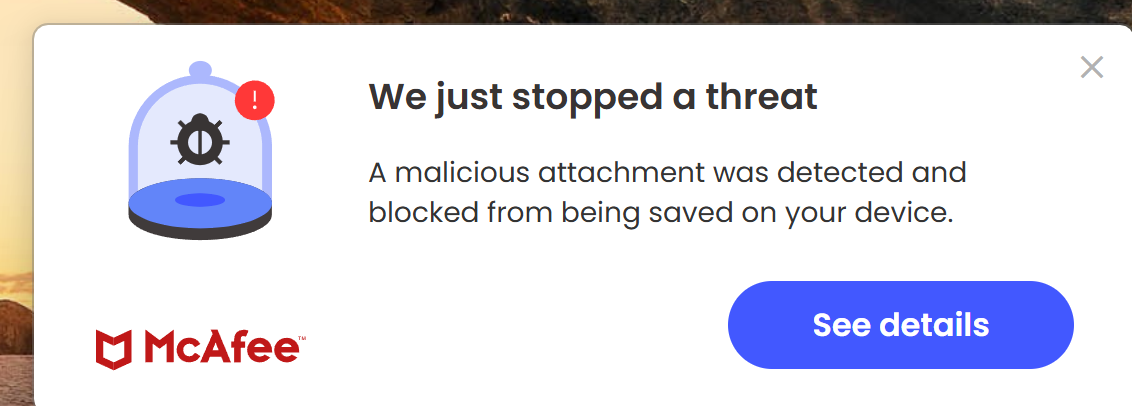
very recently perhaps with a McAfee or Thunderbird update , I am seeing a message that McAfee stops a threat every time thunderbird does a message retrieval. see attachments. I have checked my outlook account directly and deleted a bunch of messages but it persists.
All Replies (4)
Disable McAfee scanning of incoming mails. Then go to TB menu > Settings and search for virus > enable 'Allow antivirus clients to quarantine individual incoming messages'.
I experienced McAfee being triggered popping up a message about a malicious NEWMSG every time I started up Thunderbird 150.0.1 (64-bit). I discovered that a Donation Request from Thunderbird/Mozilla had opened a tab with a donation request page in it. I closed the tab and the McAfee issue went away. Dumb luck on my part discovering this.

My findings differ from Ed's. I couldn't find an option for disabling scanning incoming email in McAfee (Total Protection). I could temporarily disable "Real-time Scanning" in general, and that temporarily eliminates the issue. But per my understanding, that disables not only email scanning, but also scanning of files when they are downloaded and/or opened/executed. In other words, it renders McAfee basically useless. As for "Allow antivirus clients to quarantine individual incoming messages" in Thunderbird, it was already enabled, and I found that DISabling it eliminates the issue. And my understanding is that it's a MUCH safer option, in that it leaves file download & execution scanning in effect, and even email scanning. The drawback being that if it finds a threat in email, it might quarantine your entire mailbox, instead of the individual email.
David Miller said
My findings differ from Ed's. I couldn't find an option for disabling scanning incoming email in McAfee (Total Protection). I could temporarily disable "Real-time Scanning" in general, and that temporarily eliminates the issue. But per my understanding, that disables not only email scanning, but also scanning of files when they are downloaded and/or opened/executed. In other words, it renders McAfee basically useless. As for "Allow antivirus clients to quarantine individual incoming messages" in Thunderbird, it was already enabled, and I found that DISabling it eliminates the issue. And my understanding is that it's a MUCH safer option, in that it leaves file download & execution scanning in effect, and even email scanning. The drawback being that if it finds a threat in email, it might quarantine your entire mailbox, instead of the individual email.
I'm not doubting you, but I find it hard to believe McAfee has no option to disable scanning incoming messages.
TB doesn't scan mesage no matter what that TB setting is. It puts every message into a temp folder for the AV to scan. If the AV catches is, then only that message is affected.
https://support.mozilla.org/en-US/kb/security-panel-settings-in-thunderbird#w_antivirus-tab
If you disable the TB option and McAfee doesn't catch it, that's a McAfee problem