

Denne tråden ble arkivert.
Still et nytt spørsmål dersom du trenger hjelp.

Solved
Arkivert
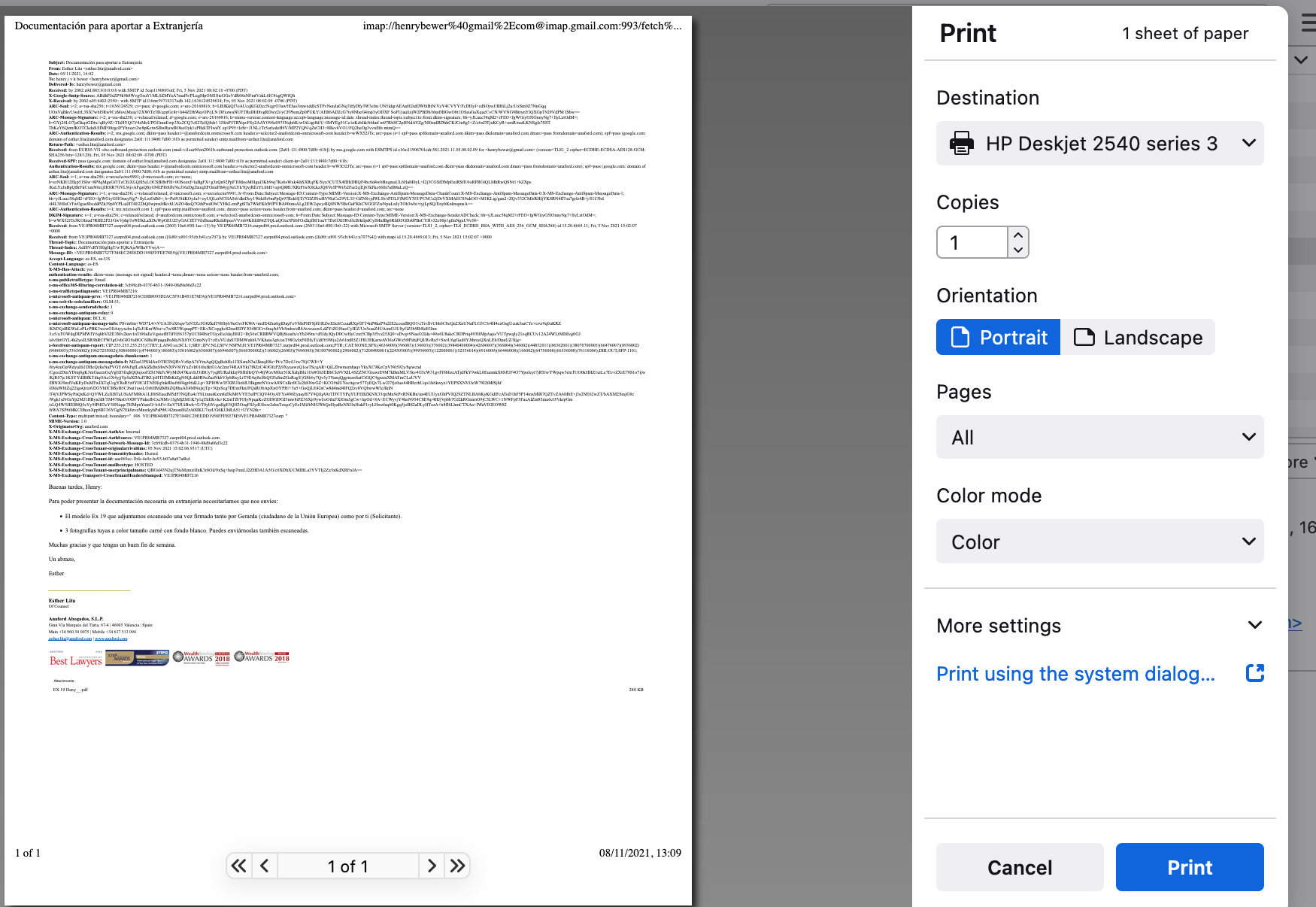
incoming personal messages preceded by immensely long internet routing info

how to avoid including meta-routing info when printing personal incoming messages?
how to avoid including meta-routing info when printing personal incoming messages?
All Replies (1)
Valgt løsning
Looks like you have the setting to show all headers.
Menu app icon > View > Headers > select 'Normal' This should now only show the most relevant headers like From, To, Subject, Date