Denne tråden ble arkivert.
Still et nytt spørsmål dersom du trenger hjelp.

Solved
Arkivert
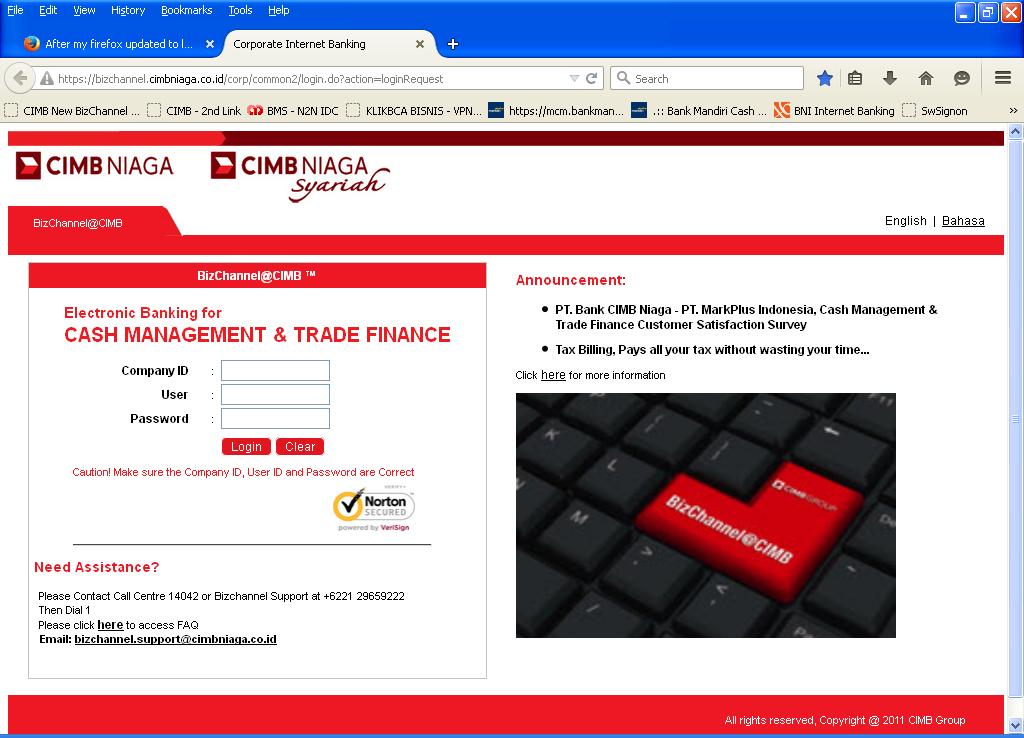
After my firefox updated to last version, i can not browse my Bizchannel CIMB

After my firefox updated to last version (37.0.1), i can not browse my Bizchannel CIMB
URL : https://bizchannel.cimbniaga.co.id/corp/common2/login.do?action=loginRequest
withe following error : An error occurred during a connection to bizchannel.cimbniaga.co.id. Cannot communicate securely with peer: no common encryption algorithm(s). (Error code: ssl_error_no_cypher_overlap)
What should i do ?
After my firefox updated to last version (37.0.1), i can not browse my Bizchannel CIMB
URL : https://bizchannel.cimbniaga.co.id/corp/common2/login.do?action=loginRequest
withe following error :
An error occurred during a connection to bizchannel.cimbniaga.co.id. Cannot communicate securely with peer: no common encryption algorithm(s). (Error code: ssl_error_no_cypher_overlap)
What should i do ?
All Replies (2)
Valgt løsning
The site only works for me if I allow Firefox to fallback to TLS 1.0 or otherwise force TLS 1.0 (i.e. set the maximum to 1.0)
In order to change your Firefox Configuration please do the following steps :
- In the Location bar, type about:config and press Enter. The about:config "This might void your warranty!" warning page may appear.
- Click I'll be careful, I promise! to continue to the about:config page.
- Change
security.tls.version.fallback-limit = 1
alhamdulillah - thanks God... works great bro... kindly thanks for suggestion...