


autoplay and play button do not work for videos

I am trying to play a video (the website supports .webm, .ogv, mp4) but neither autoplay nor the start button seem to work. However, if I slide the control button to the right (+/- 40 sec) the video does play.
I have tried many of the solutions suggested in other threads (deactivating potential conflicting plugins, resetting Firefox, etc.) but none of them work.
What am I missing?
Gekozen oplossing
The problem had an easy solution: changing the order of the videos, listing first the .mp4 source and next the .webm source made the videos run on Firefox, Explorer and Chrome.
Does anybody know why?
Alle antwoorden (5)
Hello,
In order to better assist you with your issue please provide us with a screenshot. If you need help to create a screenshot, please see How do I create a screenshot of my problem?
Once you've done this, attach the saved screenshot file to your forum post by clicking the Browse... button below the Post your reply box. This will help us to visualize the problem.
Thank you!
Curtis
Thanks.
You will find the screenshot attached.
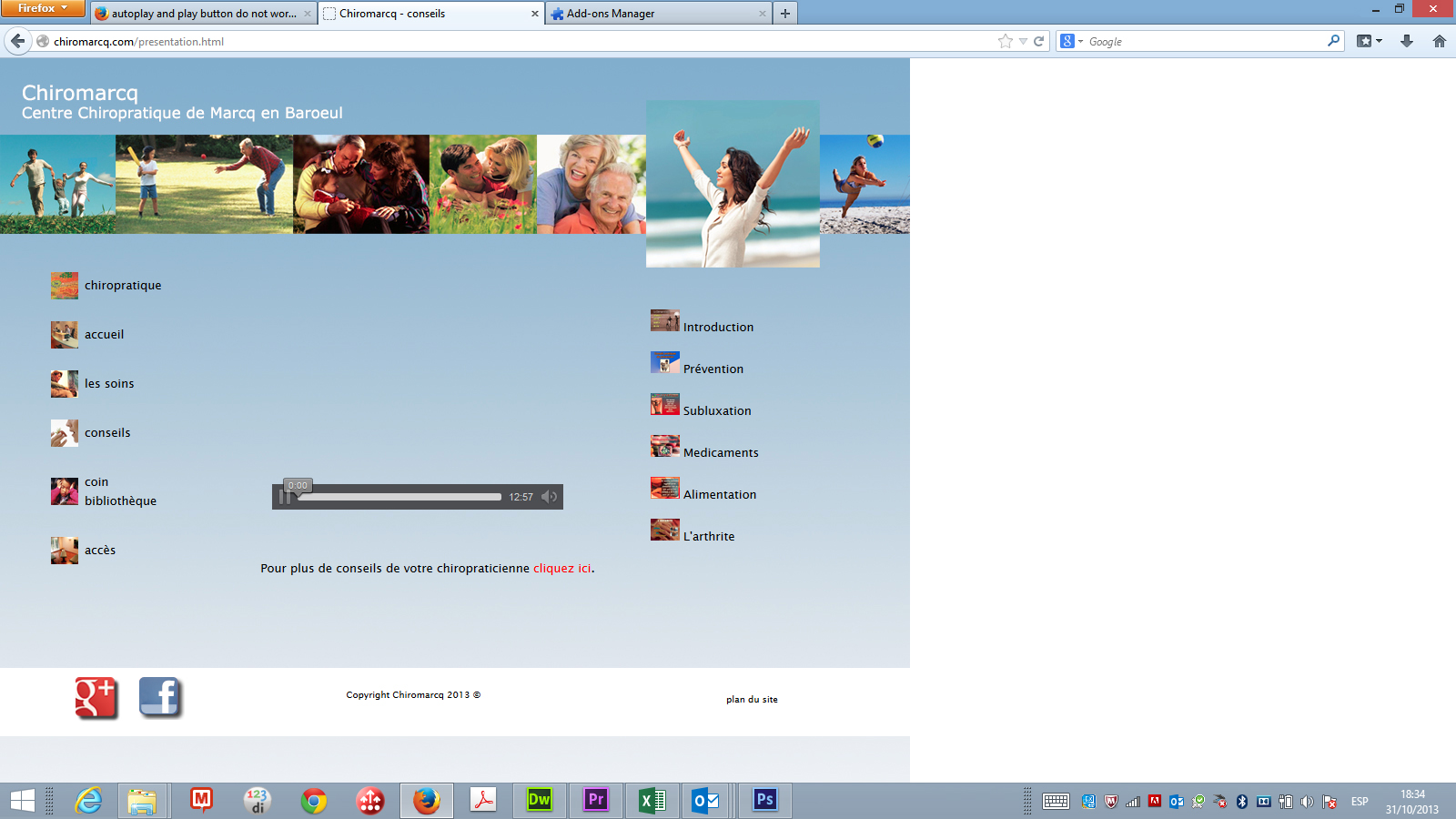
additional information: IE, Chrome and Safari work without problems - with Safari using Quick-Time. However on my Android phone I have problems as well. There it seems the video is continuously restarting. The website has the following code:
omitting the brackets:
video width="320" height="240" controls loop autoplay
   source src="http://www.website.com/videos/videoX.webmsd.webm" type="video/webm"
  /source
  source src="http://www.website.com/videos/videoX.ipad3.mp4" type="video/mp4"
  /source
  source src="http://www.website.com/videos/videoX.oggtheora.ogv" type="video/ogv"
  /source
 /video"
Bewerkt door dutch78 op
Looking forward to support ..
Bewerkt door dutch78 op
Gekozen oplossing
The problem had an easy solution: changing the order of the videos, listing first the .mp4 source and next the .webm source made the videos run on Firefox, Explorer and Chrome.
Does anybody know why?