


Windows 10 bereikte EO (einde ondersteuning) op 14 oktober 2025. Als je Windows 10 gebruikt, lees dan dit artikel.

Windows 10 reached EOS (end of support) on October 14, 2025. If you are on Windows 10, see this article.

Zoeken in Support

Vermijd ondersteuningsscams. We zullen u nooit vragen een telefoonnummer te bellen, er een sms naar te sturen of persoonlijke gegevens te delen. Meld verdachte activiteit met de optie ‘Misbruik melden’.

Meer info
Deze conversatie is gearchiveerd. Stel een nieuwe vraag als u hulp nodig hebt.
Gearchiveerd

PDF Links Not Opening

Kiki beantwoord
Anabananalisa

Hi, I am having an issue in mobile on iPhone 13 mini where I am trying to view a PDF (a bill so I can’t share the link) and it just opens to a about:blank page that says:

“Your bill is almost ready. Please wait.

Are you using a Chrome browser? Check your browser’s Downloads folder for a PDF of your bill.”

I wait and nothing happens. When I try in chrome it opens immediately in another tab (and doesn’t go to the downloads folder funny enough).

It isn’t in my downloads folder here either.

I don’t think it’s the site since it works in chrome.

I tried turning off pop up blocker, clicking the link again, and it didn’t change anything.

I also notice it is labeling the blank page as an insecure connection. It is from my city electric company so that wouldn’t be likely.

Thank you
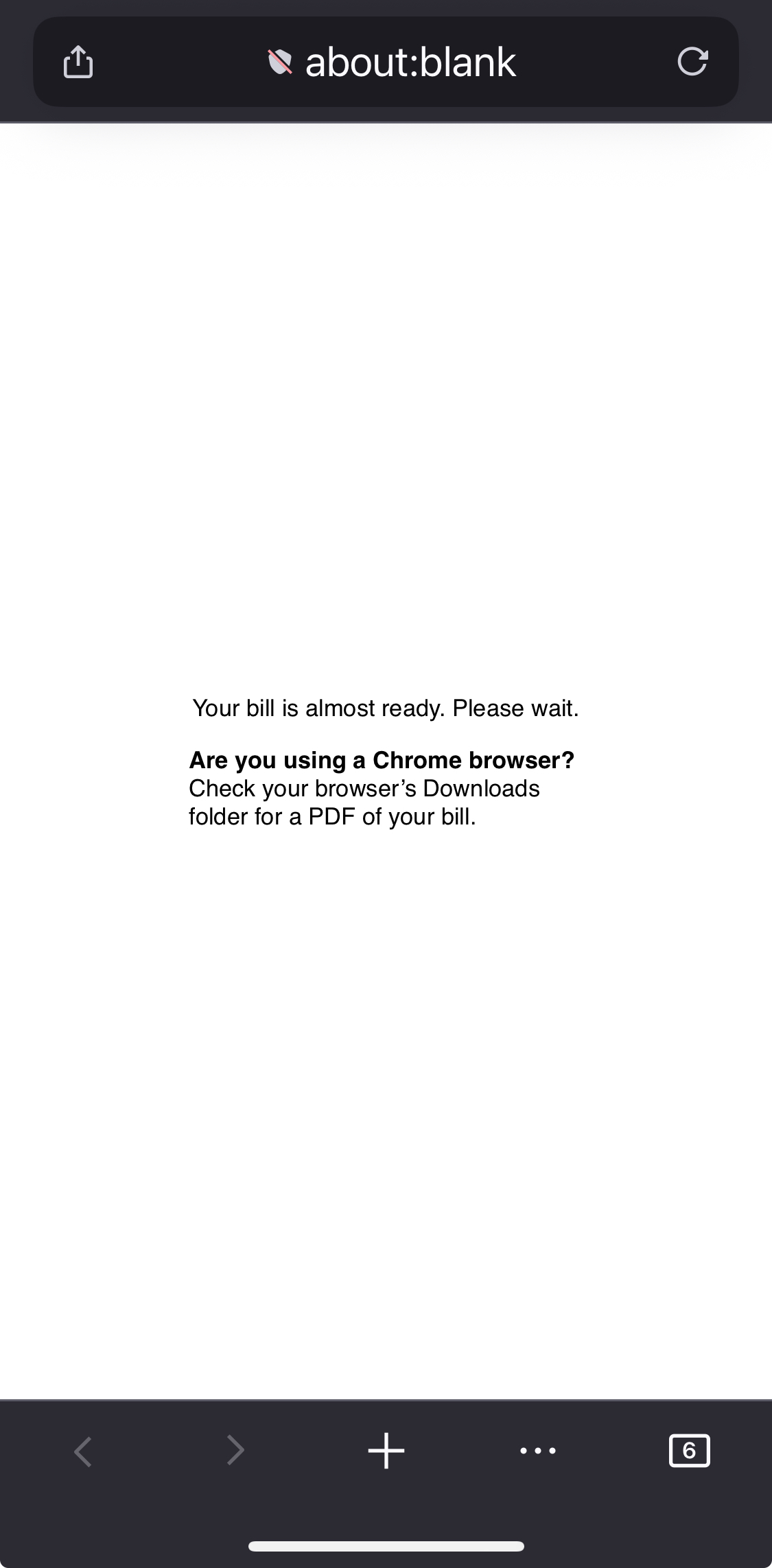
Hi, I am having an issue in mobile on iPhone 13 mini where I am trying to view a PDF (a bill so I can’t share the link) and it just opens to a about:blank page that says: “Your bill is almost ready. Please wait. Are you using a Chrome browser? Check your browser’s Downloads folder for a PDF of your bill.” I wait and nothing happens. When I try in chrome it opens immediately in another tab (and doesn’t go to the downloads folder funny enough). It isn’t in my downloads folder here either. I don’t think it’s the site since it works in chrome. I tried turning off pop up blocker, clicking the link again, and it didn’t change anything. I also notice it is labeling the blank page as an insecure connection. It is from my city electric company so that wouldn’t be likely. Thank you
Gekoppelde schermafbeeldingen

Alle antwoorden (3)

Hi Anabananalisa,

That looks like a webcompat bug to me. Can you share the domain (not the bill link) where you got the PDF?

Hi Kiki, yep. It’s https://www.pge.com/

I can't even enter the site from Firefox desktop. If you're a user of their service, I suggest reaching out to them to let them know that their website isn't working on Firefox.
