


Dark mode broken after update

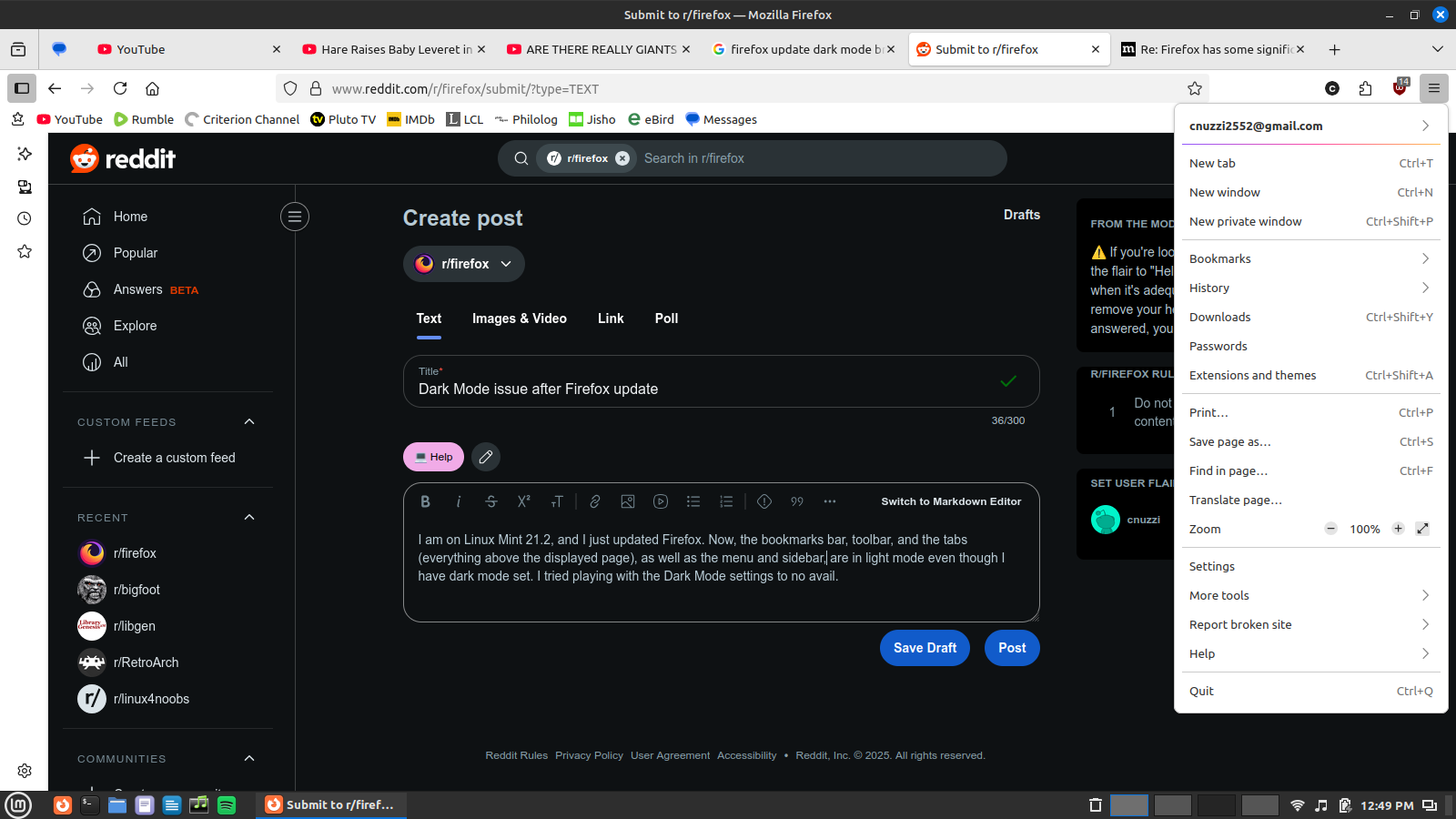
I am on Linux Mint 21.2, and I just updated Firefox (141.0). Now, the bookmarks bar, toolbar, and the tabs (everything above the displayed page), as well as the menu, bookmarks menu, and sidebar, are in light mode even though I have dark mode set (They were dark before the update). I tried playing with the Dark Mode settings to no avail. My system is set to dark mode in general. Are others experiencing this? Is there some sort of fix?
Alle antwoorden (11)
Could you try switching from the "System" theme to the "Dark" theme and see whether that helps? This can be done through the Add-ons page, Themes panel:
Use themes to change the look of Firefox (see the "Managing themes" section)
Any improvement?
Gekozen oplossing
This solved it. Thank you! I understand now that the other setting is just for websites, not Firefox itself. I must have had the dark mode set previously and forgot about it, and the update reset it to the default.

It’s a workaround, not a fix: when I set it to "system theme - auto", it’s using the light theme while my system is configured to be dark.
I use a custom theme, that works like the automatic theme (and the alpenglow theme does it too, in version 141 you can’t have the dark variant because Firefox don’t follow the system theme). So the problem is still there.
There is a Mint bug pending to fix how Mint notifies Firefox of your theme preference. That thread has some discussion of a workaround:
https://github.com/linuxmint/cinnamon/issues/12994#issuecomment-3109769903

This has started happening for me on Arch + i3 (no gnome installed)
I have `export GTK_THEME=Adwaita:dark` and also
```
   [Settings]
   gtk-application-prefer-dark-theme=1
   gtk-theme-name=Adwaita-dark
```
Bewerkt door Milad op

I'm also on Linux Mint 21.2 and just updated to Firefox 141 and switching to explicitly dark mode did NOT solve it for me. I'm locked into light mode regardless of the setting chosen.
EDIT: Entering this command (from the link jscher200 provided https://github.com/linuxmint/cinnamon/issues/12994#issuecomment-3109769903) into Terminal fixed it for me, even though dark mode was explicitly selected in Firefox. dconf write /org/gnome/desktop/interface/color-scheme "'prefer-dark'"
Bewerkt door ld1hartwig op
I choose dark theme, and the page body became dark, but the title bar, address bar, buttons, and favorites bar are all still white. Which is annoying and blinding.
It was fine before this latest update. My system and firefox are set to dark. I am using the deb package.
Linux Mint 21.3
Update: This workaround corrected the issue for now:
dconf write /org/gnome/desktop/interface/color-scheme "'prefer-dark'"
Bewerkt door William Ruckman op

Same problem here with KDE Plasma 5.24.7. System has always been dark theme and worked up to Firefox 141. Now the menus are all blinding white. Any known solution for KDE on this one?
ged999 said
Same problem here with KDE Plasma 5.24.7. System has always been dark theme and worked up to Firefox 141. Now the menus are all blinding white. Any known solution for KDE on this one?
You can switch to the built-in Dark theme as a workaround. See: Use themes to change the look of Firefox.
jscher2000 - Support Volunteer said
ged999 said
Same problem here with KDE Plasma 5.24.7. System has always been dark theme and worked up to Firefox 141. Now the menus are all blinding white. Any known solution for KDE on this one?You can switch to the built-in Dark theme as a workaround. See: Use themes to change the look of Firefox.
This works. Thank you.

The workaround of fixing it manually to dark theme works. However, I change my system theme frequently from dark to bright and back, depending on lighting conditions at the workspace. Firefox not adhering to the system settings since version 141 anymore is a serious regression for me.
The relevant bug https://bugzilla.mozilla.org/show_bug.cgi?id=1978639 was closed as wontfix. But adherence to the system theme worked in 140. So something was changed it breaks the old behaviour on some systems. This is not a good user experience.
Can the bug be re-opened again?