


I Cannot Delete Some Messages.

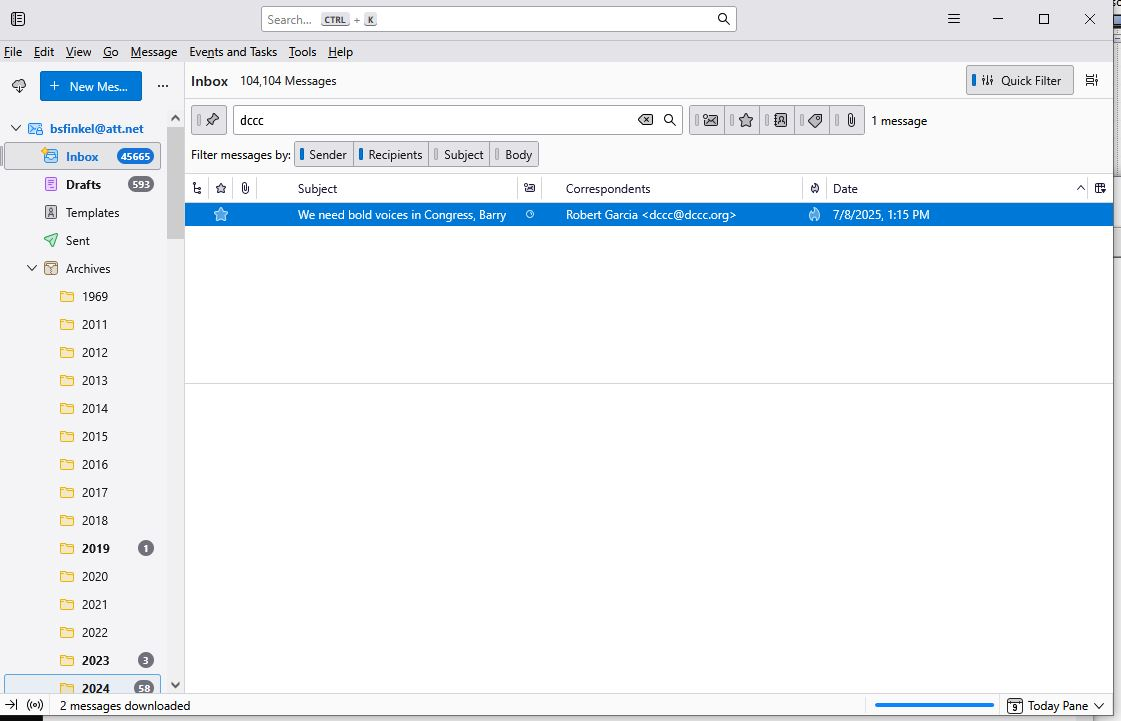
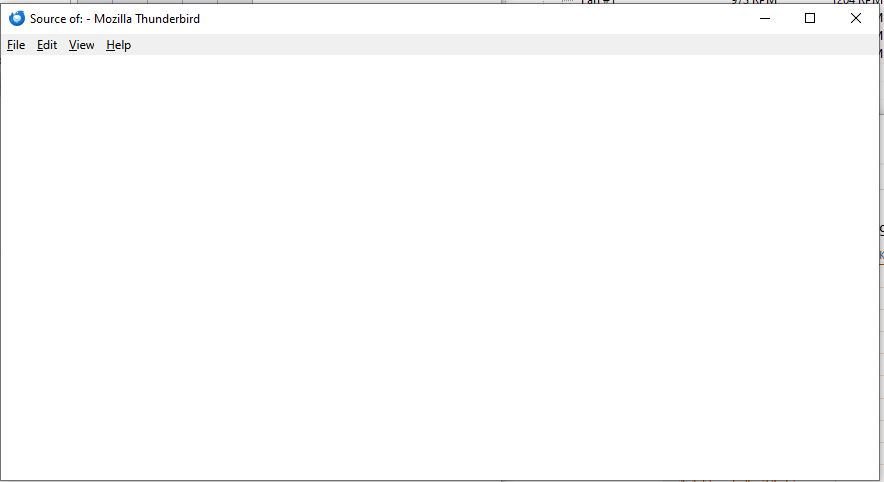
I was running TB 128.11.1esr up until 10:00 this morning on Windows 10 Professional 22H2 64-bit. I have some e-mail messages that I cannot delete. This morning I auto-upgraded to 1o 128.12.0esr and then to 140.0esr. I still cannot delete the messages When I try to delete a group of messages (containing the message in question), the messages in the in-box turn from black to gray, and I see at the bottom "Moving messages to Trash". But nothing happens. I did a "Compact folders", and it completed without any error messages. I can look at my Trash folder, and the contents seem to be intact. In one case, I individually deleted all of the messages except one. With this one, I open the message and see nothing in the bottom message content pane. When I do a "cntl-u" to see the RFC 5322 message headers, I see a window that is completely blank. What is happening, and how can I debug this? Thanks.
Gekozen oplossing
I solved my problem. I used grep, head, and tail to find the offending message in my large Inbox file, and I could not find it. Then I realized that the Inbox.msf must be corrupted. I exited TB, rename the Inbox.msf file, and restarted TB. The offending message no longer appeared in the Inbox summary pane. (Before I retired I once helped a user recover a handful of mail messages from a 3-GB mbox file.)
Dit antwoord in context lezen 👍 0Alle antwoorden (1)
Gekozen oplossing
I solved my problem. I used grep, head, and tail to find the offending message in my large Inbox file, and I could not find it. Then I realized that the Inbox.msf must be corrupted. I exited TB, rename the Inbox.msf file, and restarted TB. The offending message no longer appeared in the Inbox summary pane. (Before I retired I once helped a user recover a handful of mail messages from a 3-GB mbox file.)