


Windows 10 bereikte EO (einde ondersteuning) op 14 oktober 2025. Lees voor meer informatie dit artikel.

Windows 10 reached EOS (end of support) on October 14, 2025. For more information, see this article.

Zoeken in Support

Vermijd ondersteuningsscams. We zullen u nooit vragen een telefoonnummer te bellen, er een sms naar te sturen of persoonlijke gegevens te delen. Meld verdachte activiteit met de optie ‘Misbruik melden’.

Meer info

Deze conversatie is gearchiveerd. Stel een nieuwe vraag als u hulp nodig hebt.

Account settings alert message on incoming email

  • 2 antwoorden
  • 1 heeft dit probleem
  • 56 weergaven
  • Laatste antwoord van Bob

meer opties

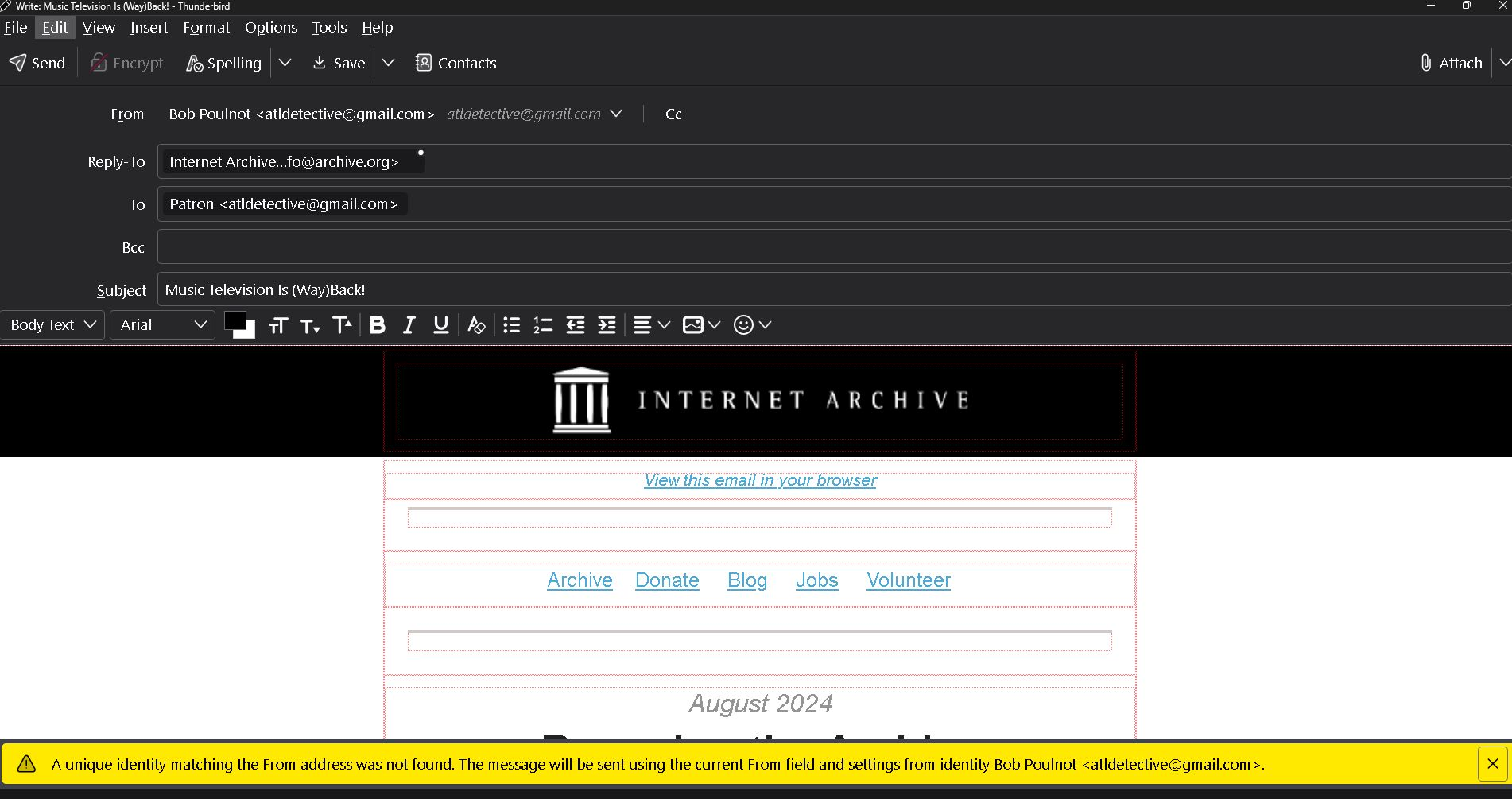
Apparently I have changed the Thunderbird account settings causing an alert message on all incoming emails. As shown in the bottom of the example attachment it reads, " The unique identity matching the prom address was not found. The message will be sent using the current from field and settings from identity Bob Poulnot <atldetective@gmail.com>.

Also by opening this incoming email it is showing at the top that it is "From" Bob Poulnot <atldetective@gmail.com> as a reply. I did not click on reply.

Please help. Thank you
Apparently I have changed the Thunderbird account settings causing an alert message on all incoming emails. As shown in the bottom of the example attachment it reads, " The unique identity matching the prom address was not found. The message will be sent using the current from field and settings from identity Bob Poulnot <atldetective@gmail.com>. Also by opening this incoming email it is showing at the top that it is "From" Bob Poulnot <atldetective@gmail.com> as a reply. I did not click on reply. Please help. Thank you
Gekoppelde schermafbeeldingen

Alle antwoorden (2)

meer opties
meer opties

Folderflags did not solve the problem. Also, I am having to reply to your email via google gmail instead of Thunderbird. The links in your message won't open.