


Migration of appdata missing folders and file

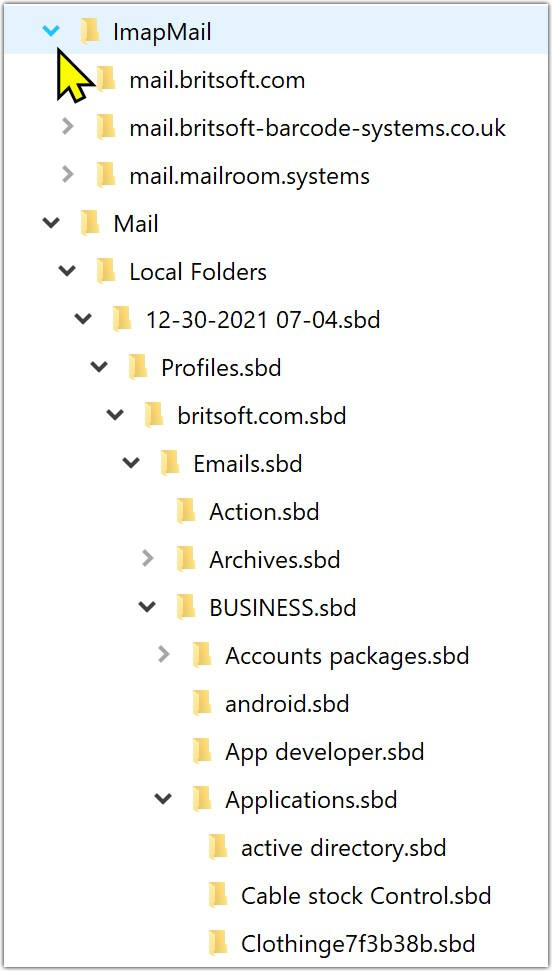
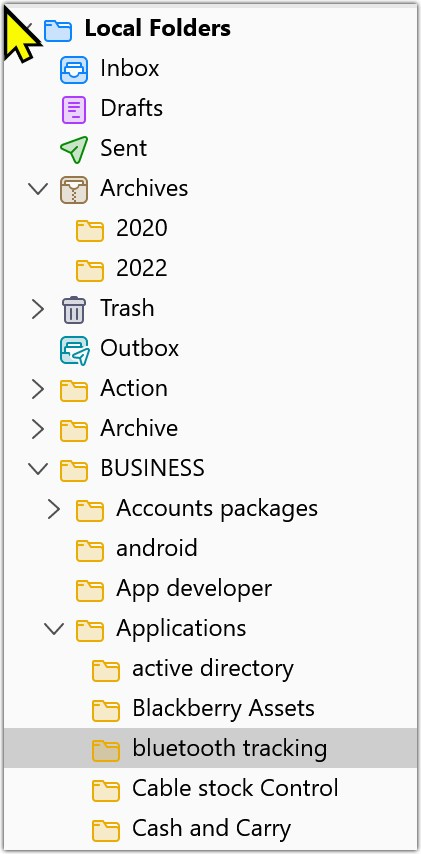
Some of the folders/file displayed in Tbird in Local folders do not have a corresponding file in the appdata/thunderbird/profile as in the attached images that show and example - Blackberry and Bluetooth appear in Tbird (tbird 1.jpg) but not in the profile tbird 2.jpg) . so I cannot transfer those folders and emails to another pc.
Gekozen oplossing
Many thanks, once I found the path that cracked it
Dit antwoord in context lezen 👍 0Alle antwoorden (6)
That second image is of just folders. Can you do a screenshot of all content, not just folders?
This is a screenshot of the expanded Applications folder - emails.sbd/business/applications. none of the subfolders show any further files
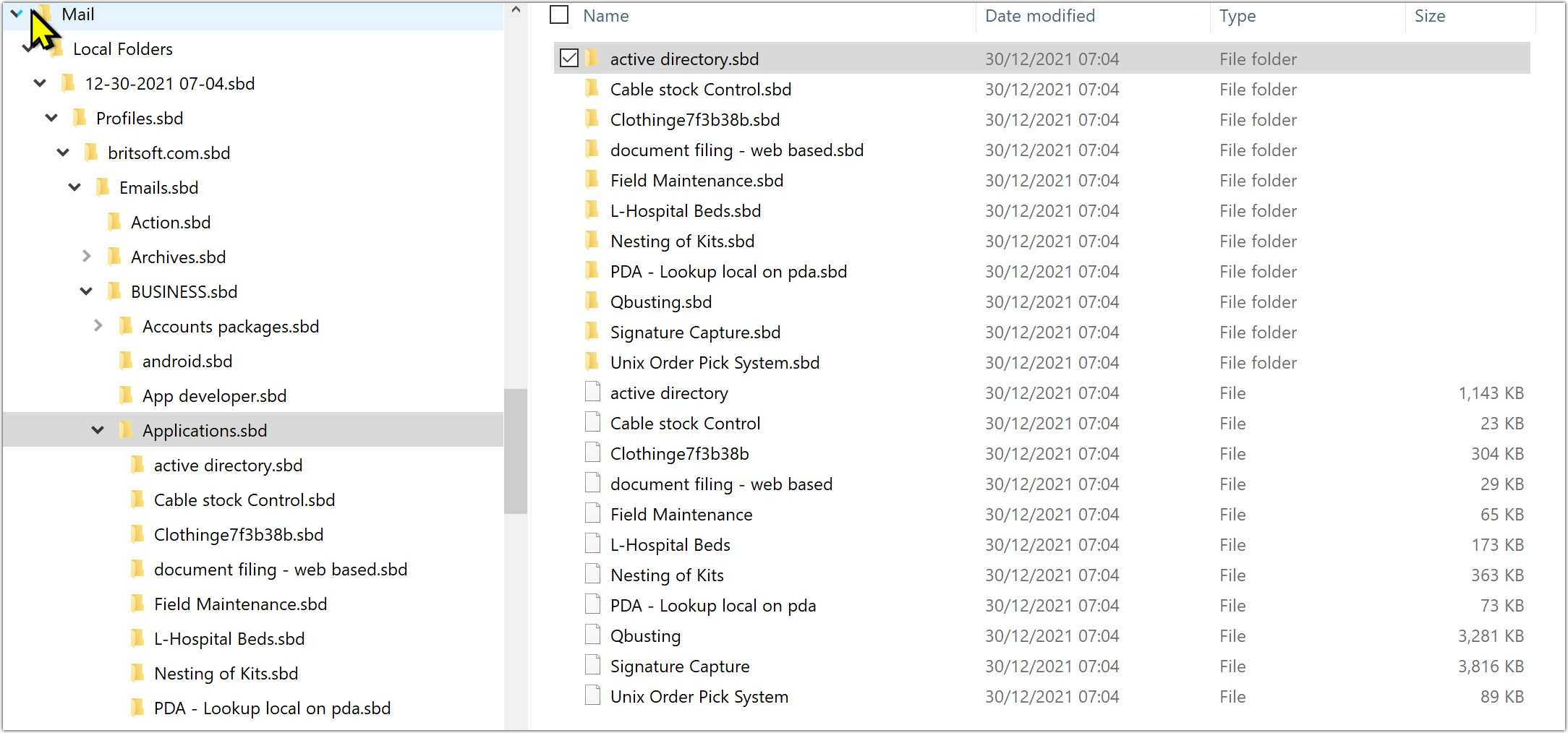
From what you show, the folders do not exist.
Yes its a mystery. As you can see from the Thunderbird image on the left, there are emails in the system somewhere but they do not seem to appear in the profiles in the right hand image. I need to do a complete search of the pc but am not sure what to look for. In this example would i search on the term "bluetooth tracking.*" or. msf or .sbd and if i can locate them would they register if i copied them to the profile folder?

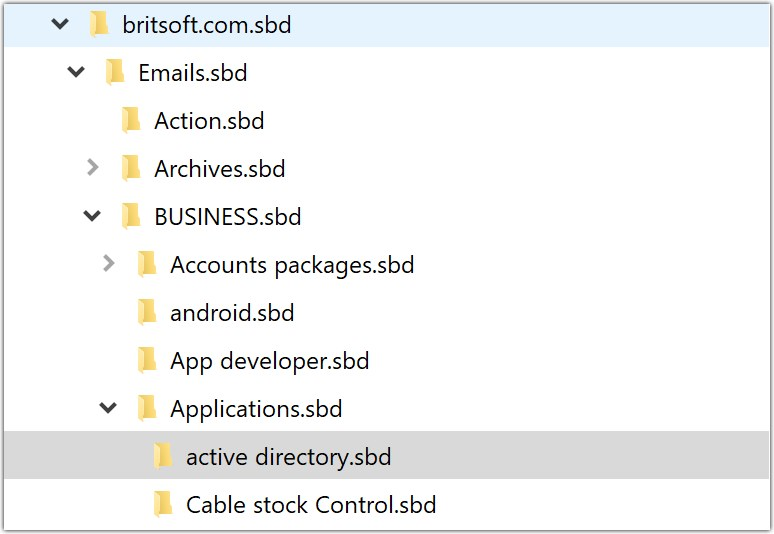
You might want to check to see if windows is set to show hidden or system files. That would explain them not showing.
Also right clicking the folder in Thunderbird and selecting properties will give you the path to the file starting with the internal Thunderbird URI of mailbox:///
Gekozen oplossing
Many thanks, once I found the path that cracked it