


Blurred screen on a few websites

Just lately I have been finding that, for a few websites, they are unusable because the screen looks extremely blurred. I have attached a screenshot. Compare this with what you see at ba.com.
I am wondering if this is caused by a new secure feature of FF which is incompatible with these few sites. Really, any suggestions would be welcome. Otherwise I have to use Edge..

Gekozen oplossing
Looks like it's by design. LMAO I turned off Ghostery and it automagically works now. What add-ons are you using?
Dit antwoord in context lezen 👍 0Alle antwoorden (6)
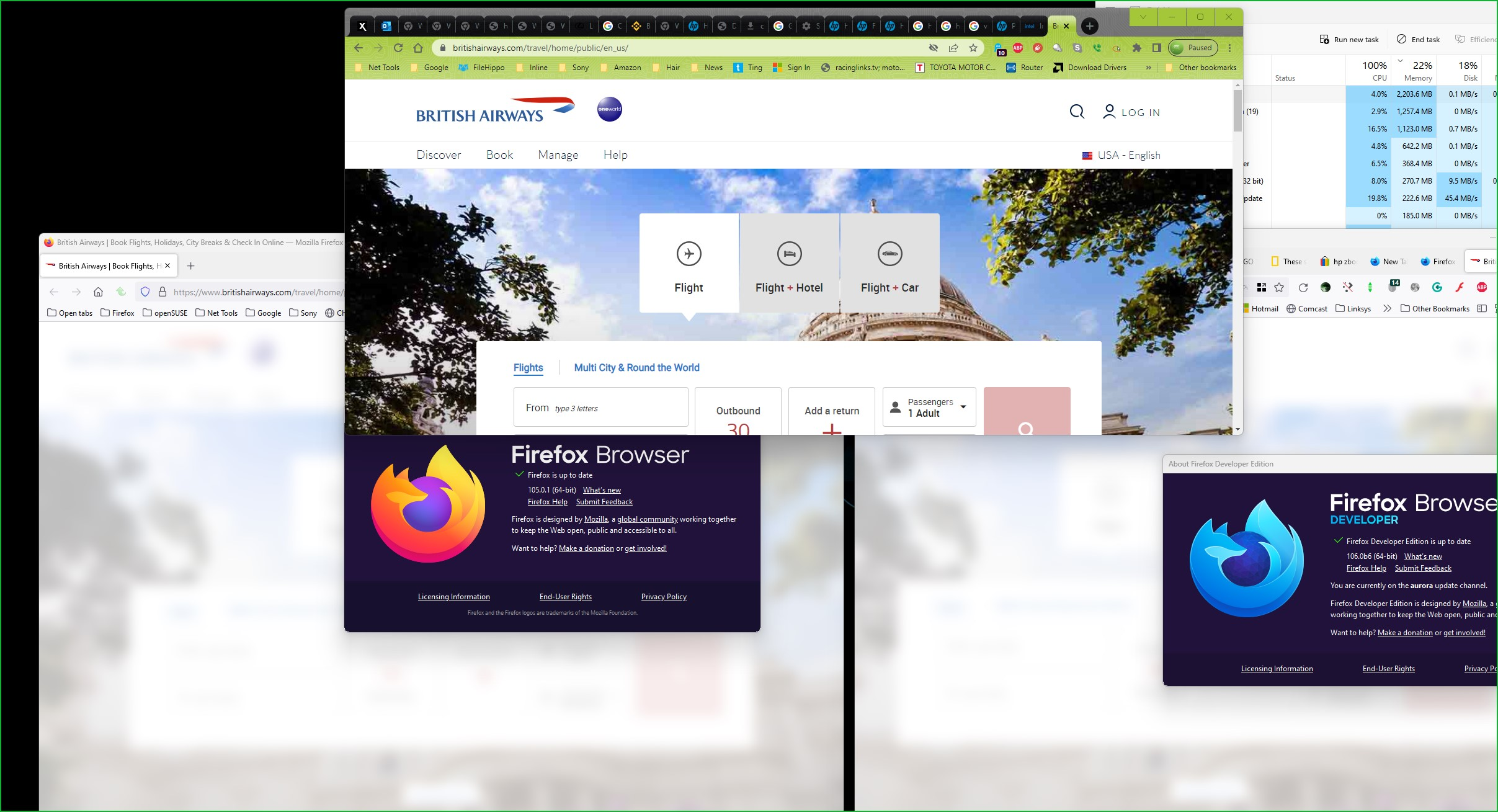
Interesting.... It works in Nightly and Chrome, but fails in 105.0.1 and Dev which is 106.0b6.

Bewerkt door jonzn4SUSE op
Gekozen oplossing
Looks like it's by design. LMAO I turned off Ghostery and it automagically works now. What add-ons are you using?
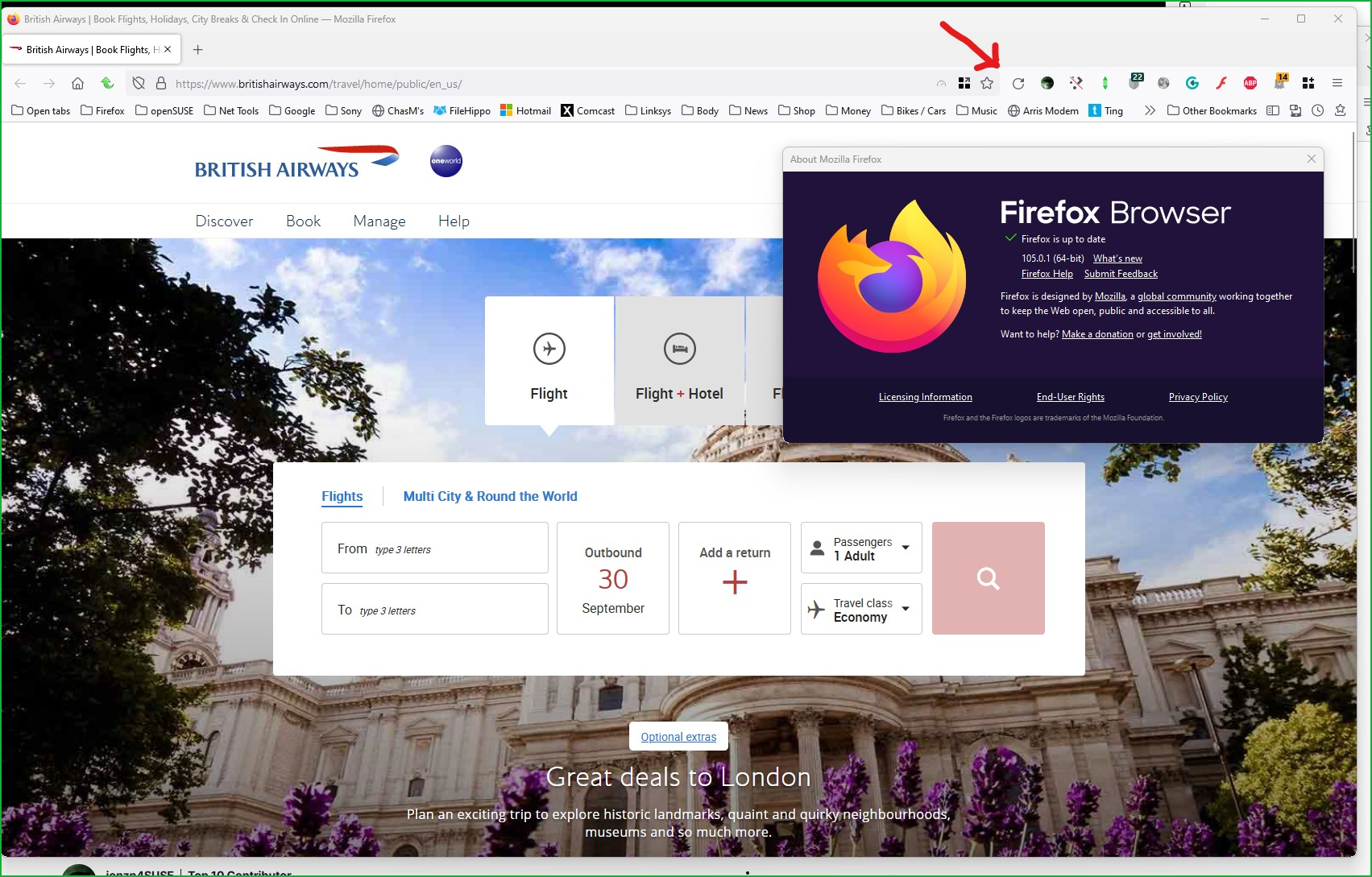
My Nightly has no add-on, but Chrome has Ghostery and it still works.
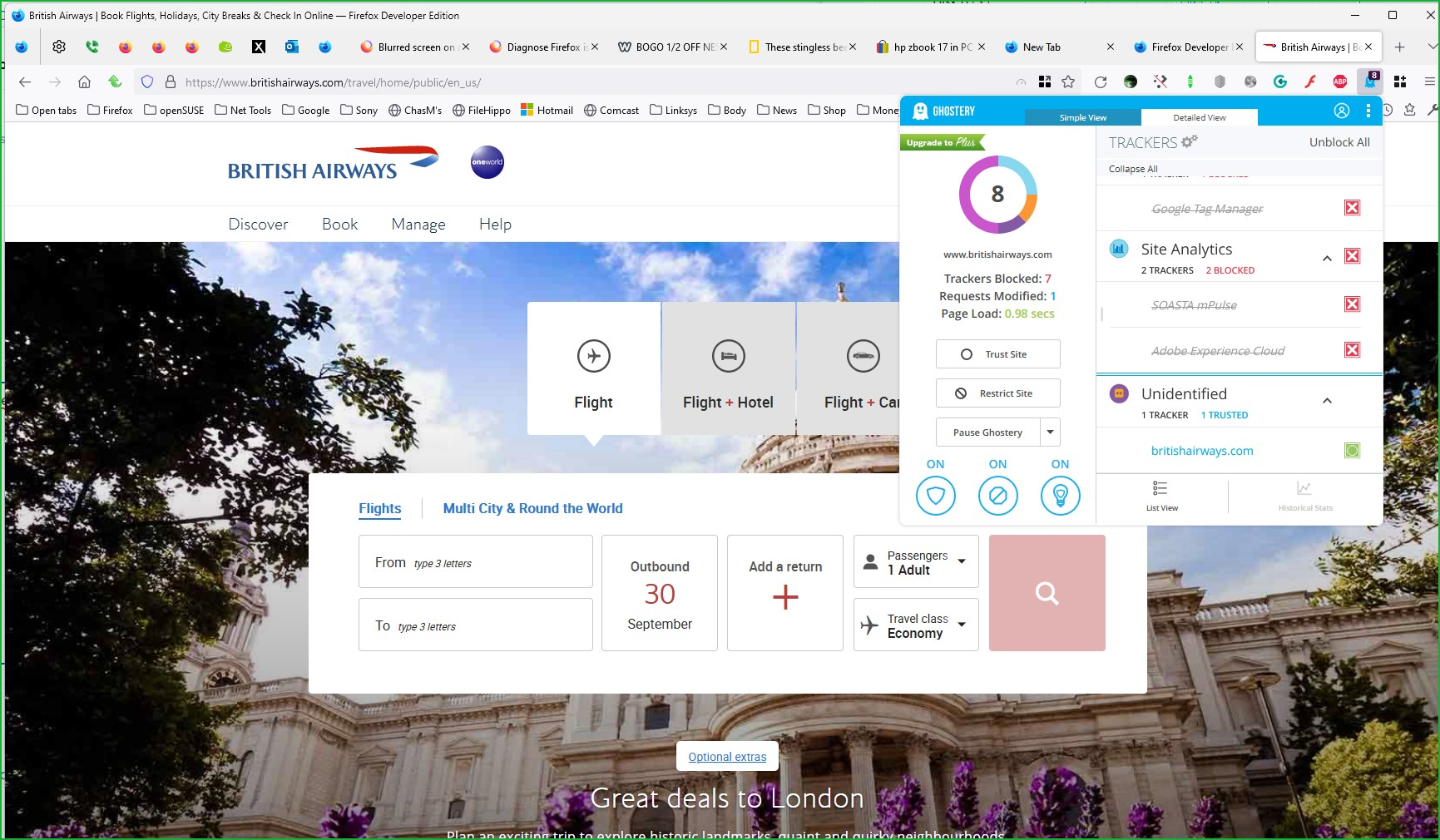
After allowing BA tracker in Ghostery, the site works in Dev. My 105.0.1 is currently not responding again and will test in it after killing it. ;-))
Bewerkt door jonzn4SUSE op
"What add-ons are you using?"
They include Ghostery….. Also uBlock Origin and DuckDuckGo Privacy Essentials. Maybe that is one too many and one is conflicting with another.
Anyway, I paused Ghostery for 30 minutes, and now ba.com works!
When I went to ba.com, the screen blurred, but then nothing. No request to allow cookies.
At least the problem seems to have been sorted out, and I am grateful for the replies.