


Suggestion about "minimize memory usage" function
Recently i found that the memory usage can be very large when watching live-stream,tried many ways to fix but none of them was useful. Then i found the new function of "minimize memory usage" button,it is useful,but not so convenient.Can you please add a new way to use this function? Like: set a number of memory usage(for example 256000KB),when reach this number trigger the "minimize memory usage".Then it will be like "auto minimize memory usage". Or,you can just set an UI button on the toolbar to trigger "minimize memory usage".
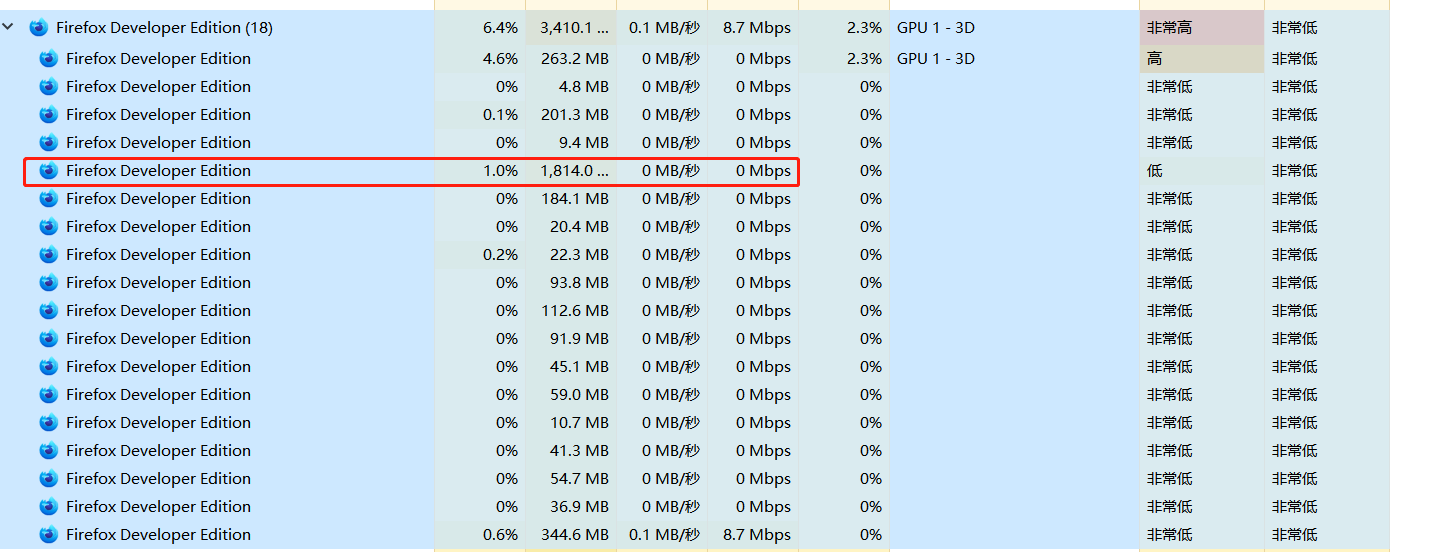
Please check my screenshot Pic1:It's the live-stream tab,memory usage 1800+MB Pic2:But it seems not so large in "about:performance"

Alle antwoorden (8)

I think you should just get more memory. In today's world of running dozens of tabs, more memory is must. The number of tabs you have open and the possible other apps you are running is an example. ;-) What are the specs of the computer?
Bewerkt door jonzn4SUSE op
Here's more info on memory usage. https://hacks.mozilla.org/2021/05/introducing-firefox-new-site-isolation-security-architecture/
https://support.mozilla.org/en-US/kb/firefox-uses-too-much-memory-or-cpu-resources
If you notice with Mac you cannot upgrade the ram later, which is why you have to think abiut the future. The current mac I'm on was bought back in 2012. I was thinking about the future which is why I bought it with the most ram offered at the time (16GBs).
I digress... ;-)
Bewerkt door jonzn4SUSE op
jonzn4SUSE 说
I think you should just get more memory. In today's world of running dozens of tabs, more memory is must. The number of tabs you have open and the possible other apps you are running is an example. ;-) What are the specs of the computer?
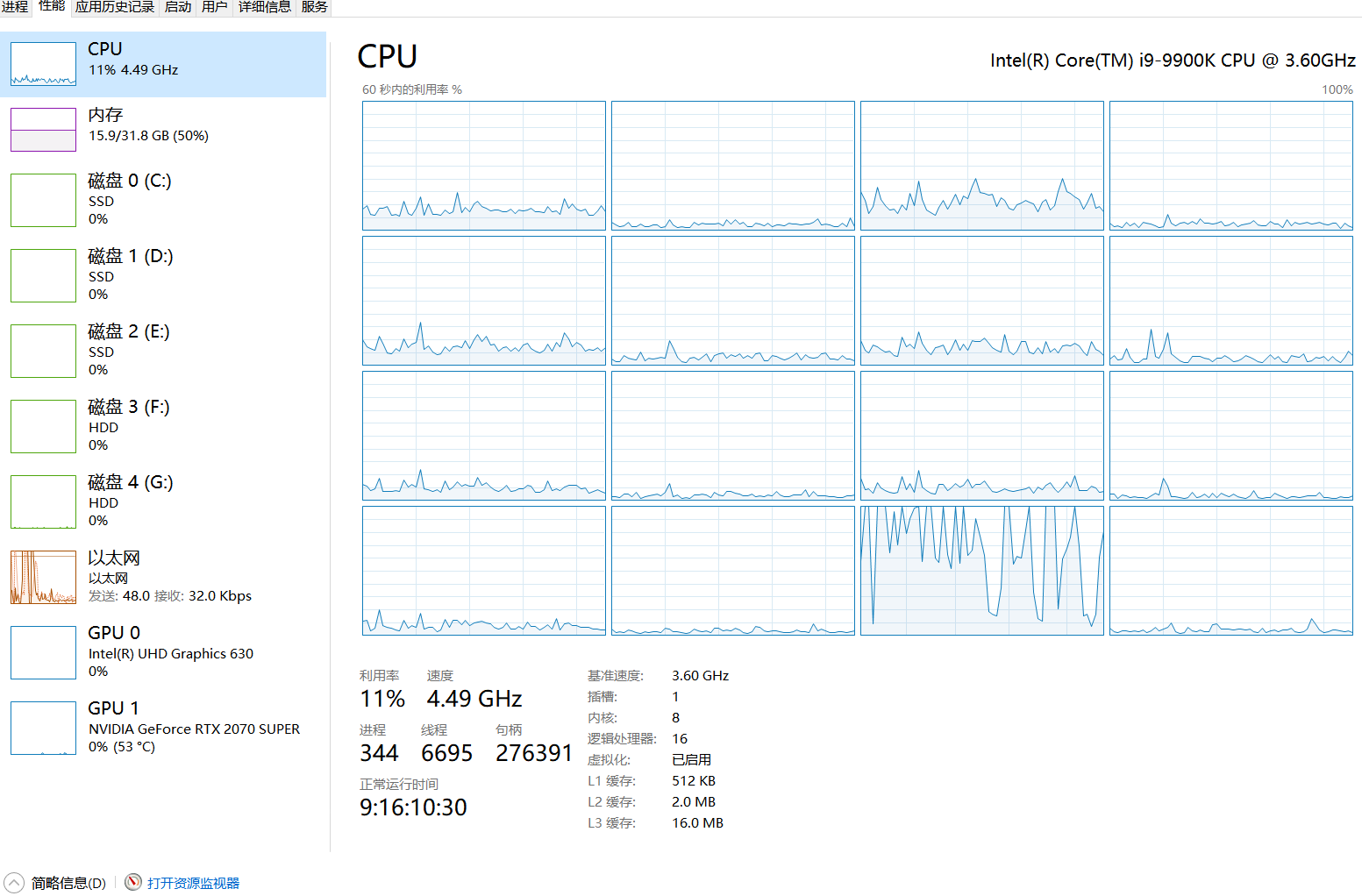
I consider that 32GB would be enough?I have 32GB now but it's still a problem of Firefox itself.And i think the "answer" should be something useful to solve the problem,not to kill the question.
Bewerkt door 小宇 op
Sounds like you didn't read the hack Mozilla article about Fission. Also, play with this option in Performance. https://support.mozilla.org/en-US/kb/performance-settings?as=u&utm_source=inproduct

I'm curious... Just to compare, why not get Chrome or any other browser going with the same tabs and other apps running to see what happens. 32 is a good number with i9! ;-)
jonzn4SUSE 说
Sounds like you didn't read the hack Mozilla article about Fission. Also, play with this option in Performance. https://support.mozilla.org/en-US/kb/performance-settings?as=u&utm_source=inproduct
Sounds like you haven't tried to watch live-stream,so you have no idea about this problem. I understand what you are saying,but it have nothing to do with my question. This problem affact like: Memory usage increasing,do not stop,can be large as 10GB(just one TAB which is playing live-stream),or may be more.Some one even get full RAM usage till the system stuck. As for why firefox?Because it's a good explorer,without considering this problem. I tried open or close the hardware button,not useful. Thanks for your answer,but maybe not so helpful...
Bewerkt door 小宇 op