


How to change the Tab color for inactive tabs?

How to change the Tab color for inactive tabs?
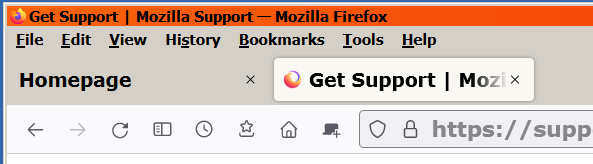
I have a userChrome file and have been able to change the color of the active tab but cannot do so for the inactive tab. The inactive tab color blends into the toolbar color. If I move my mouse cursor over it changes to a slight darker gray color.
Active tab color. I made mine a off white color:
.tab-background[selected="true"] {
background-color: #f9f7f1 !important;
}
Gekozen oplossing
Thanks terry21 That was the answer. I have changed the colors around to what I like.
Alle antwoorden (5)

I set tab colours differently. Since your code is working, I suggest that you repeat it but change [selected="true"] to not([selected="true"]):not(:hover) { ....
EDIT: Change the background-color value as well, presumably.
Bewerkt door Terry op
Hello I have tried this but not working. As long as the active tab can change color then that is good enough.
Thanks
I must admit I haven't seen that format. The following is more conventional and works.
.tabbrowser-tab[selected] .tab-content {
  background-color: #CCFFCC !important; }
.tabbrowser-tab:hover:not([selected]) .tab-content {
  background-color: #9CC6FC !important; }
.tabbrowser-tab:not([selected="true"]):not(:hover) .tab-content {
  background-color: #D0E4FE !important; }
You can add other attributes such as color and font-weight.
Gekozen oplossing
Thanks terry21 That was the answer. I have changed the colors around to what I like.

I do not have userChrome.