


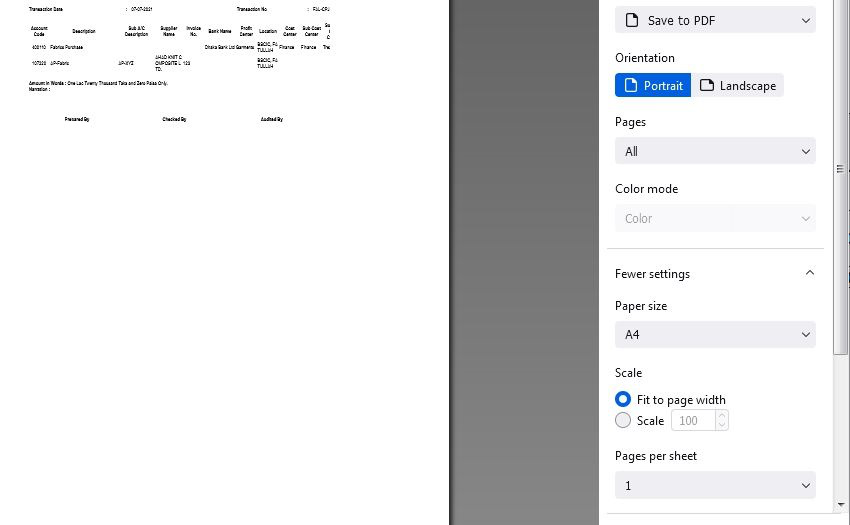
Just upgraded to new version - 90 and now shrink to fit no longer works.

Just upgraded to new version - 90 and now shrink to fit no longer works, what is the fix? Fit to page width for printing option.
Bewerkt door Reaz op
Alle antwoorden (8)
Original Document
Print Preview
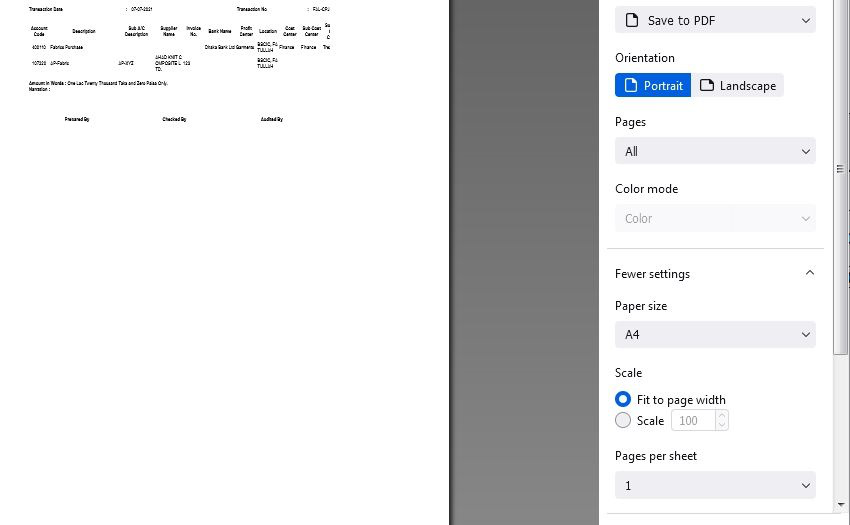
Sorry, there is a bug in Firefox 90 with printing pages that need to be scaled. Several reports have been submitted in the bug tracking system in recent days but we do not yet know how long it will take to find a solution.
I hope that early as possible this bug will be solve. Thank you @jscher2000
It's wider than scaling, isn't it? My pages preview correctly, but come out of my printer covering only 3/4 of the page, with the right-hand content missing, and with headers and footers on (despite their being set to 'off' in the print dialog) and drifting half off the edges of the page. I'm having to use Edge at the moment, although Brave seems like a reasonable alternative.
Hi dadinmenston, if you set the scale to 100% there is no problem. That is why I say it is a problem with how Firefox prints if the scale is changed from 100%.
Could you start a new question listing the exact steps you're using that cause headers and footers to appear when that checkbox is clear/unchecked? I am not able to reproduce that problem. https://support.mozilla.org/questions/new/desktop/form
Version 90.0.2 was released today to fix this printing problem. https://www.mozilla.org/firefox/90.0.2/releasenotes/
Thank you so much.