


Search Bar not working after update

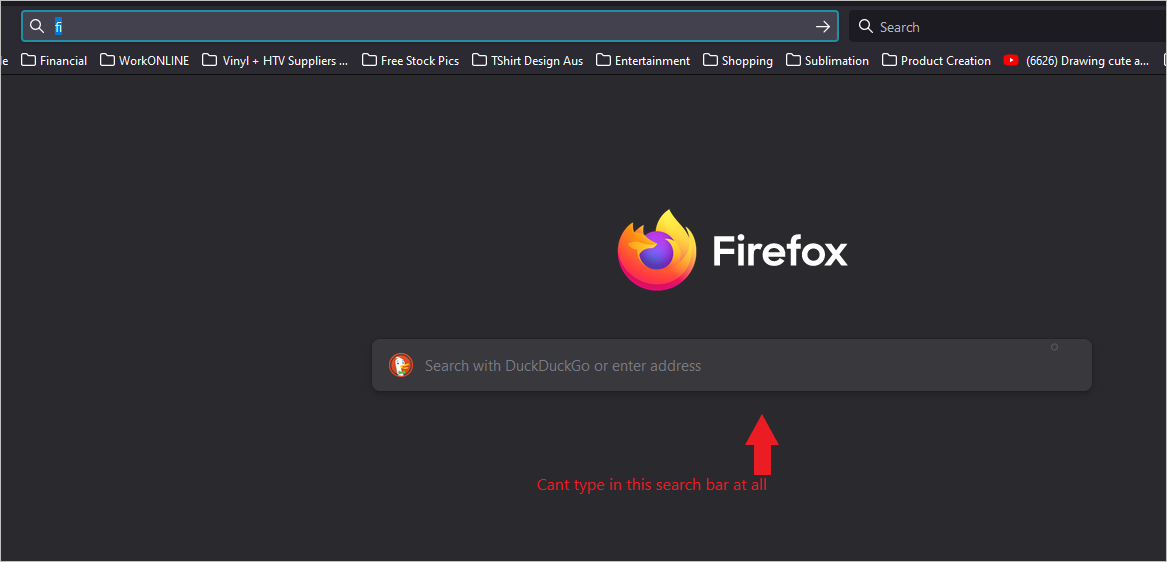
Hi, Firefox search bar is not letting me type search term in it, defaults to address bar. The only way i can search is to put search bar in next to address bar. Has this other search bar been disabled or is it a glitch after the update? If anyone could help that would be awesome.
Cheers
Alle antwoorden (2)
Gekozen oplossing
Hi quantumkat17, there is a preference for this:
(1) In a new tab, type or paste about:config in the address bar and press Enter/Return. Click the button accepting the risk.
(2) In the search box in the page, type or paste handoff and pause while the list is filtered
(3) Double-click the browser.newtabpage.activity-stream.improvesearch.handoffToAwesomebar preference to switch the value from true to false
Success?
More info on about:config: Configuration Editor for Firefox.
Yay, fixed! Thank you very much for your help. Appreciated!