


open teams in firefox
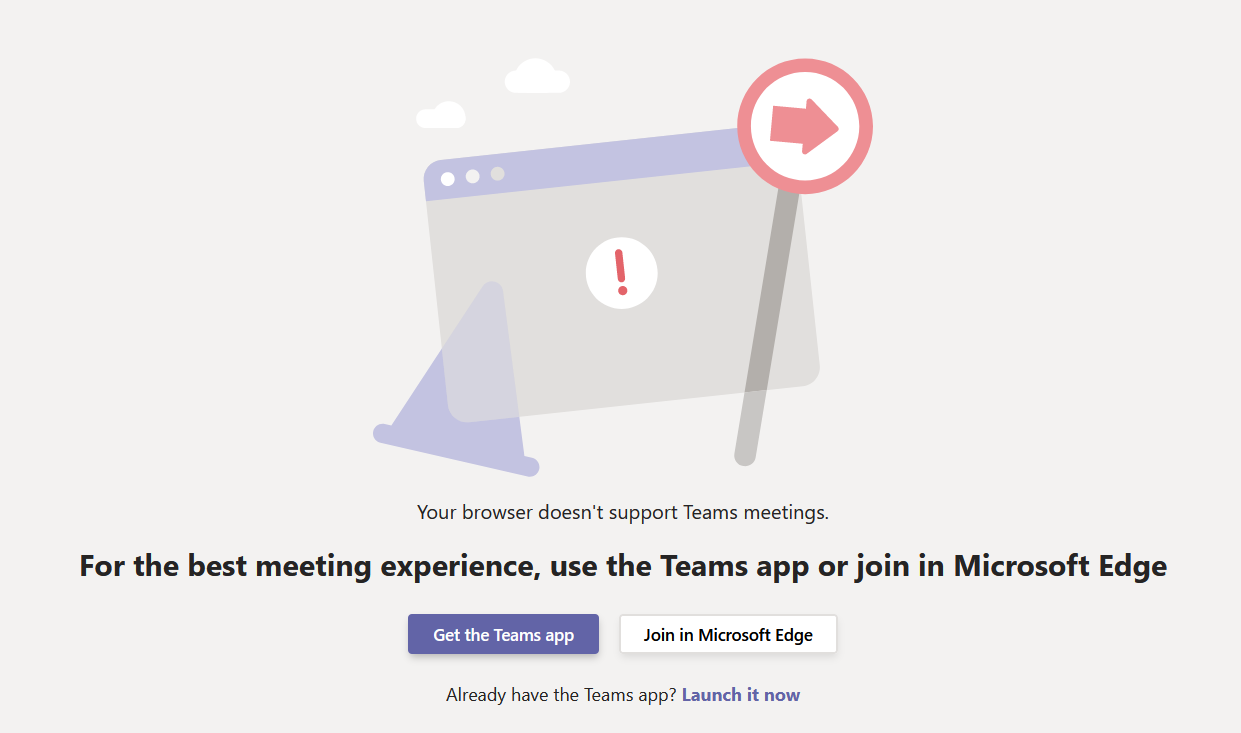
I have firefox 78.0.1 64b on windows 10 installed I have teams of MS installed if you go the website of teams called by meeting invite - there is a possibility to start the teams standalone application. when requesting this in FF, it does not start teams - on the page is also indicated that FF is not supported for teams. if I do this in edge (I never use edge - just for test) this opens the appl is there a setting that would prevent this ? can we configure this to allow starting an appl ? thanks for all update/help best regards, Guy
Gekozen oplossing
hello, this is a known bug in firefox 78 that should get addressed in a 78.0.2 release over the coming days. in the meantime a workaround would be to about:config into the firefox address bar (confirm the info message in case it shows up), search for the preference named security.allow_disjointed_external_uri_loads and change its value to true.
Dit antwoord in context lezen 👍 2Alle antwoorden (2)
Gekozen oplossing
hello, this is a known bug in firefox 78 that should get addressed in a 78.0.2 release over the coming days. in the meantime a workaround would be to about:config into the firefox address bar (confirm the info message in case it shows up), search for the preference named security.allow_disjointed_external_uri_loads and change its value to true.
thanks for the update yes, this corrected my problem best regards, Guy