


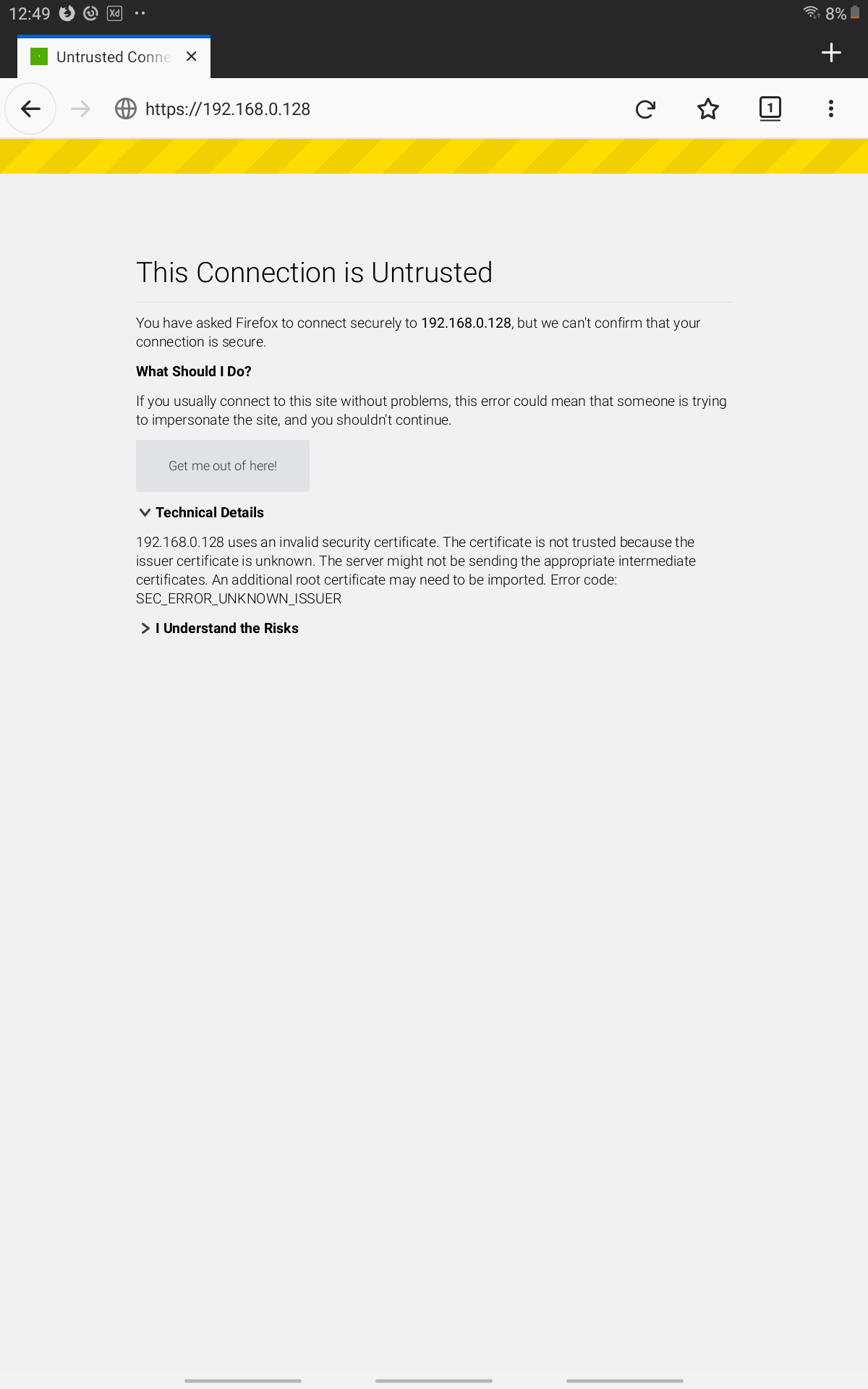
Firefox for Android doesn't approve my self-signed certificate. The error is sec_error_unknown_issuer
I have a self-signed certificate, which, after being imported to the OS, is approved in Windows Chrome and Android Chrome. It is also approved in Windows Firefox, after being imported manually from the Firefox settings.
The problem is that whatever I do, it is not approved in Android FIrefox.
As suggested by some internet topics, I tried the following steps: 1. Rename the certificate file from .crt to .pem and upload it on a webserver. Set the MIME type to "application/x-x509-ca-cert" 2. Open the file from the android Firefox and install the certificate
Unfortunately, this didn't solve the problem. I attached a screenshot
Alle antwoorden (3)
Hi
Do you have the certificiate installed in the Android certificate store?
If you do not, I would recomend that you do as a first step.
Hi,
That was the first thing I tried. It didn't work.
I got the following information from Bitdefender, which resolved the problem for me:
In order to resolve this issue please follow these steps:
- open Firefox - press on the menu button in the upper right that looks like three bars one under another - go to Options - go to Privacy & Security - press on View certificates - go to Authorities - delete any Bitdefender entries in the list - press on Import - navigate to C:\Program Files\Bitdefender Antivirus Free\web\mitm_cache - select fake-ca.crt and press on Open - check all the boxes you are prompted with - press on next until the certificate is installed
Restart Firefox. A restart of the computer may also be required.