

Deze conversatie is gearchiveerd.
Stel een nieuwe vraag als u hulp nodig hebt.

Gearchiveerd
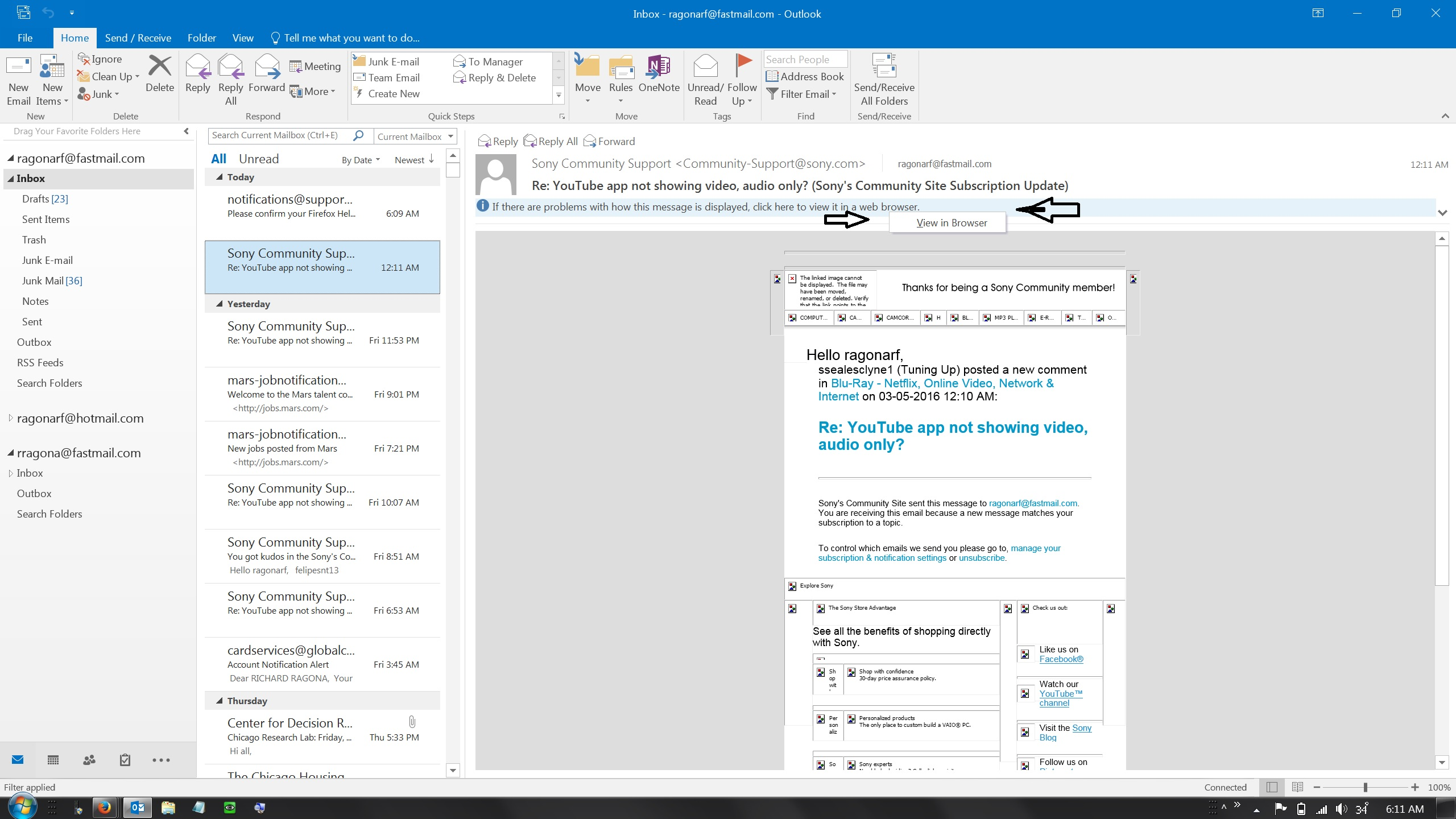
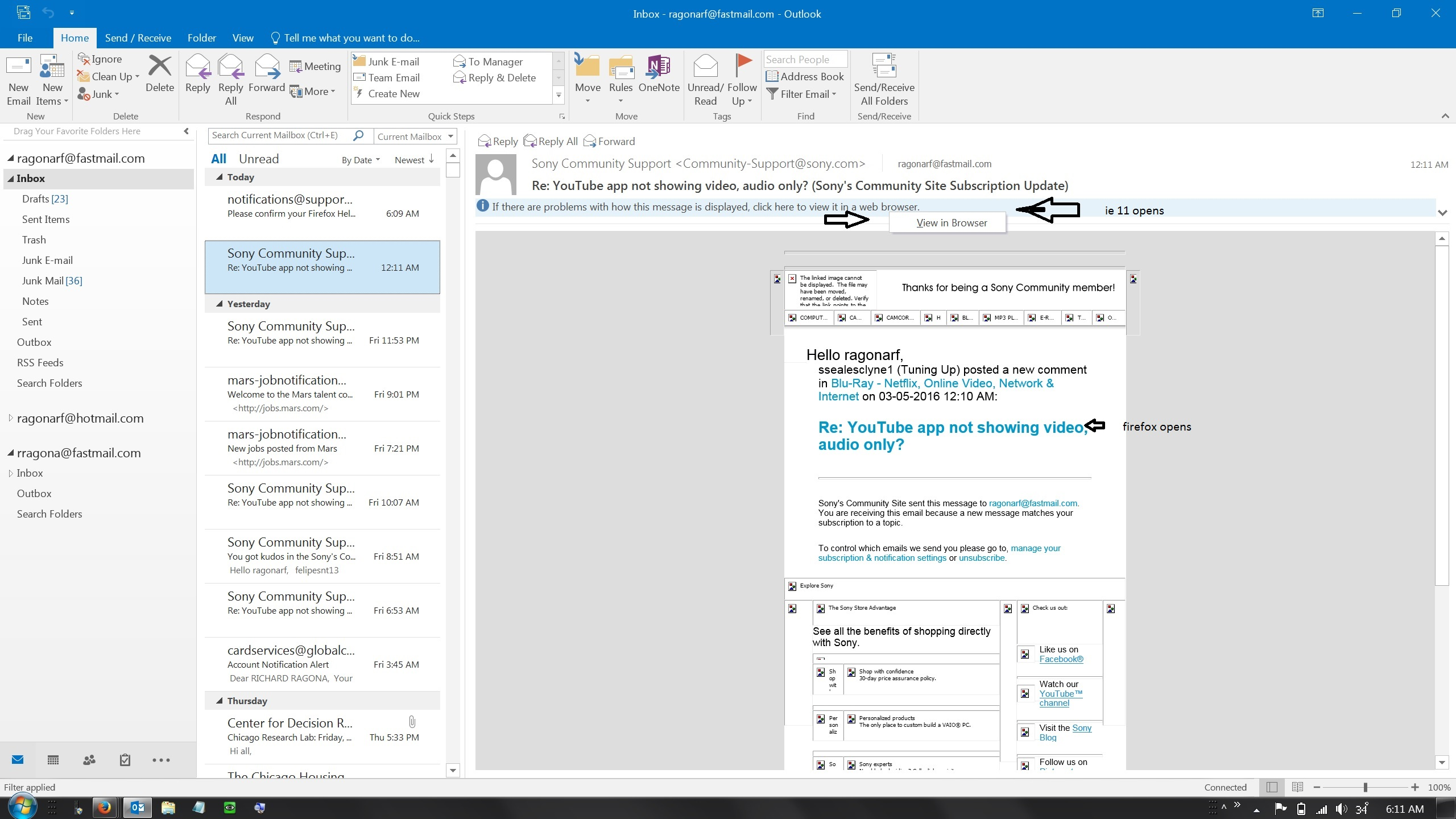
outlook 2016 "view in browser" opens ie 11

Windows 7 pro 64 bit sp1 outlook 2016. firefox 44.0.2 is set as default browser
when there are problems with how a message is displayed in the outlook 2016 preview pane and i click "view in browser" ie 11 opens instead of firefox (see image. however, when i click a link in the email firefox opens the it works as expected.
any ideas
Windows 7 pro 64 bit sp1 outlook 2016. firefox 44.0.2 is set as default browser
when there are problems with how a message is displayed in the outlook 2016 preview pane and i click "view in browser" ie 11 opens instead of firefox (see image. however, when i click a link in the email firefox opens the it works as expected.
any ideas
Alle antwoorden (1)
Hi there. See the explanation here, http://answers.microsoft.com/en-us/office/forum/office_2016-outlook/how-do-i-change-the-default-browser-used-by/. Apparently Outlook (2016) creates a temporary file with the extension MHT that you need to specify separately from your default browser selection.
Once you set MHT to open with your browser of choice you should be set.