Firefox Theme Modifies File Explorer Color
(Categorized as "accessibility" because I feel this is a vision-related issue - if I mistagged the topic please correct me... I don't know where aesthetic issues go.)
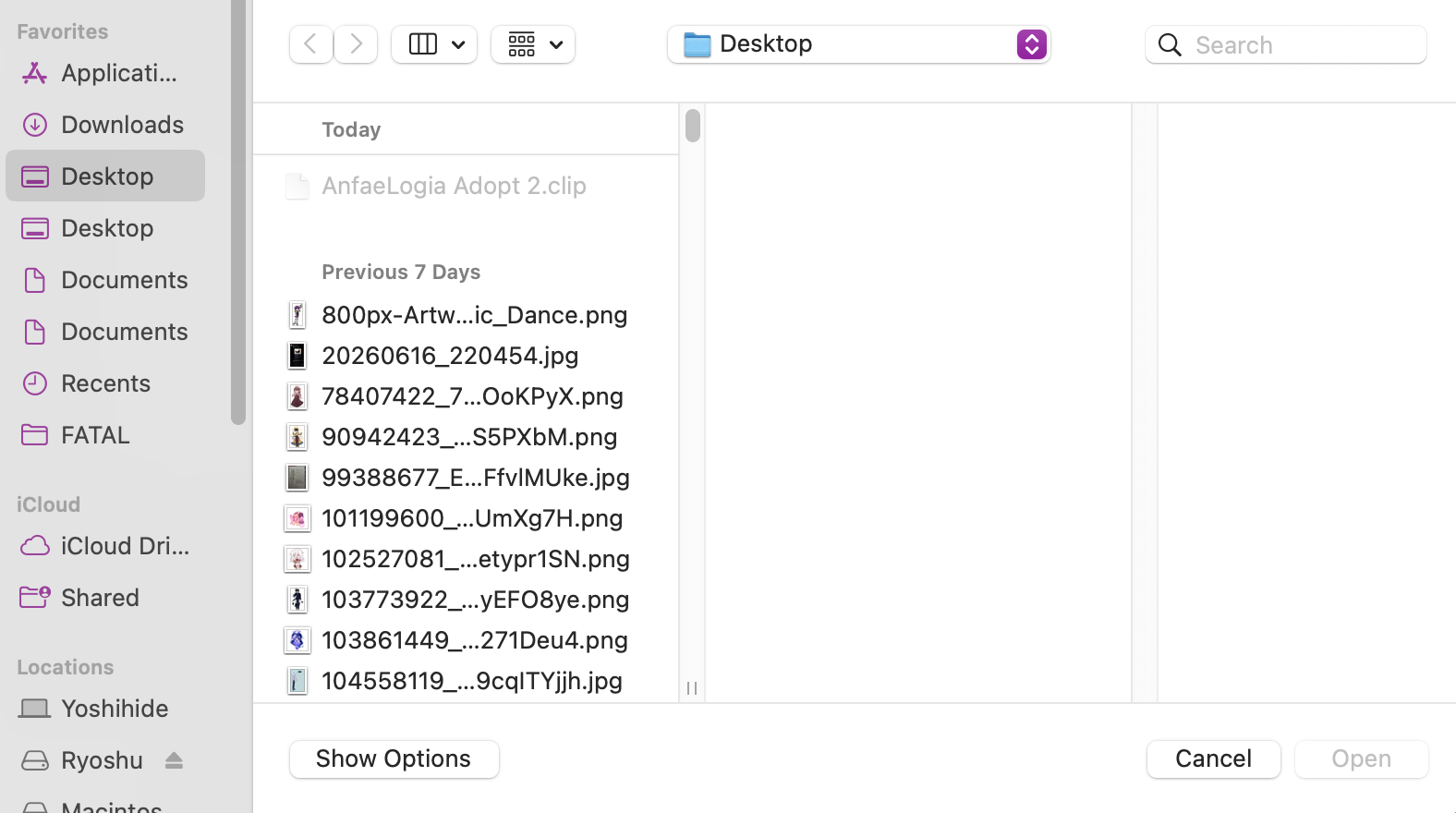
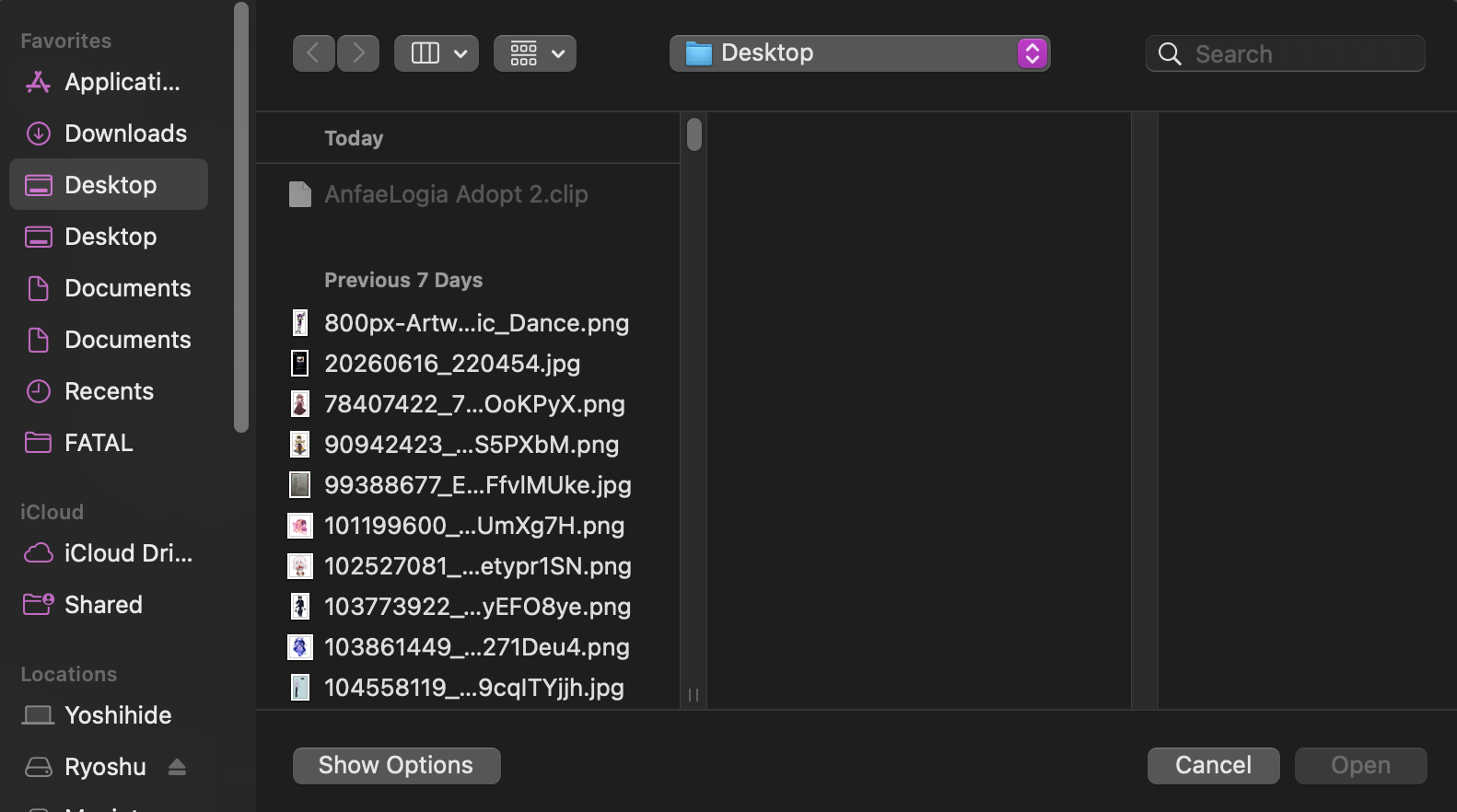
Image 1 is how the file explorer looks with a lighter Firefox theme (my main one), Image 2 is with a slightly darker theme. Both are primarily light blue, so I'm not sure why this has happened.
I have my computer and most websites I use on dark mode because I have an easier time reading white on black or dark grey than I do black on white when it gets later in the day. I want to be able to have the darker file explorer with my theme of choice, since light mode kind of burns my eyes...
Is this a new feature added in the most recent update, or something? I haven't had this issue prior to today - if it's a new thing, is there a way to turn off the light file explorer so that I don't have to change themes?