


I don't know how to install the import/export tool into Thunderbird.

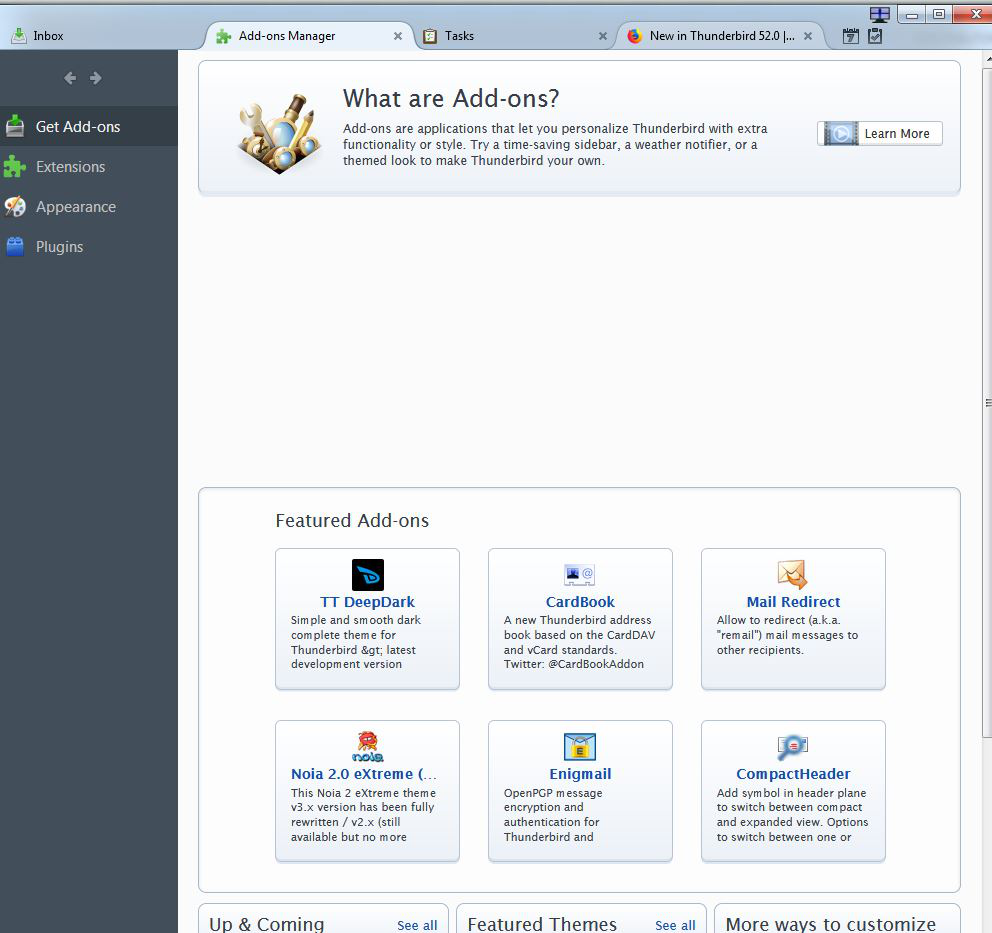
I have installed Thunderbird on my Win 7 laptop as I am fed up with Windows Live Mail (ugh) but am having difficulty importing all my messages and contacts. I have read all your instructions and downloaded the import/export tool. Now I am stuck. I am unable to install the tool using the Add-on Manager. Screenshot of Add-On Manager page attached. The tool has been downloaded and is sitting in my Download folder. What do I do next???
Chosen Solution
Good to hear. Please mark this solved if your issue is solved.
All Replies (3)
Open the add on tab in Thunderbird Click Extensions Click the icon that looks like a gear. Select Install from file
Thank you, Airmail. I eventually managed to import all my mail and now I will import all my contacts.
Chosen Solution
Good to hear. Please mark this solved if your issue is solved.