


Missing Pinned and Opened Tabs

Hi, least night I was using Firefox and all was fine. I closed it as usual. This morning all of my tabs were gone! I still have my bookmarks but the tabs are gone. Is there any way to get them back? I can only assume that this is from the recent update?
Thanks, Steve
Hi, least night I was using Firefox and all was fine. I closed it as usual. This morning all of my tabs were gone! I still have my bookmarks but the tabs are gone. Is there any way to get them back? I can only assume that this is from the recent update?
Thanks,
Steve
Chosen solution
Did you check "History -> Restore Previous Session" and "History -> Recently Closed Windows/Tabs" ?
Read this answer in context 👍 2All Replies (4)
Can we get a screenshot of the files in the sessionstore-backup folder which is in your profile folder. see screenshot
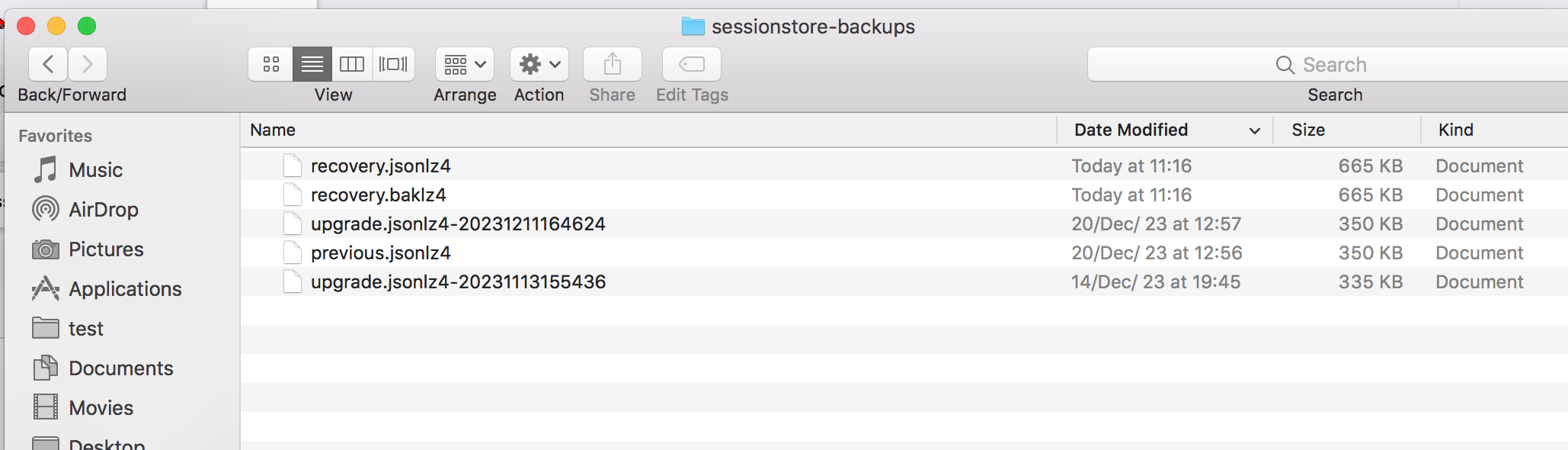
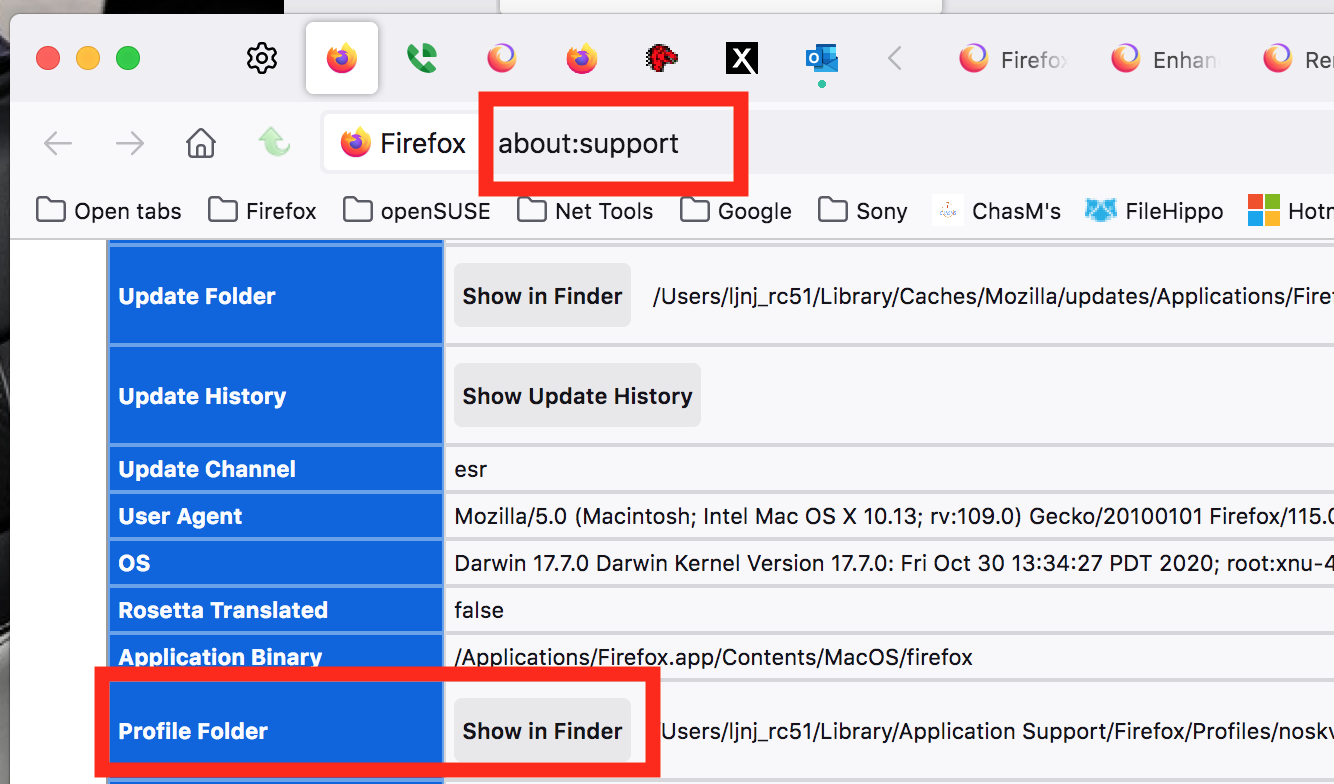
Modified by jonzn4SUSE
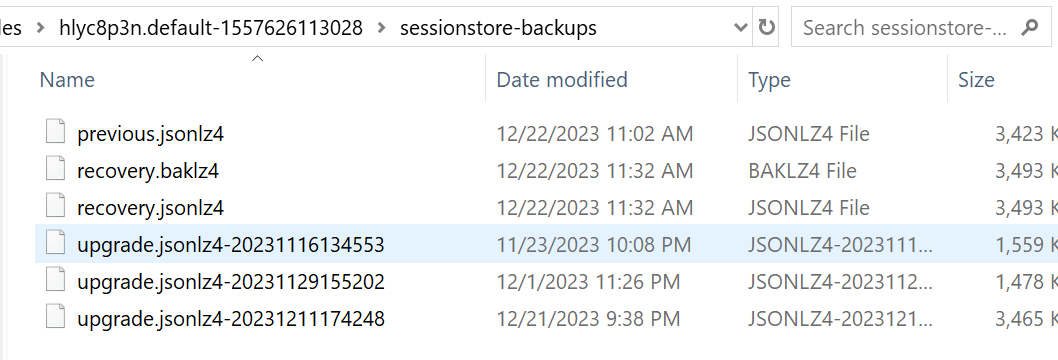
Chosen Solution
Did you check "History -> Restore Previous Session" and "History -> Recently Closed Windows/Tabs" ?