Open
Prime video freezes on MacOS in Firefox
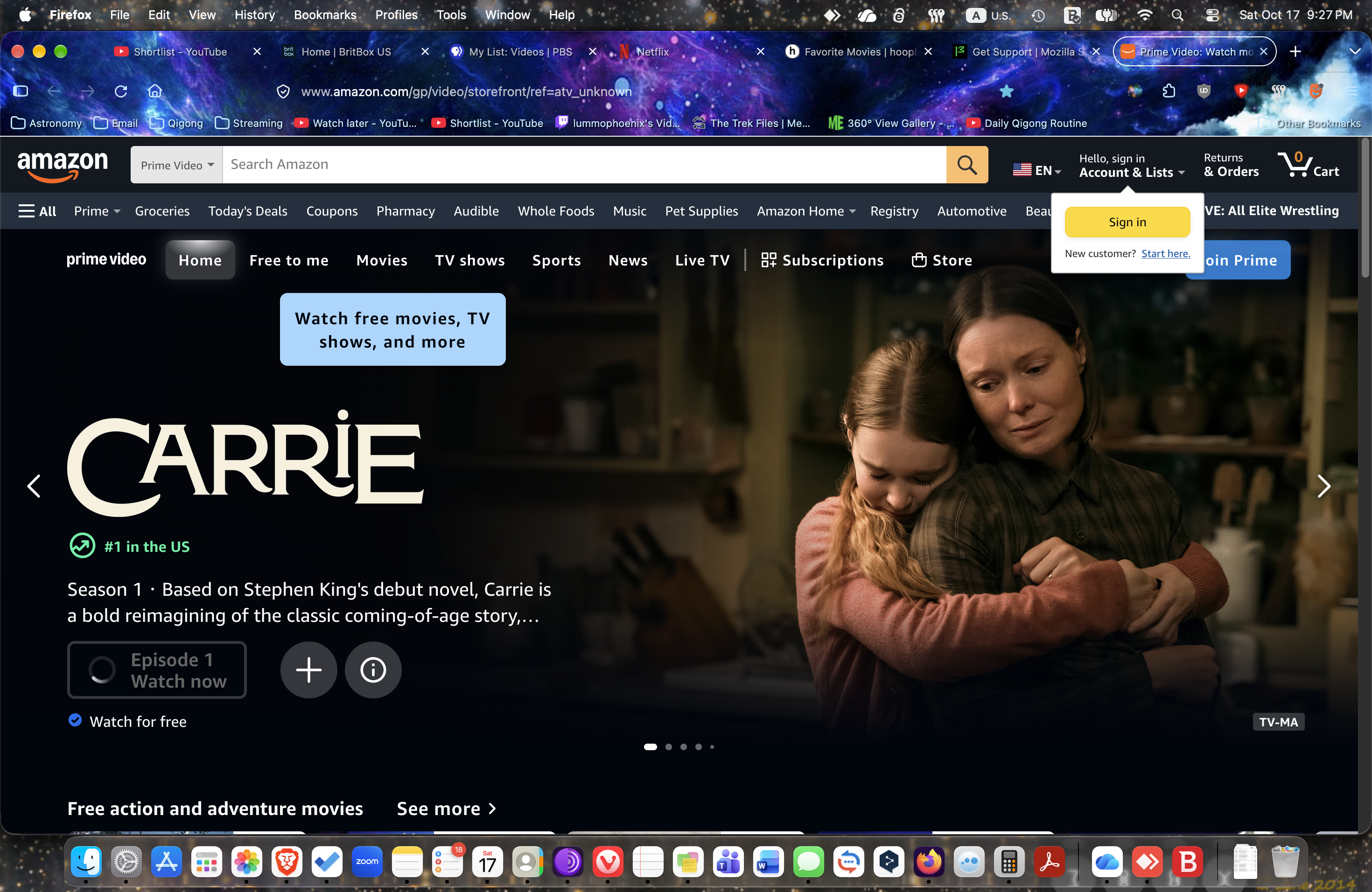
I recently updated to Firefox 158.0 on my MacOS, which is on OS 27.0.1 and all of a sudden, my Prime Video home page won't play videos. It just shows the spinny circle where I should be able to hit play, and in fact I cannot click on anything on the page. I can close it and open amazon again, but as soon as I go to Prime Video, it freezes up. I've tried deleting cookies and clearing the cache, restarting my Mac, but nothing seems to help.
I recently updated to Firefox 158.0 on my MacOS, which is on OS 27.0.1 and all of a sudden, my Prime Video home page won't play videos. It just shows the spinny circle where I should be able to hit play, and in fact I cannot click on anything on the page. I can close it and open amazon again, but as soon as I go to Prime Video, it freezes up. I've tried deleting cookies and clearing the cache, restarting my Mac, but nothing seems to help.