


Open
Restoring Thunderbird after Windows Reinstall
My Windows 11 was recently reinstalled to factory settings, which uninstalled Thunderbird but saved my mobx files. I used Thunderbird exclusively to view older emails that are stored on my PC as mobx files. I do not use Thunderbird as an active email client. I reinstalled Thunderbird, but have been unable to get it to find my mobx files that are stored together in a folder.
My Windows 11 was recently reinstalled to factory settings, which uninstalled Thunderbird but saved my mobx files. I used Thunderbird exclusively to view older emails that are stored on my PC as mobx files. I do not use Thunderbird as an active email client. I reinstalled Thunderbird, but have been unable to get it to find my mobx files that are stored together in a folder.
All Replies (1)

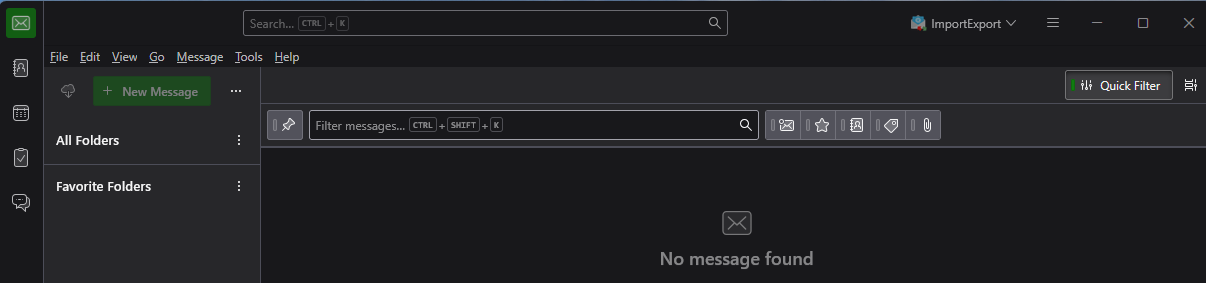
You want to put the mbox files in the Local Folders pseudo-account. Your Local Folders pseudo-account seems to be hidden.
- Click on the three dots on the right of the "new message" button and uncheck "Hide local folders".
- Install the ImportExporttoolsNG add-on.
- Right click on the Local Folders account name in the folder pane.
- Select ImportExportTools NG > Import mbox files > All mbox files from directory.