Open
How do I turn off the halfling-browser for links open in apps?
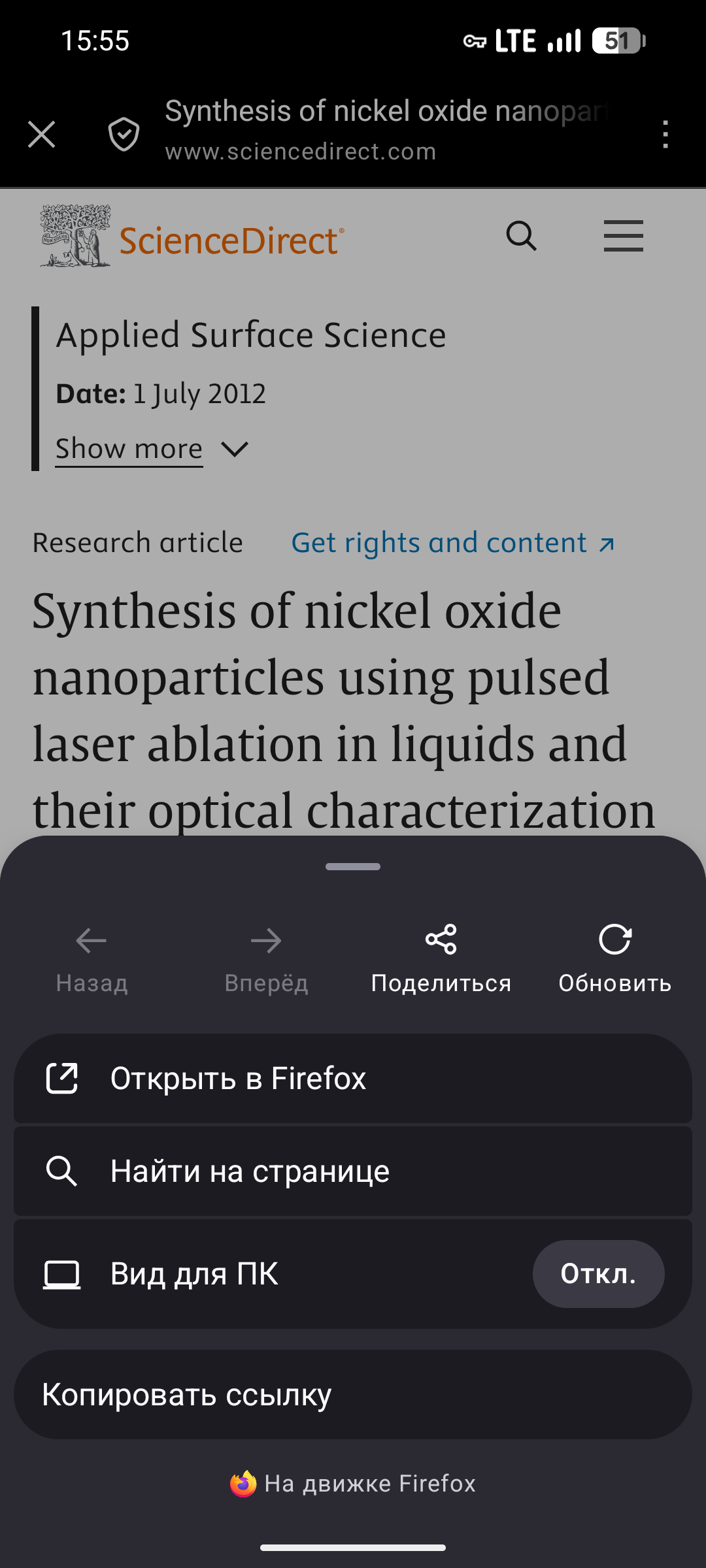
Hello. Whenever I open a link in another app, it opens this piece of art. Then, to not lose what I opened, I have to tap three dots and "Open in Firefox". I have "open links in-app" function turned off both in Firefox and all the other apps, where possible, but it still doesn't open links in normal Firefox as new tabs like the desktop browser does. I can't describe how much it pisses me off sometimes, it is so inconvenient. How do I turn this off? Maybe there's a community mod for it? Something??
Hello. Whenever I open a link in another app, it opens this piece of art. Then, to not lose what I opened, I have to tap three dots and "Open in Firefox". I have "open links in-app" function turned off both in Firefox and all the other apps, where possible, but it still doesn't open links in normal Firefox as new tabs like the desktop browser does. I can't describe how much it pisses me off sometimes, it is so inconvenient. How do I turn this off? Maybe there's a community mod for it? Something??