


website not open

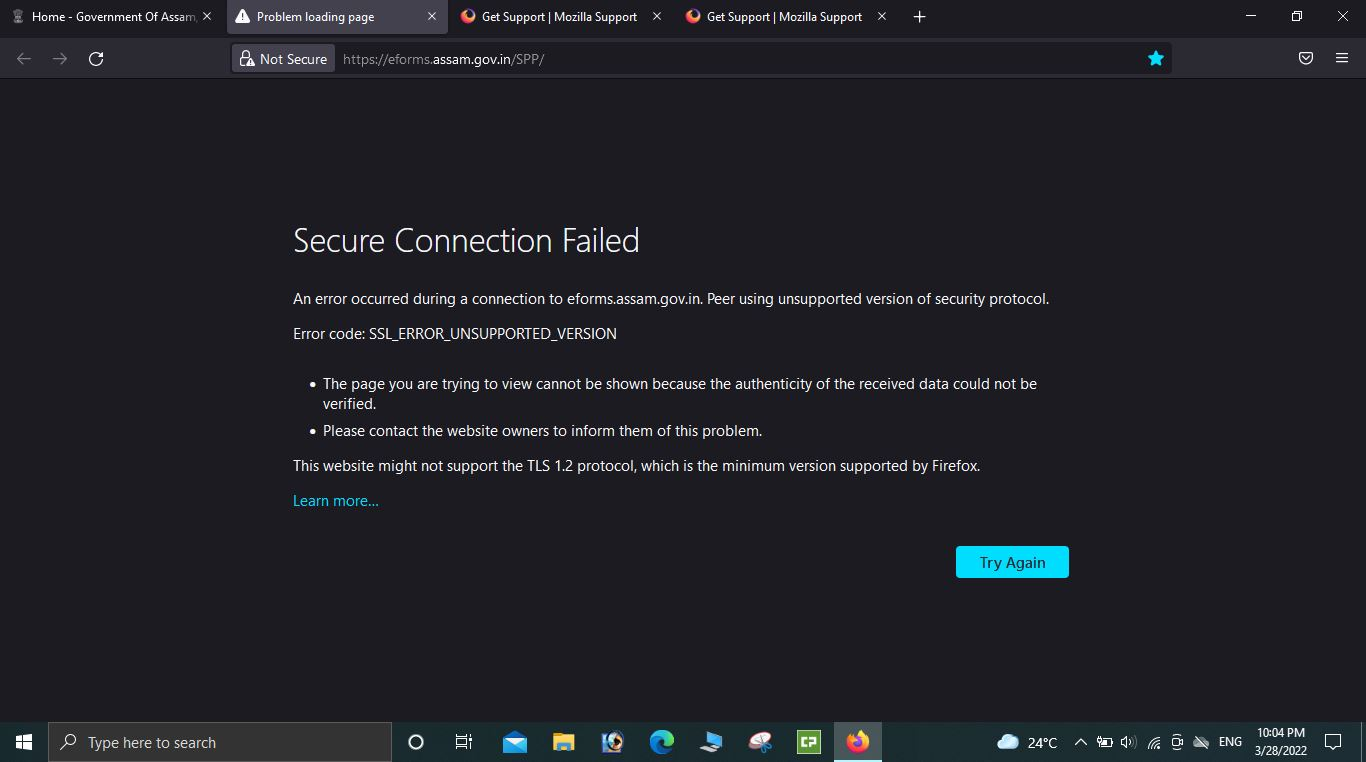
Secure Connection Failed
An error occurred during a connection to eforms.assam.gov.in. Peer using unsupported version of security protocol.
Error code: SSL_ERROR_UNSUPPORTED_VERSION
   The page you are trying to view cannot be shown because the authenticity of the received data could not be verified.
   Please contact the website owners to inform them of this problem.
This website might not support the TLS 1.2 protocol, which is the minimum version supported by Firefox.
Learn more…
Secure Connection Failed
An error occurred during a connection to eforms.assam.gov.in. Peer using unsupported version of security protocol.
Error code: SSL_ERROR_UNSUPPORTED_VERSION
The page you are trying to view cannot be shown because the authenticity of the received data could not be verified.
Please contact the website owners to inform them of this problem.
This website might not support the TLS 1.2 protocol, which is the minimum version supported by Firefox.
Learn more…
All Replies (1)

Hello, enter about:config in the firefox address bar (confirm the information message if it appears) and look for preferences in bold starting with safe. Right-click and reset those entries to their default values.