


Firefox on Mac is not showing pages not in full HTML on Mac

Since last week Firefox is showing my pages not right. Some pages not showing logo, all the text is in blue even so the preferences say black, if i do search each search topic has a blue bounding box which suppose to be hidden i assume. all pages look like they are in a preview mode when building webpages to show even hidden things like bounding boxes . I have taken uninstalled firefox and reinstalled it same thing, something is interfering with it. Pages in Safari look ok. I have attache to photos of a webpage in firefox and the same in safari. hope somebody can help as it is driving me crazy and can not find any solution on the net.
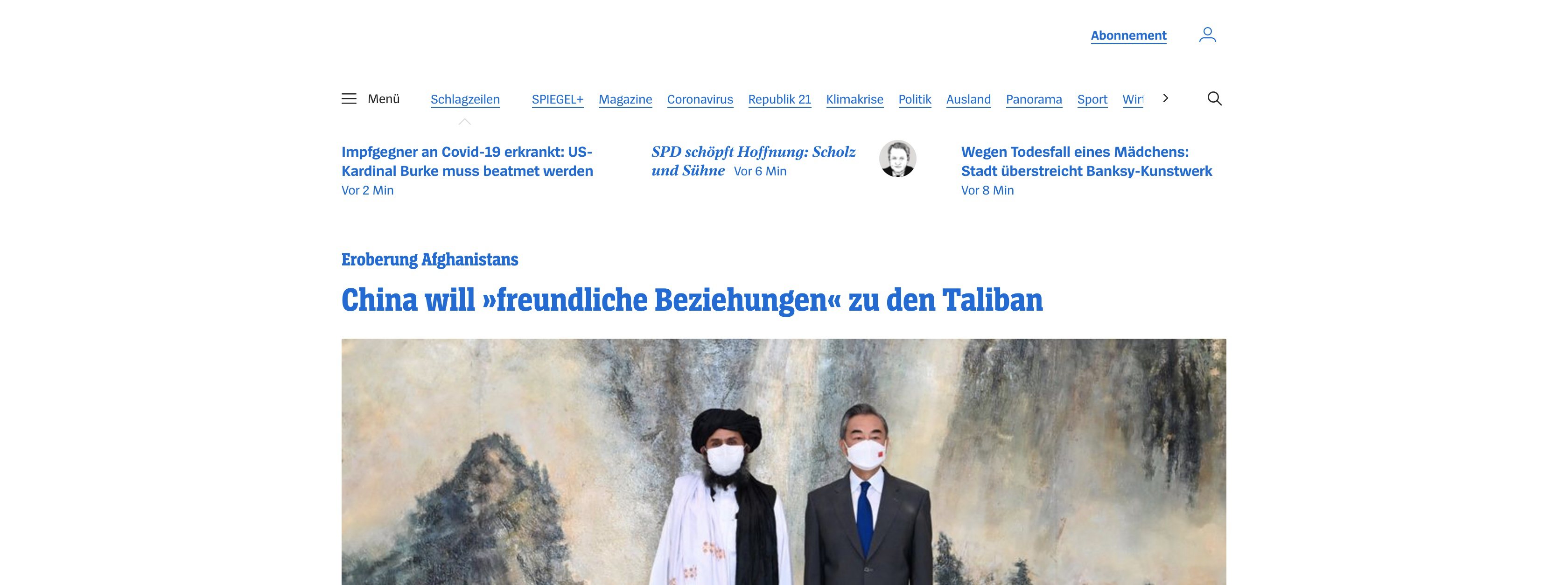
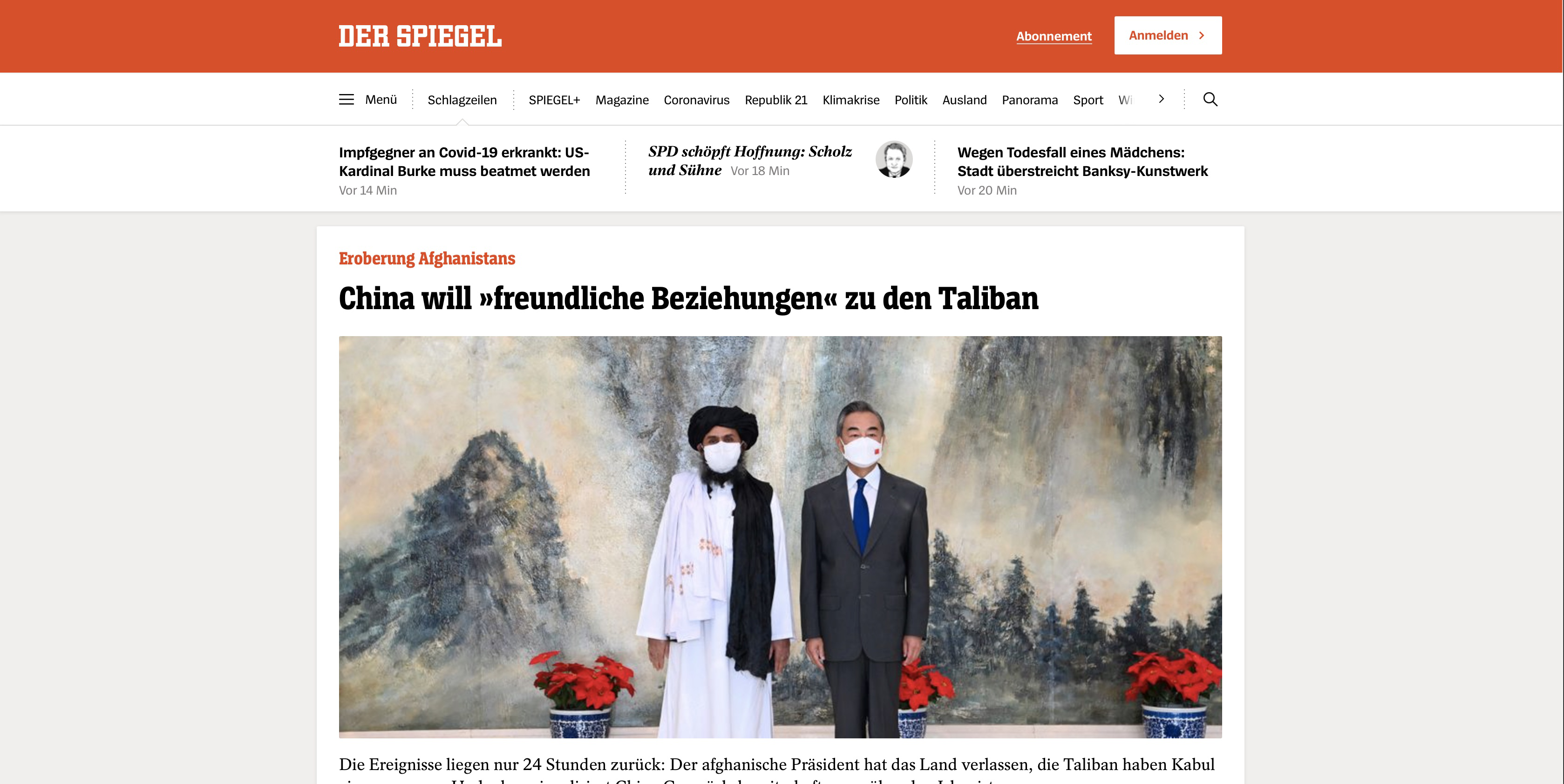
All Replies (1)
Chosen Solution
Recent release notes say that Firefox automatically enables High Contrast Mode when "Increase Contrast" is checked on MacOS. It can be turned off in FF settings under General -> the Colors... button -> Override the colors specified by the page with your selections above -> Never.