


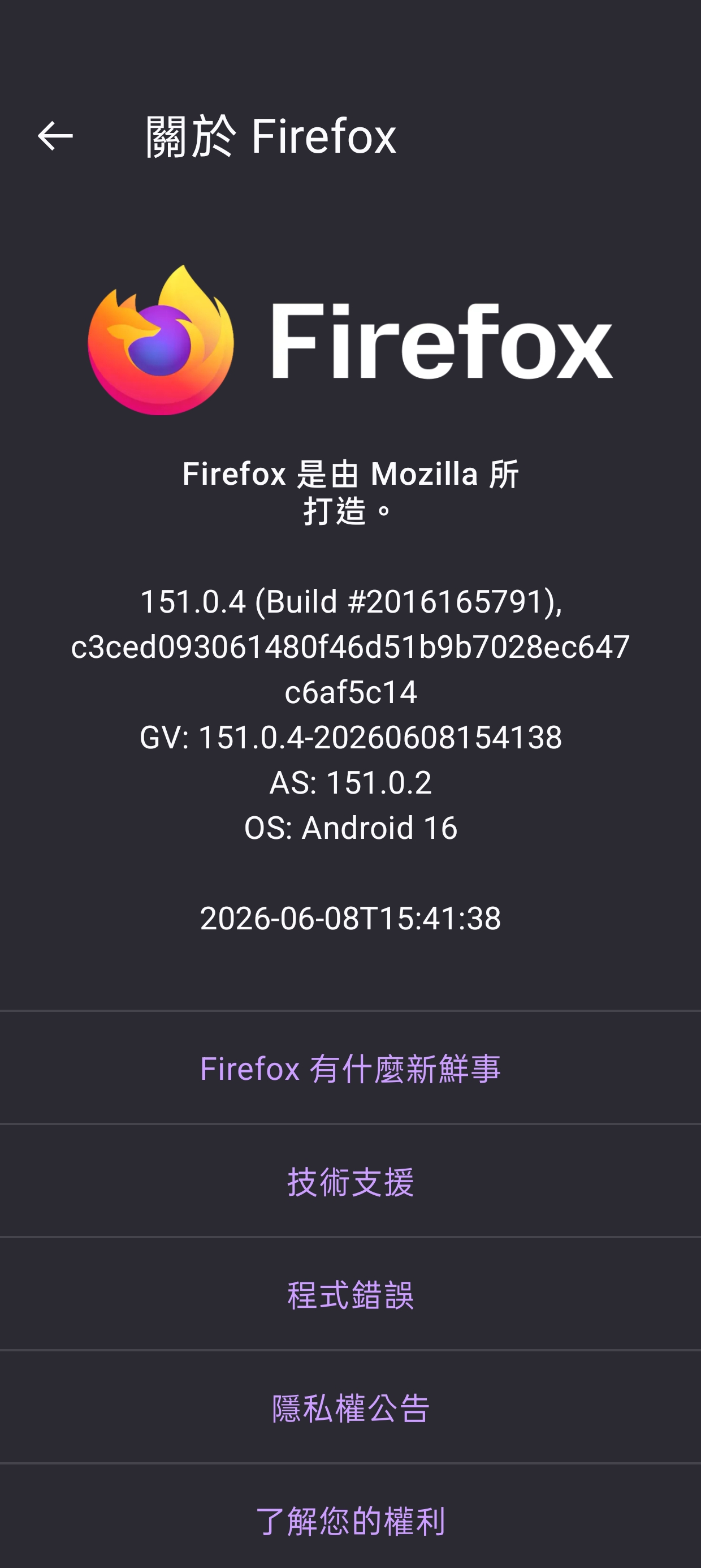
When making voice calls on an Android device, playing web videos using Firefox will result in significant buffering.

When making voice calls on an Android device, playing web videos using Firefox will result in significant buffering.
All Replies (12)
Hi Bogon,
Does the issue occur only during voice calls, or do videos play normally when you're not on a call? Also, can you tell me if you're using a phone call or an internet call through apps like whatsapp, maybe?
The problem really only happens during voice calls. The chat app I use is WeChat, sorry, I can't use WhatsApp to report the issue to you. These chat apps are not available in my country
If you're making an internet-based call at the same time, it may use a significant portion of your available bandwidth and affect Firefox's ability to continue streaming the video smoothly.
It's also possible that your internet service provider is limiting your connection speed. Unfortunately, that would be outside of Firefox's control.
This isn't a problem with network operators, and other Chromium-based browsers don't have this issue. I hope you pay attention to this issue. I really like Firefox, and it shouldn't be weaker than the Chromium camp
After the latest tests, I found that sound stuttering only occurs during video calls; Voice calls do not
That is not something that I would find to be unexpected - video calls would require more effort than just a voice call.
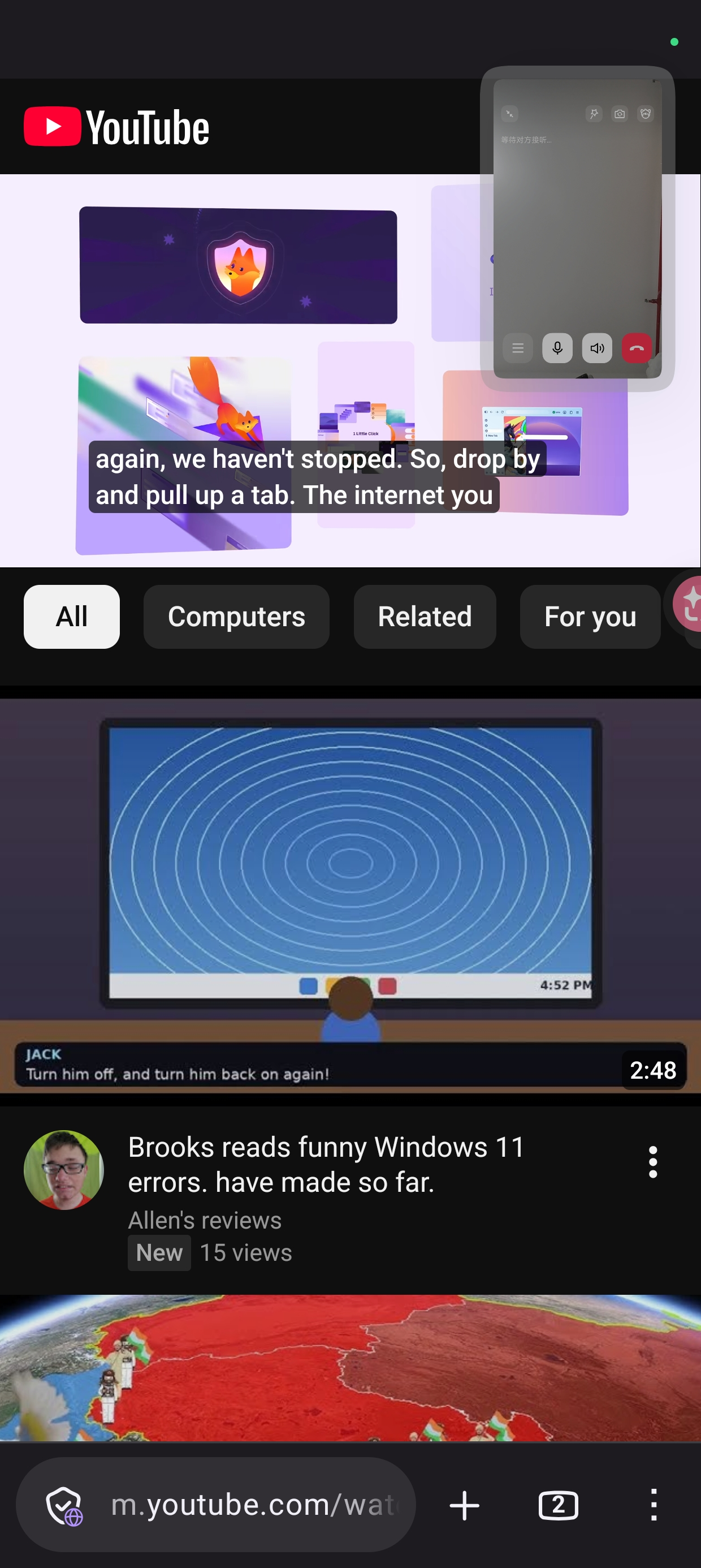
When playing web videos and making video calls in Firefox on Android, if you place the video window on the same page as Firefox, audio will stutter. Even if both parties turn off their microphones, following the steps above will definitely reproduce
Hoping to solve this problem really affects the experience
Hi bogon,
bogon said
When playing web videos and making video calls in Firefox on Android, if you place the video window on the same page as Firefox, audio will stutter. Even if both parties turn off their microphones, following the steps above will definitely reproduce
Can you elaborate on what you mean by placing the video window on the same page as Firefox? Firefox for Android is a mobile app.
Also, I'd second what Paul mentioned that it's kind of expected if you're watching the video while making video call since both require lots of bandwidth.
As shown in the picture, operating this way on mobile Chrome and Edge doesn't cause video audio to lag, while on Android Firefox, video audio will be stuttering
Uhmm, in that case..
Would you please take the following steps to help us troubleshoot the issue?
- Open a new tab and enter about:logging into the address bar.
- Set the Logging preset to Media playback.
- Click on the Start Logging button.
- Reproduce the issue: go to the website where the problem occurs, play the media and trigger the bug to happen in the browser.
- Once you've captured the issue, click on the Stop Logging button. A new tab will open with the Firefox Profiler information.
- In the top right corner of the Profiler page, click on the Upload Local profile menu. In the dialog that appears, tick the check box next to include hidden threads and then click the Upload button to submit the log.
- Copy the profiler link (it usually starts with https://share.firefox.dev) so you can share it with us.
Optional: If you're comfortable, please file a new bug under the Core:: Audio/Video component (or use this link). Make sure to include the profiler link. If you'd prefer not to file a bug yourself, just send us the profiler link and we'll take care of it.
This is the link to the error report I’ve created based on your description.
https://profiler.firefox.com/public/qpaewx88rnr8h4ne5zk20c8p0d4x3cg12kpgarr