


Black horizontal Bar at top of screen

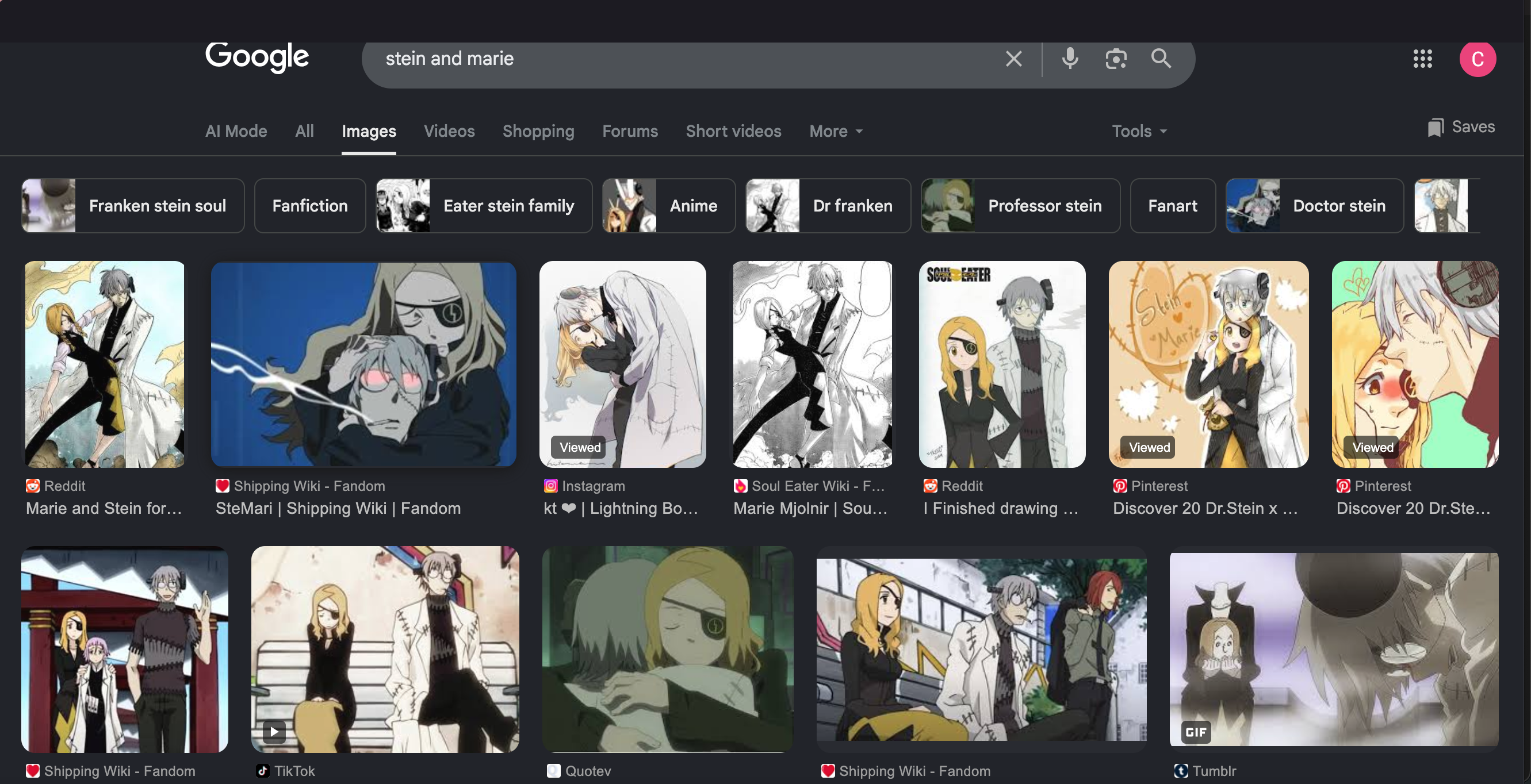
So every time when i'm in Firefox I can seem to scroll all the way up. In a way I can it's just that there is this black bar at the top of the screen that is covering the top of where you would see search or anything else at the top of the screen. I've tried deleting history and cache, force quitting, but it doesn't work. Other browsers are fine but Firefox is not with the black bar covering the top of the screen. Is anybody else having this issue?

All Replies (4)
Hi Camisha,
Honestly, this look very wrong. Can you tell me which Firefox version are you using? Also, are you on full screen mode by chance?

Solution eye oponami
Camisha, is this similar to the issue described in this thread? https://support.mozilla.org/en-US/questions/1567538
If so, then you can see if the chosen solution there helps. Basically, the bar was caused by an add-on and turning this extension off solved the problem.
Ezalaki modifié na TechHorse
Oh, that looks like the same issue, indeed. Thanks for sharing that thread, TechHorse. (:
so it was one of my ad-blocker's and turning off one of them solved the problem. Thank you everyone for your help.