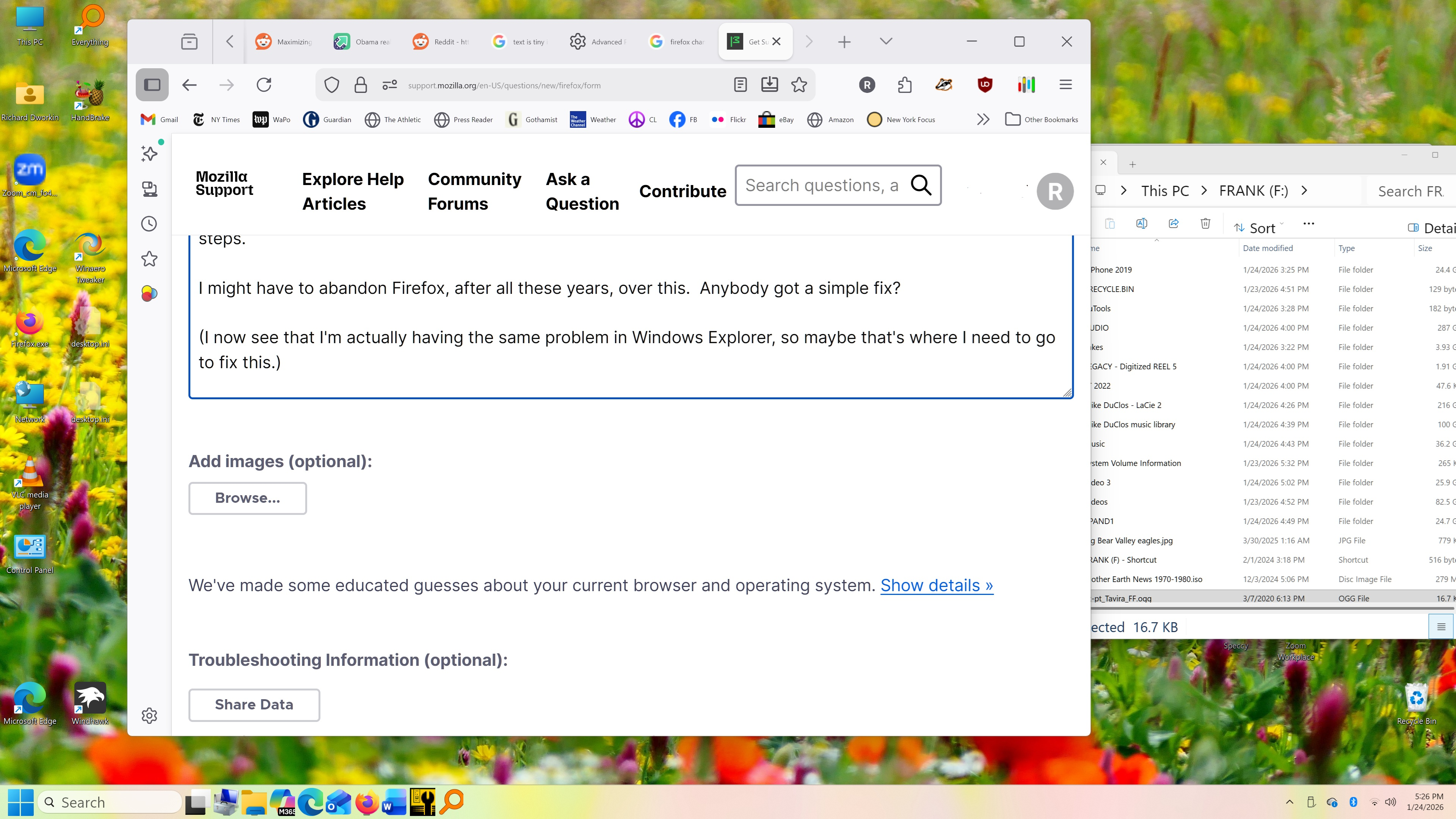
Too-tiny type after monitor upgrade

I recently got a large (30") 4k monitor because I have been having trouble reading text. But Firefox has become practically unusable.
Some sites display with giant text, and I have to press ctrl-minus several times to fit them on the screen.
Meanwhile, the text in the Bookmarks bar, tabs, and URL window are unreadably small.
I tried about:config and layout.css.devPixelsPerPx, which currently seems to have a NEGATIVE value of -1.5. Per directions, I changed it to 1.5. NOTHING. NO CHANGE.
Then I found an endless series of possible fixes, all involving similarly opaque and obscure and user-unfriendly steps.
I might have to abandon Firefox, after all these years, over this. Anybody got a simple fix?
(I now see that I'm actually having the same problem in Windows Explorer, so maybe that's where I need to go to fix this.)
Thanks!