


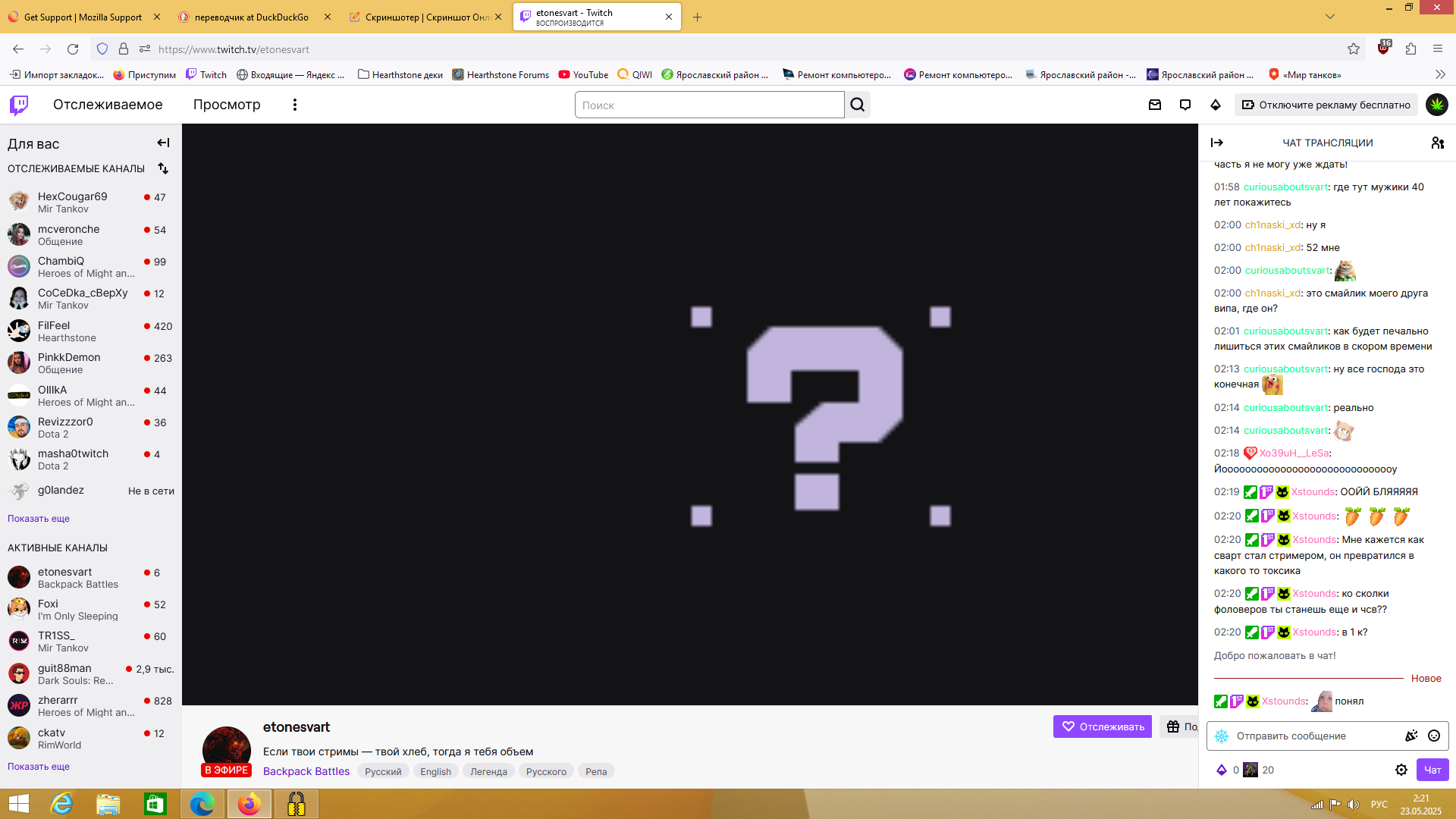
Instead of a Twitch page, a black screen with a question mark

What should I do? Firefox browser
What should I do? Firefox browser
Ezalaki modifié na Zerovax
All Replies (4)

Hello,
please note that Twitch only supports two latest version of Firefox (138 and 137 as for now), while it looks like you use a much older version (115). According to this Reddit thread, the following may help:
- Clear Twitch cookies and data, see the first section of Clear cookies and site data in Firefox for details.
- Enable (set to true) layout.css.has-selector.enabled Firefox preference in the Configuration Editor. For details about how to open and use the Configuration Editor, see Configuration Editor for Firefox.
UPD Please also note, that despite fixing the problem with Twitch, enabling this preference may cause some issues with other sites. At the moment, Firefox developers in contact with their Twitch colleagues are working on a solution.
Hello Zerovax,
It should be fixed now, as Twitch has reverted their change that triggered the issue.
Does it work for you?
Ezalaki modifié na Denys