


Archive - No Available Folders

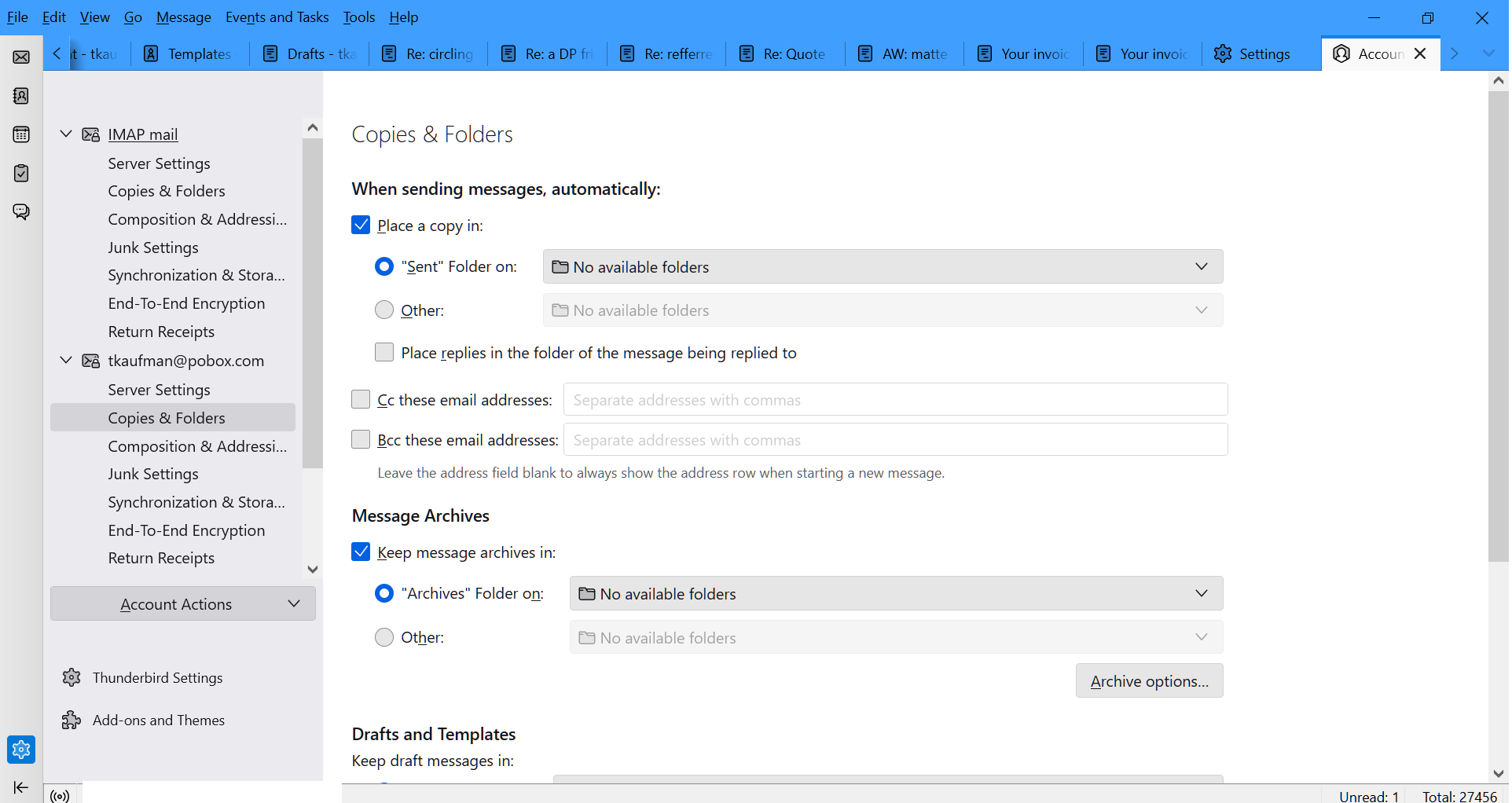
Using the latest version of TB, in settings I cannot select a folder to send archived message to. Instead the drop down box says "No Folder Available."
This is also true for placing a copy of a sent message in a folder, I see No Folder Available here too.
thanks
All Replies (4)
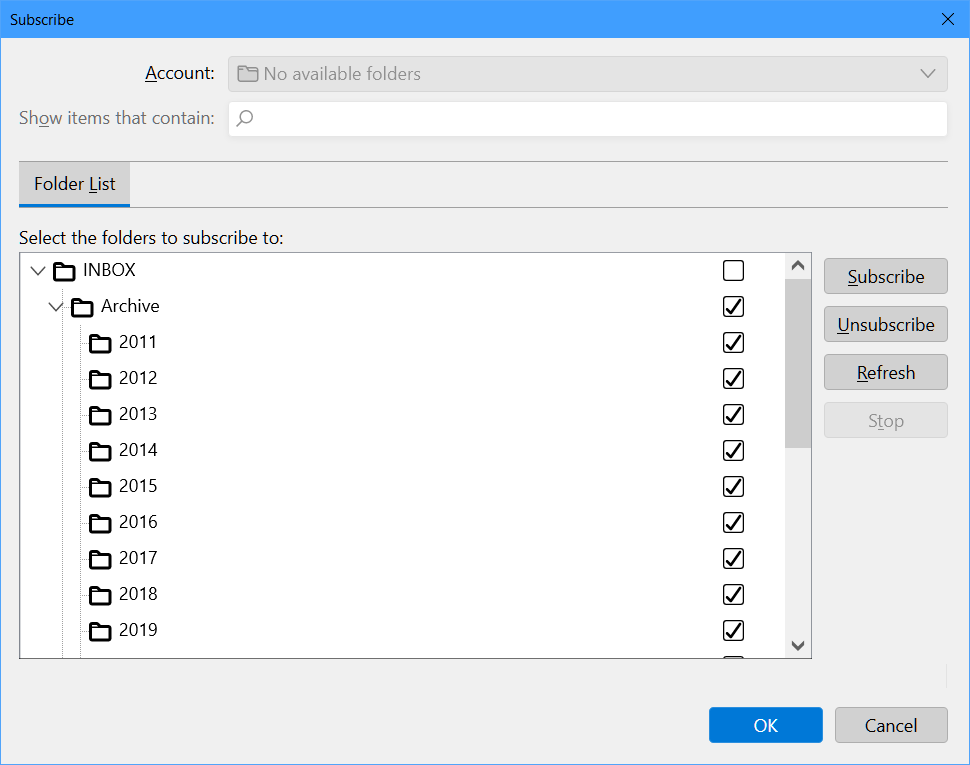
You might try highlighting account in left folder pane, rightclick and click 'subscribe' to see of those folders are ticked.
Thanks, David. I right-clicked and got a window (image attached). I see an archive folder but I'm storing all my archival messages on my local drive. How do I get TB to let me use that as a destination?
thank you
I don't understand. There is an option in Copies&Folders that lets you specify a location. And I admit to not knowing a lot about archiving except what Thunderbird documents.
I found the issue, it was a defunct account that needed to be removed. Now it seems fine. thanks again