

Mulongo oyo etiyamaki na archive.
Tuna motuna mosusu soki osengeli na lisalisi

Eza archivé
Videos on fullscreen play with the top bar showing

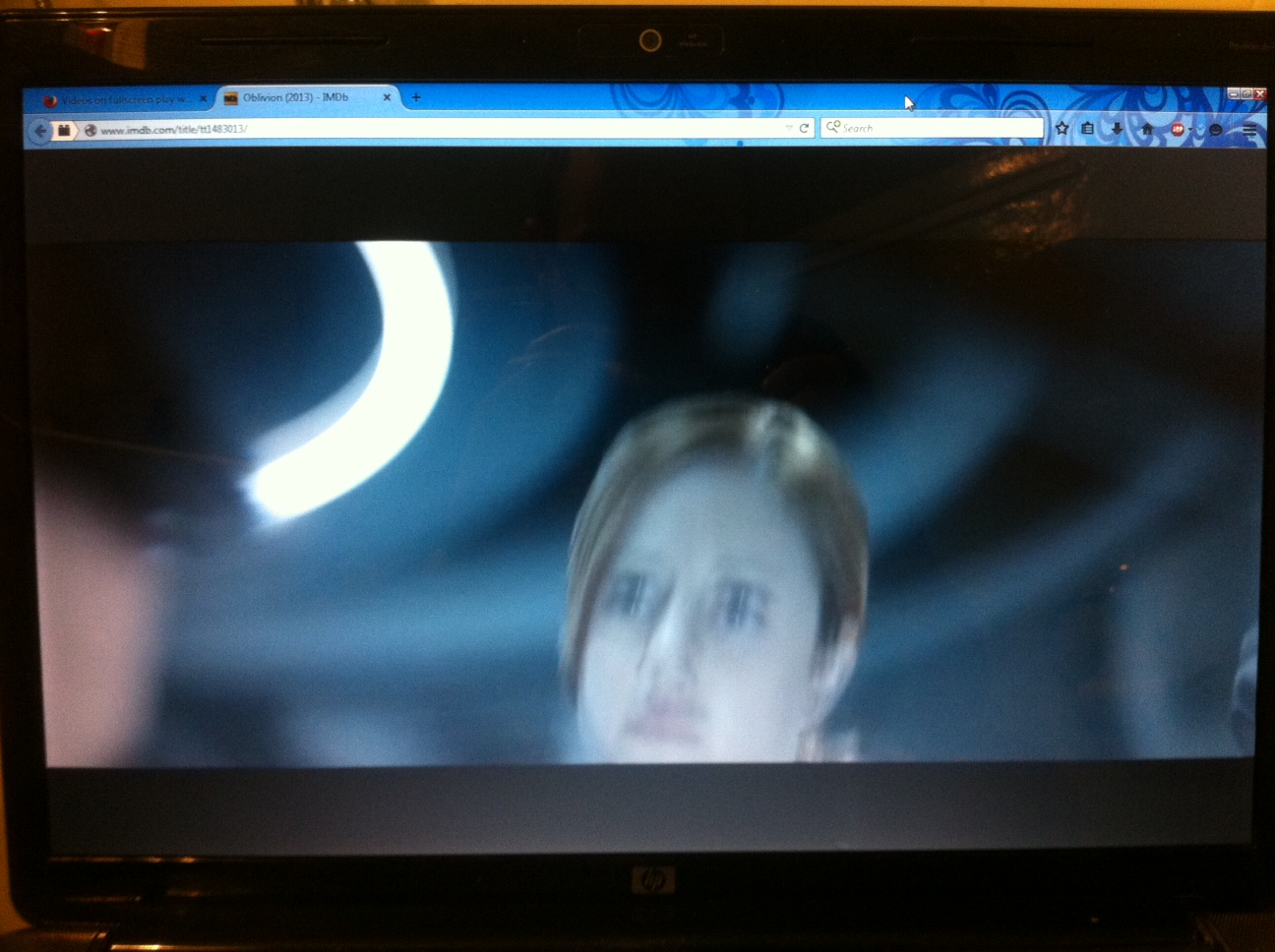
When i open some videos on fullscreen, they go on fullscreen but the top bar of mozilla is still there. That problem wasn't happening before. When i play the same videos on Chrome they play on fullscreen with no problems at all.
When i open some videos on fullscreen, they go on fullscreen but the top bar of mozilla is still there. That problem wasn't happening before. When i play the same videos on Chrome they play on fullscreen with no problems at all.
All Replies (2)
You can try to disable hardware acceleration in Firefox.
- Tools > Options > Advanced > General > Browsing: "Use hardware acceleration when available"
You need to close and restart Firefox after toggling this setting.
Even on safe mode it happens the same thing and it is not happening with all the videos around the net only with few... i added a photo of what's happening too.
Ezalaki modifié na burningaces