


I deleted something that caused a problem

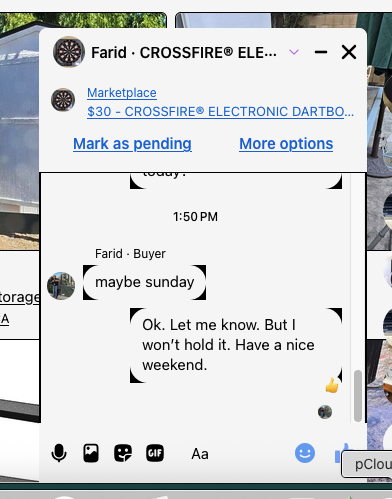
I am not sure what I removed from Firefox settings. It has affected how somethings appear on screen. Here is an example of the what my facebook texts look like now. If anyone know what I removed and how to reinstall it I would appreciate it.
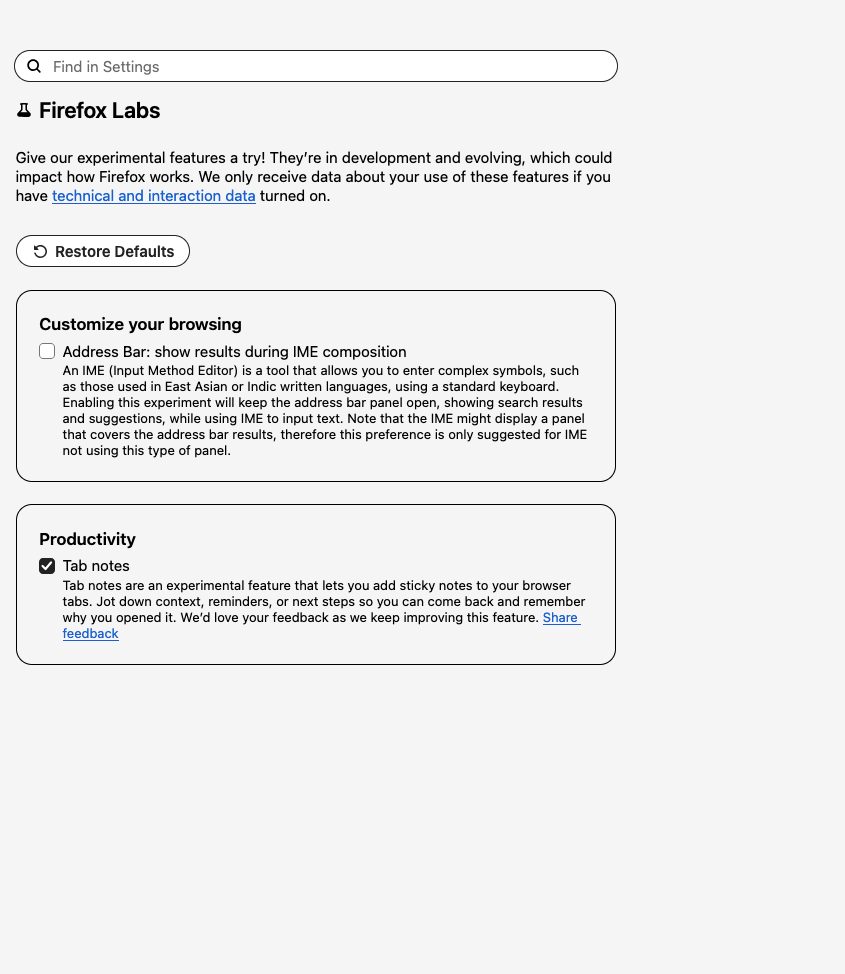
I think it might have had to do with image replacement page. I remember 3 objects on the page and I deleted one, I remember it having show an X logo like musk revamped twitter.
Any help or suggestions are appreciated
모든 댓글 (1)
This looks more like some accessibility setting — reducing transparency, adding contrast and the like, potentially even on system level? What all looks "wrong", do you have more examples?
(If that's Firefox setting, the fastest would be to create a new separate profile, that will use factory defaults, to have a comparison.)