


Downloaded Firefox VPN to correct Apple error Intel Base applications no longer supported. VPn not working.

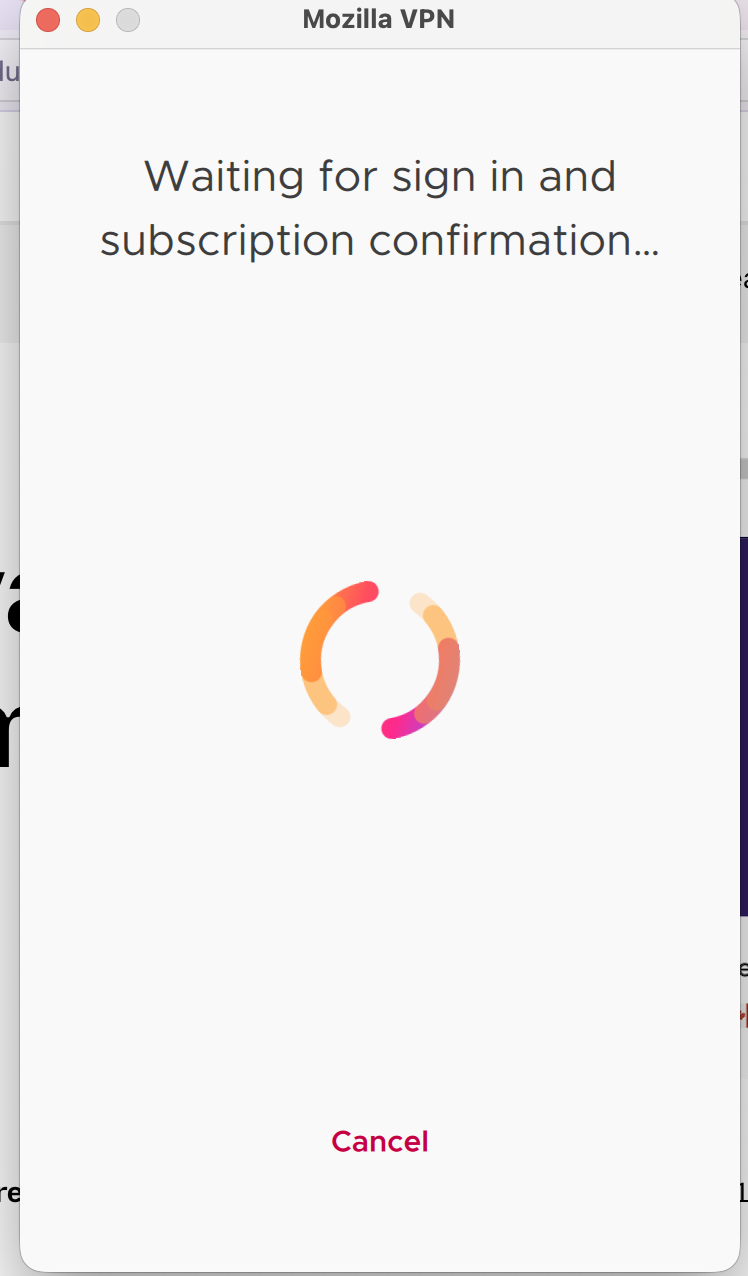
I'm running mac os Tahoe 26.6.2 on Macbook air. Message from Apple "Intel Based apps not supported update to silicone version". Followed steps on Firefox help page to download Mozilla VPN version but VPN version won't open. When I click Mozilla VPN in the application folder, I am directed to the Mozilla VPN page with the download on it. Then it's hanging up on a pop up (see attachment) saying Waiting for Subscription Verification.
모든 댓글 (1)
Mozilla VPN is one of Mozilla's premium products. In order to get premium support from a dedicated agent, please submit your question with your Mozilla VPN app by going to Settings > Help > Contact Support. Alternatively, you can sign in to the Mozilla account connected to your subscription here (if not already) and then use this link.
In case you missed it, the Mozilla VPN form can also be found at top at Ask a Question > Mozilla VPN page. Make sure you are using the Mozilla Account that has the Mozilla VPN subscription.