


Mozilla crashing repeatedly
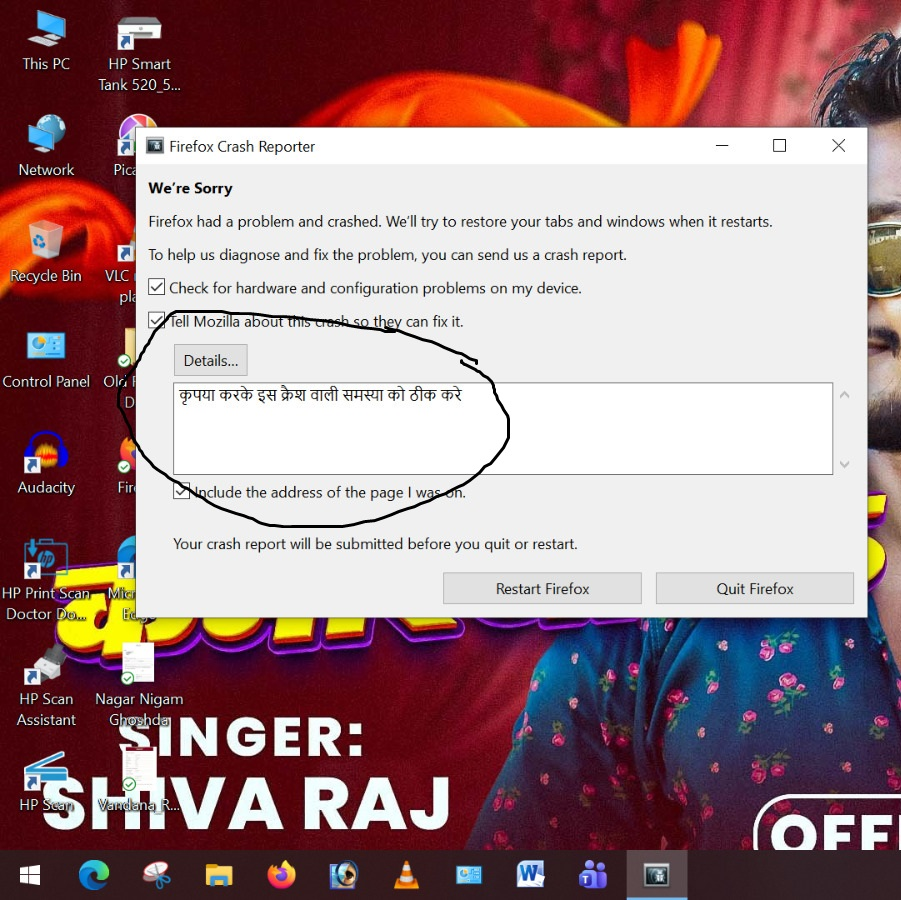
Mozilla Firefox keeps crashing repeatedly while I am searching or typing, and the problem persists. Why is this happening, and what is the solution? I request you to investigate and fix this crashing issue as soon as possible.
모든 댓글 (1)
If you restart into Troubleshoot Mode (from Help menu) to disable your addons is there any change?
You'd need to submit the crash IDs instead of the picture:
- Enter about:crashes in the Firefox address bar and press Enter. A list of Submitted (and Unsubmitted, if any) Crash Reports will appear, similar to the one shown below.
- Copy the 5 most recent Submitted Report IDs that start with bp- and then go back to your forum question and paste those IDs into the "Post a Reply" box.
Note: If a recent Report ID does not start with bp- click on it to submit the report.
(Please don't take a screenshot of your crashes, just copy and paste the IDs. The below image is just an example of what your Firefox screen should look like.)

More information and further troubleshooting steps can be found in the Troubleshoot Firefox crashes (closing or quitting unexpectedly) article.