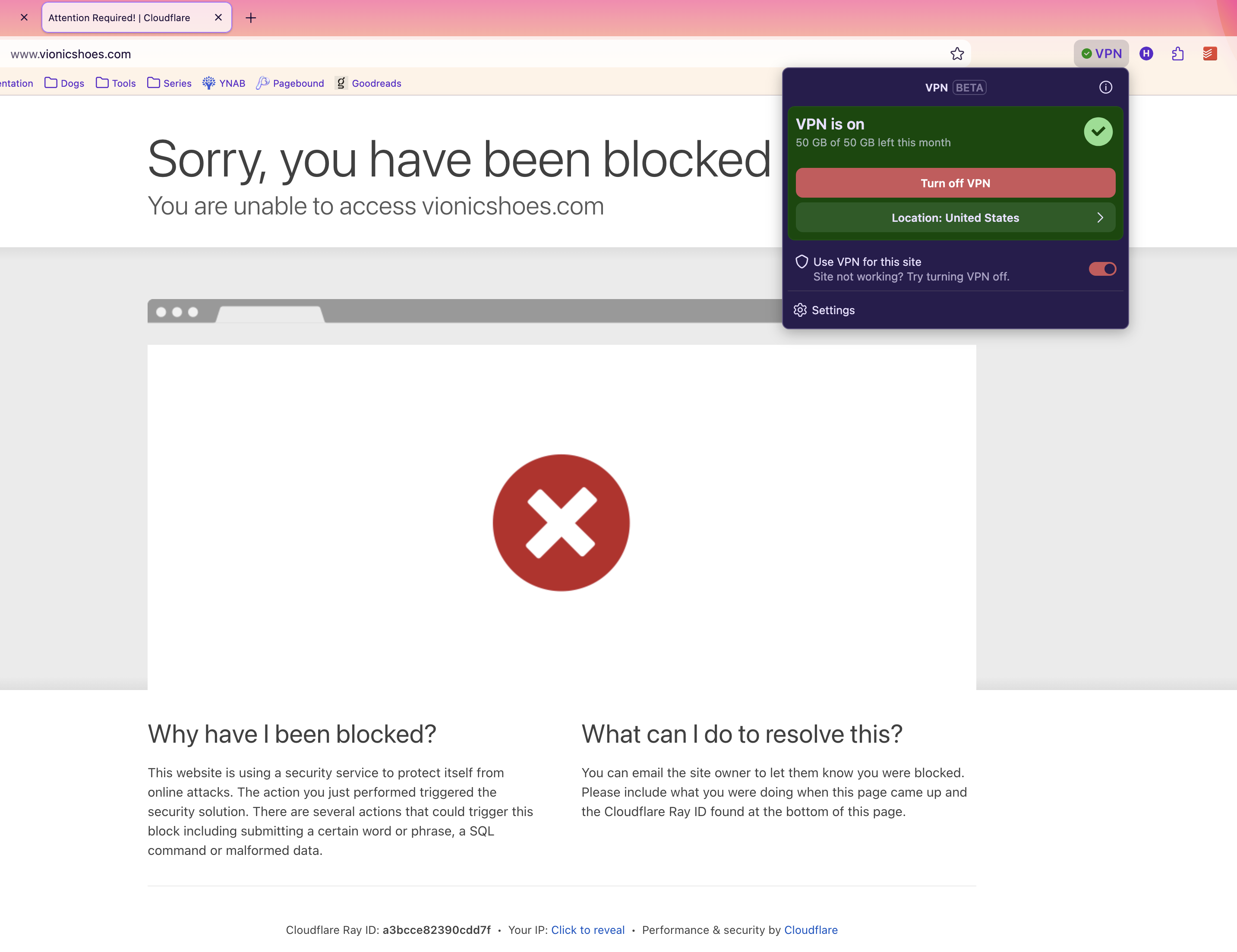
The United States connection doesn't work in the VPN.

I just recently installed the VPN on Firefox. It hadn't shown up because of my privacy settings. It works fine except for the United States connection. When I choose the other countries, it works fine, but when I choose United States, it still shows Japan (where I live). It still shows Japan, but it does have an effect. It changes it to Tokyo, where I don't live. So, the vpn is having some effect, but it is just not connecting to the United States. Why is that?
모든 댓글 (3)
Maybe this will give a idea as to what is happening

Could this be related to location permissions rather than the VPN connection itself? It might be worth checking whether Firefox or the website still has access to the device location.

I've experiencing the same issue. All other locations work, but once I switch to the United States, it's as if I'm not using the VPN at all.