


Can't Rotate JPEG Attachment in An E-mail

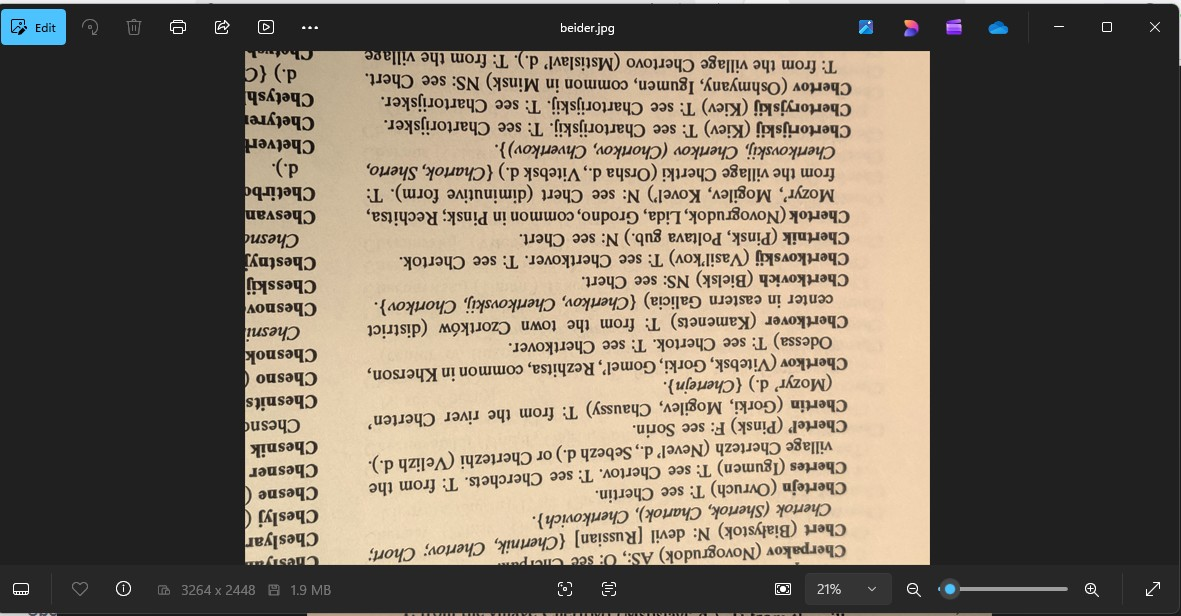
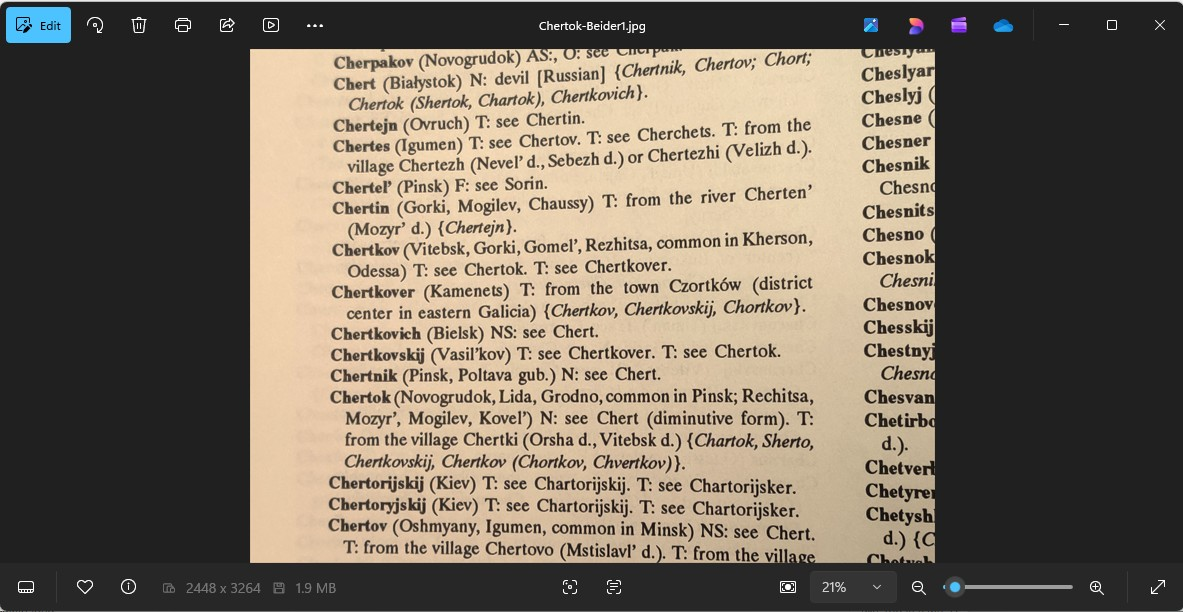
I am running Thunderbird 140.13.0esr (64-bit) in Windows 11 25H2. I received an e-mail message that has a JPEG attachment. When I open the attachment, the image is opened with the MS Photo app. But in that app I cannot rotate the image. If I save the attachment on my disk and then open it with the MS Photo app, I am able to rotate the image. I am wondering why the instance of the Photo app invoked by Thunderbird does not allow rotation. Note that in the -Thunderbird uploaded image, the rotate icon at the top left is greyed out (and not available). Thanks.
모든 댓글 (1)
선택된 해결법
The attachment is opening using the appropriate app but in a temporary folder as read only like a sandbox environment which does not allow modifications. It's a view it as it is situation.
Once the file has been saved to a folder on computer like 'Documents' or 'Photos' etc then it can be opened and will be available to edit which in your case is to rotate the image.
It's a safety and security mechanism - the Operating System Windows blocks direct editing to prevent malicious code from executing straight from the email. After all it's an attachment you are dealing with and you cannot assume that opening an attachment is going to be ok.
If this answers your question, please mark as a Solution.