


Open
Opening a new tab should not put it at the end of the tab list.
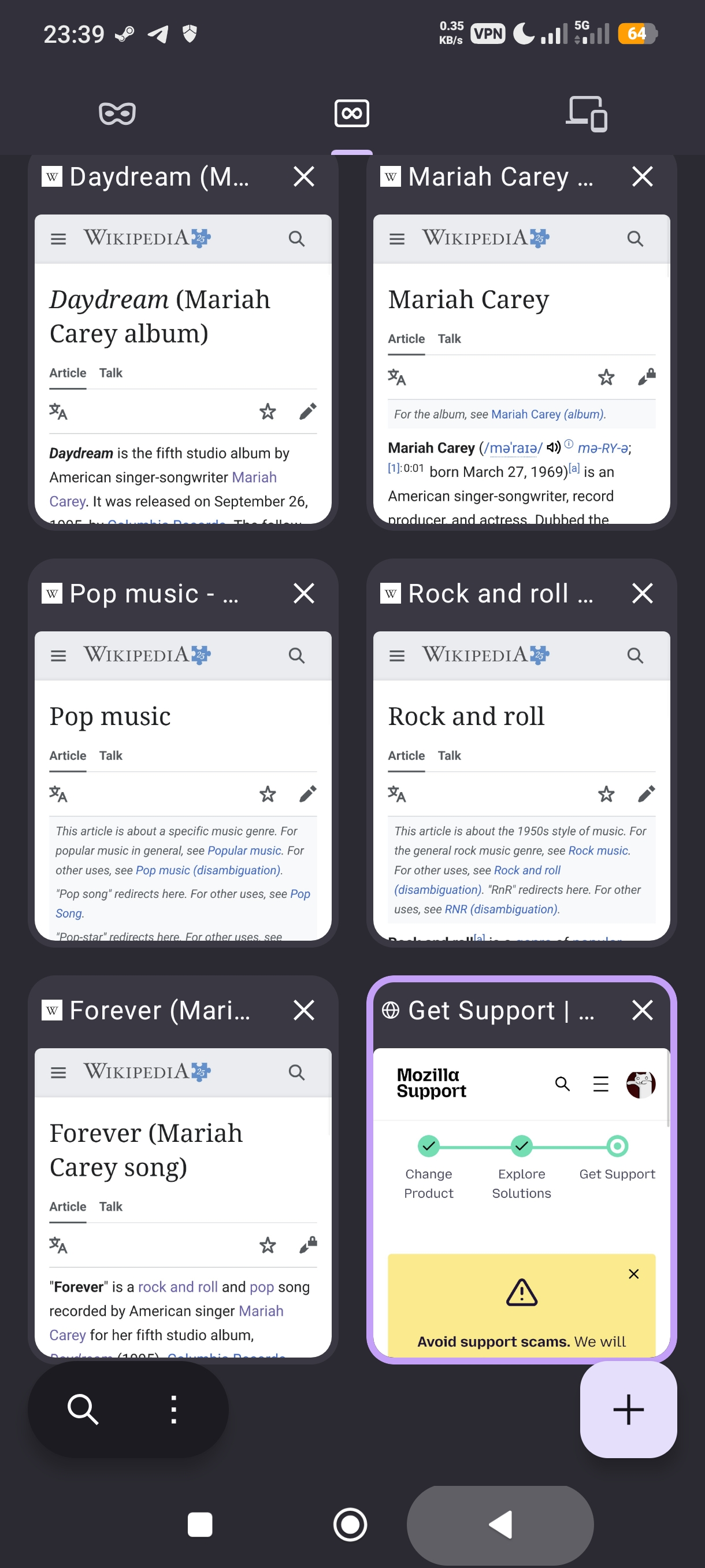
You changed the new tab behavior a few updates ago where new tabs don't get opened besides the current tab but rather at the very end of the tab list. And me having quite alot of tabs open forces me to scroll back quite along time to get back to my previous tab.
An option to revert to the old behavior would be neat.
You changed the new tab behavior a few updates ago where new tabs don't get opened besides the current tab but rather at the very end of the tab list. And me having quite alot of tabs open forces me to scroll back quite along time to get back to my previous tab.
An option to revert to the old behavior would be neat.
모든 댓글 (1)
Hi Jsaac4000,
I can not reproduce your issue on Firefox for Android 152.0.1. But just to clarify:
- When you open a new tab by clicking the new tab button (the plus sign), you'll be directed to a new tab at the end of the list.
- When you open a new tab by long-pressing on a link, then choose to Open link in new tab, Firefox will open a new tab next to your previous tab and there will be a switch button at the bottom to help you quickly switch to the newly opened tab.