


android, disabling gesture hint causes tab switcher to open

On android phones, you can disable the gesture hint (white bar at bottom of screen). Other apps I have tried while having it disabled have no issue. With Firefox however... when gesture hint is off and i swipe up from the bar, my finger is technically swiping at the address bar, which (aside of sending me to home - because that's what the up gesture does on the bottom) opens the tab switcher.
선택된 해결법
Hi, there's a setting to disable that Firefox gesture. It's in Firefox Settings > Customize > "Swipe toolbar vertically to see open tabs". Does disabling it work for you?
모든 댓글 (4)
See screenshot of what my screen looks like with the navigation hint disabled, and now to go home, i have to swipe where the address bar is, thus issue occurs.
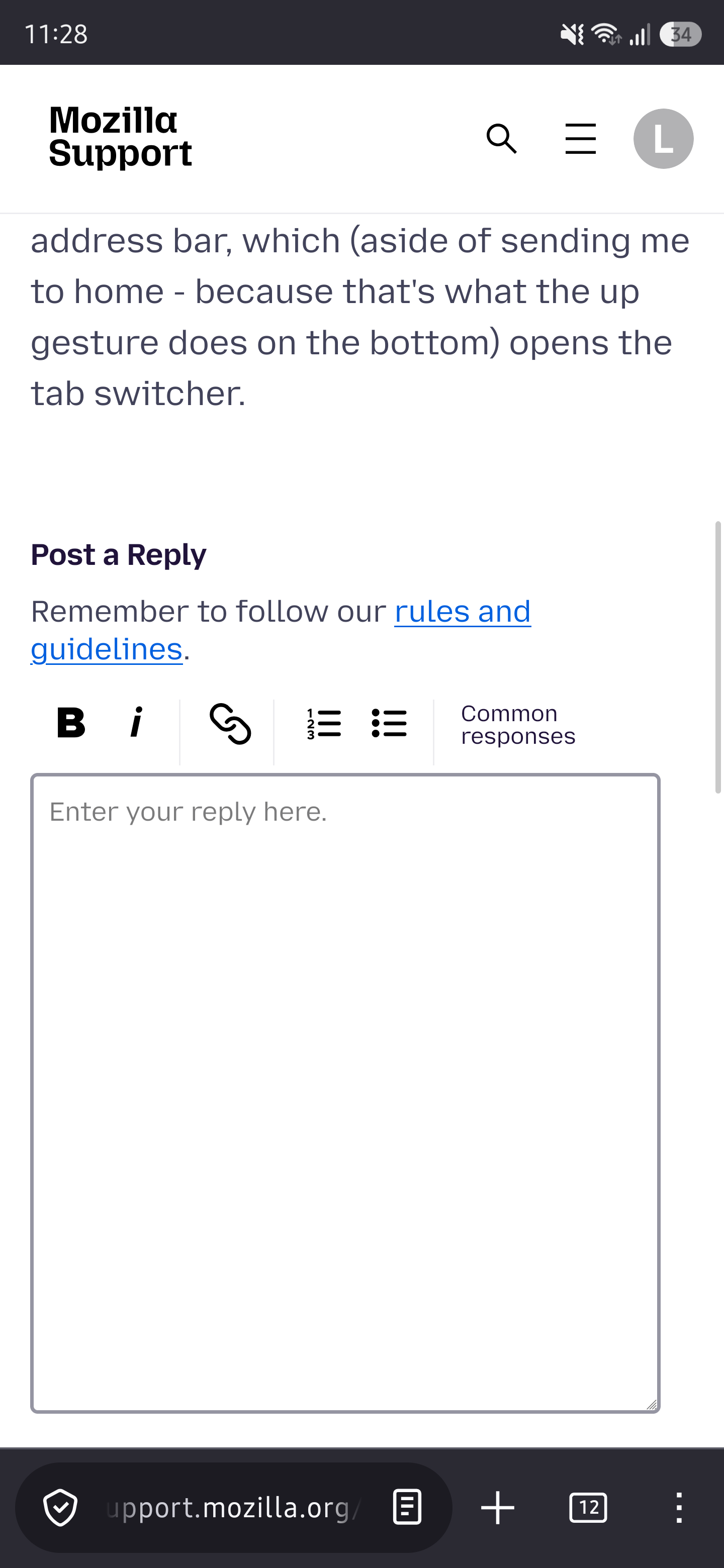
I could set the address bar to be at the top, but that's a band-aid. If it's possible of course, I think the app should detect whether the gesture hint is enabled, or barring that, checking the insets and whether they indicate that the gesture hint is disabled, and if so, the swipe to open tab switcher should be disabled. Either that or offer a setting to enable/disable the swipe to open tab switcher. Now that I say it out loud, i guess the second option would be easier.
선택된 해결법
Hi, there's a setting to disable that Firefox gesture. It's in Firefox Settings > Customize > "Swipe toolbar vertically to see open tabs". Does disabling it work for you?