


Youtube freezes constantly and irreversably
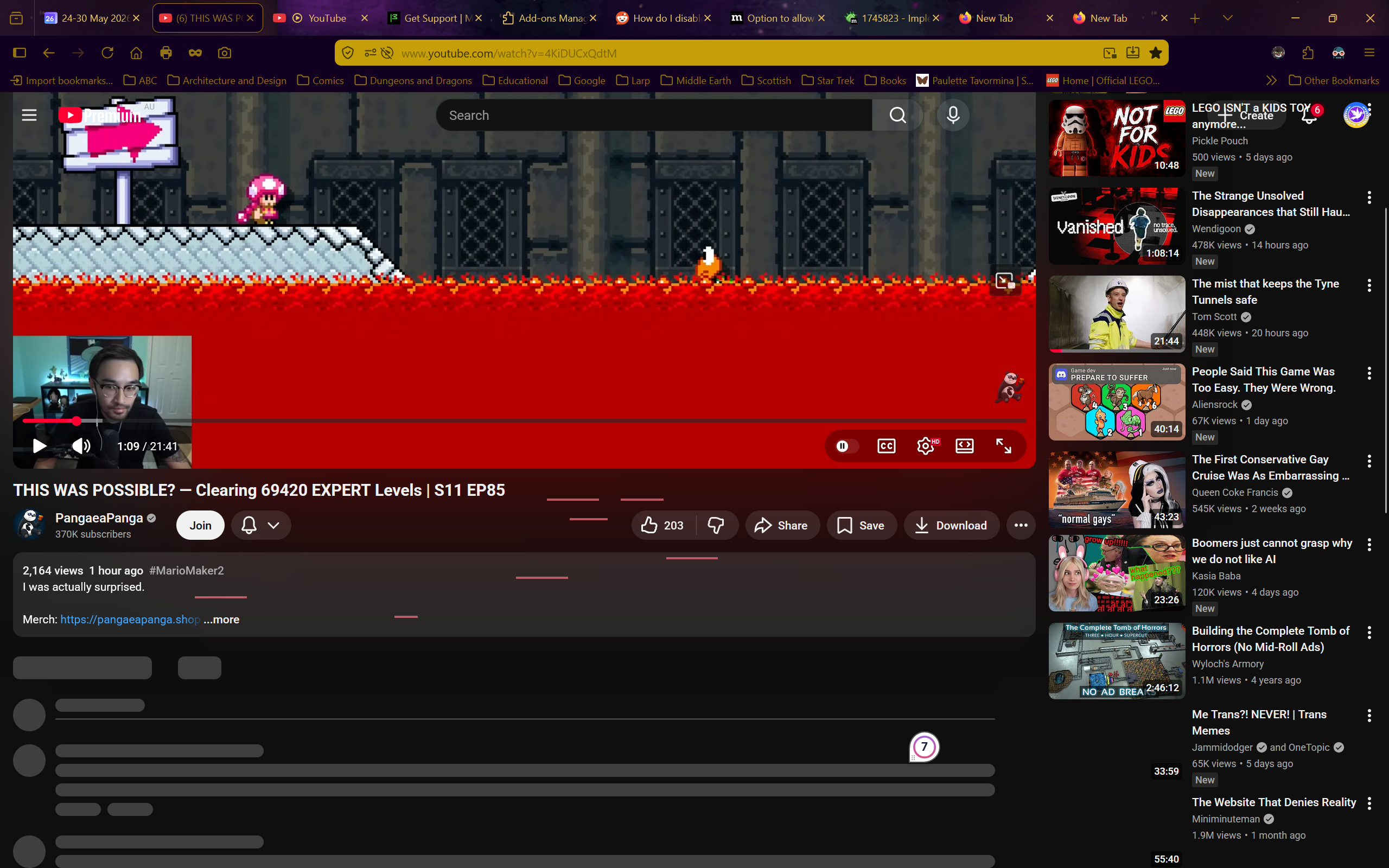
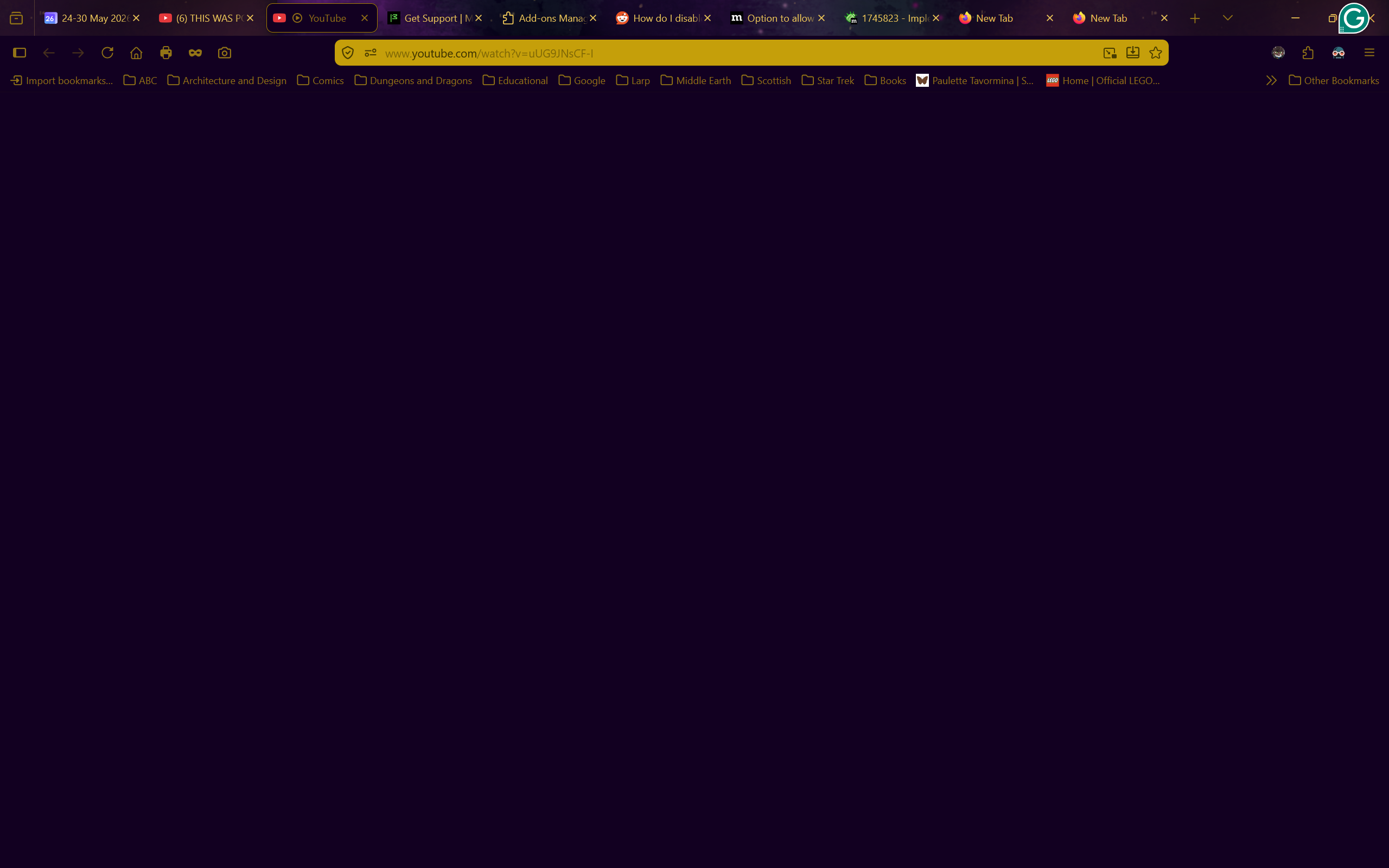
I have no idea what is happening. Whenever I try to use youtube on firefox the site just freezes. I can still scroll up and down, but nothing that wasn't already loaded loads, I can't click on anything, and nothing except scrolling does anything.
The reload, home, and even screenshot buttons don't work in these frozen youtube tabs. The only way to do anything is to open a new tab and close the frozen youtube one.
Youtube is completely unusable because of this.
I turned off every single addon, I restarted firefox, I restarted the entire computer, I tried in a private tab. It still freezes every time.
I don't have a VPN, I do not have the problem on any other website (even other media-players), and I don't have a clue what is happening.
I do have youtube premium.
Any help would be appreciated. I need to watch stuff for my studies but I just can't
Operating system: Windows 11
모든 댓글 (3)
This still looks like some antivirus or security software interfering honestly, but you've disabled anything like Malwarebytes or Kaspersky and such?
Ok, I haven't tried turning off my antivirus, but I will now. (If you suggested so in a prior message than I missed it) However, I do know that it is not connected with my account as the same issue also happens in a private window, which I use frequently for youtube (to prevent my algorithm being overtaken by current news)
Because this is not a site leak, like it would start ramping up the resources consumed etc. …
It's more of this bad loading state, like some async scripted lazy load of additional content never fires… breaking scripts, meaning chats are stuck, scrolling does nothing, events around keyboard, pasteboard, changing window modes etc. all of these APIs are handled in JS, and this looks like some of the loading sequence just breaks apart, so JS breaks, lazy loading breaks, … the screenshots show a lot of those placeholder items that never end up getting the real deferred content loaded by the site JS.
That's usually something on the line… with the actual connection, a DNS tweak, a VPN, or some anti–(virus, malware, phishing) protection that then interfere in the loading of the biggest sites' assets and resources.