


Youtube freezes constantly and irreversably
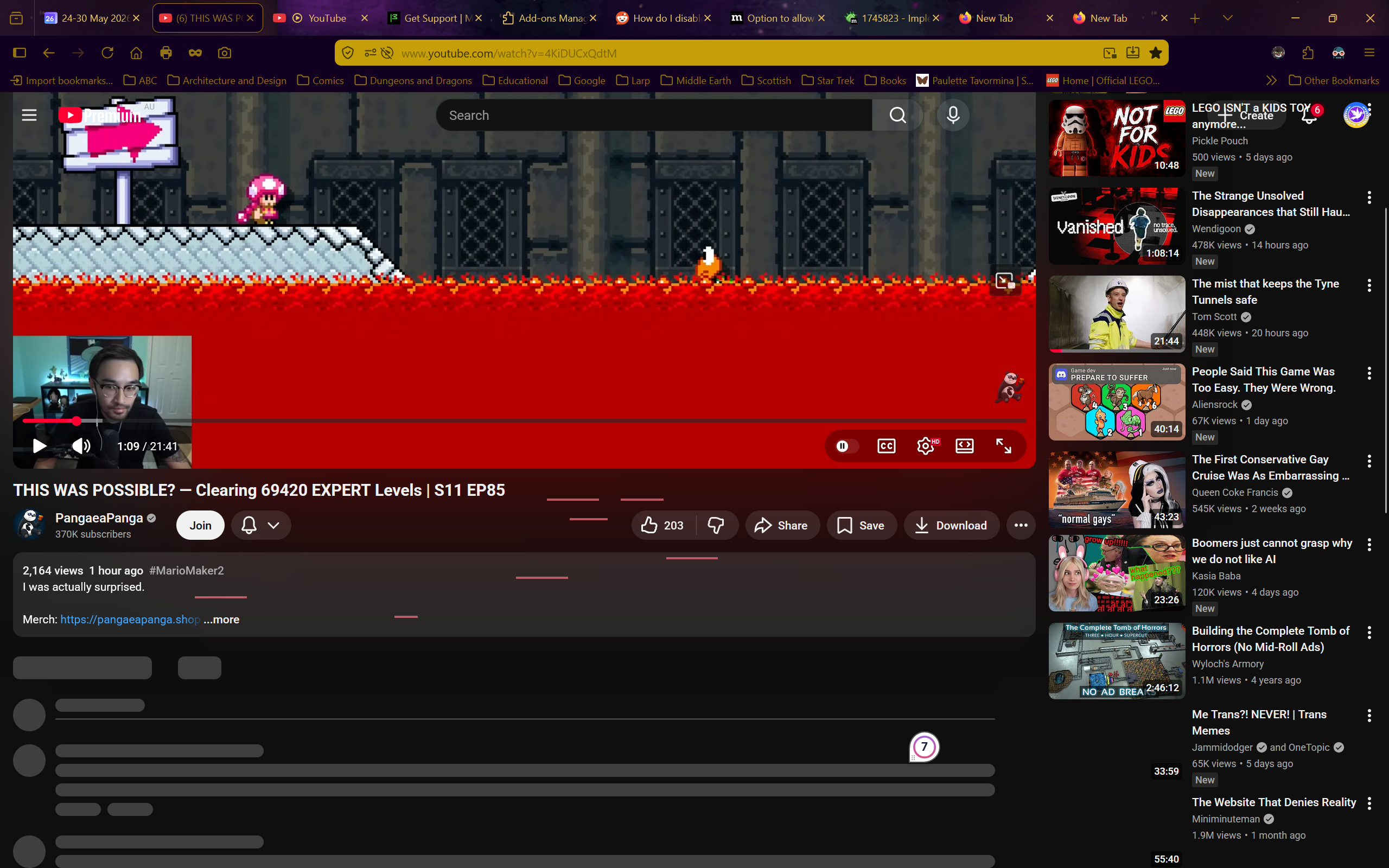
I have no idea what is happening. Whenever I try to use youtube on firefox the site just freezes. I can still scroll up and down, but nothing that wasn't already loaded loads, I can't click on anything, and nothing except scrolling does anything.
The reload, home, and even screenshot buttons don't work in these frozen youtube tabs. The only way to do anything is to open a new tab and close the frozen youtube one.
Youtube is completely unusable because of this.
I turned off every single addon, I restarted firefox, I restarted the entire computer, I tried in a private tab. It still freezes every time.
I don't have a VPN, I do not have the problem on any other website (even other media-players), and I don't have a clue what is happening.
I do have youtube premium.
Any help would be appreciated. I need to watch stuff for my studies but I just can't
Operating system: Windows 11

모든 댓글 (1)
To add more information, I have a video of this although I can't upload it here. Also, frozen youtube tabs NEVER unfreeze.
글쓴이 Starfleet Personnel 9256316 Leiutenant Commander Everdene 수정일시