


How to move folders Drafts and Sent Emails from old POP account to new IMAP account

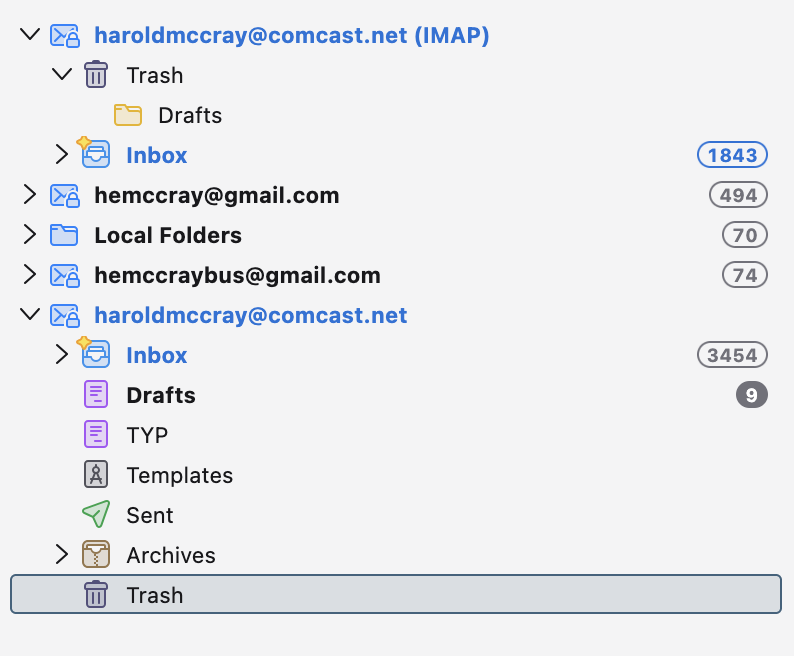
I’ve set up a new email service type, IMAP, to take the place of my old POP email. The POP email doesn’t have a synchronization and storage feature, so I’m wondering: First, how can I combine the old POP emails with the new IMAP address; and second, how do I transfer DRAFTS and SENT EMAILS from the old to the new one?
모든 댓글 (2)
선택된 해결법
It's really easy: Create the new IMAP account in same profile as the POP account. Then, select messages in a POP folder, right click and select the 'COPY to' option to copy to the IMAP account folder. If you have many, many messages in a folder, I suggest creating a manual filter to COPY to the IMAP folder. Then, after the copy, check the IMAP folder to ensure the full message content is there. I say that because IMAP was never designed for high-volume uploads. Reminder: DO NOT use the MOVE to option. Use COPY. Repeat the process for all desired folders.
Thanks again.