


How to merge POP emails to new IMAP account; How to move "Drafts and Sent Mail" as well

I’ve set up a new email service type, IMAP, to take the place of my old POP email. The POP email doesn’t have a synchronization and storage feature, so I’m wondering: First, how can I combine the old POP emails with the new IMAP address; and second, how do I transfer drafts and sent emails from the old to the new one?
모든 댓글 (3)
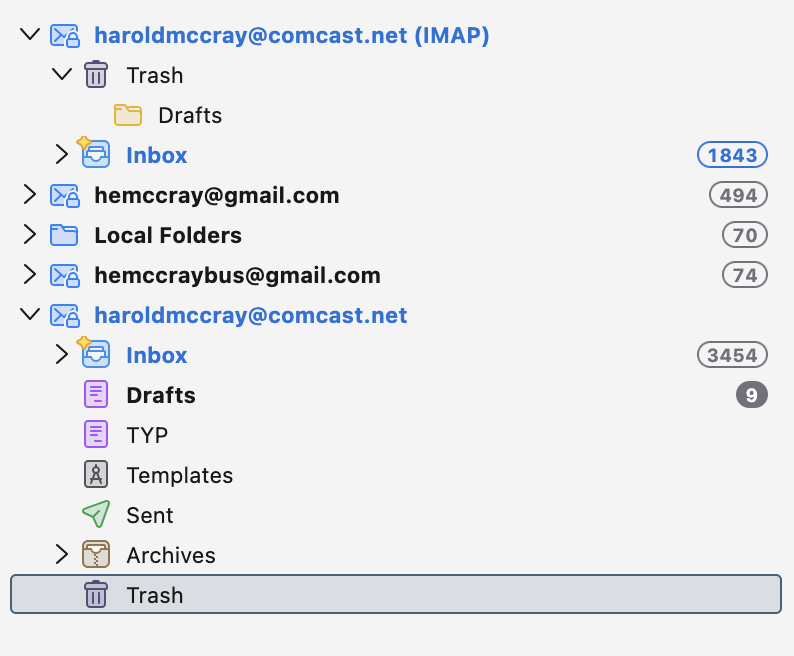
I'm not sure I understand all of your concern. The 'easy' way is to highlight messages in the POP account, rightclick and select COPY to a folder in the IMAP account. I suggest COPY, not MOVE, as sometimes data can be lost in uploading.
You’ve got the hang of it! The COPY command did the trick with a few tweaks. Now, I’m just smoothing out a few small things, but it won’t stop me from using Thunderbird. Thanks a bunch for your help!
You are most welcome. :)