


Windows 10 reached EOS (end of support) on October 14, 2025. If you are on Windows 10, see this article.

Mozilla 도움말 검색

고객 지원 사기를 피하세요. 저희는 여러분께 절대로 전화를 걸거나 문자를 보내거나 개인 정보를 공유하도록 요청하지 않습니다. "악용 사례 신고"옵션을 사용하여 의심스러운 활동을 신고해 주세요.

자세히 살펴보기
Open

Why is the browser top still showing up in fullscreen?

SuMo Bot replied
MewMewfloofypants

Please fix this. i think its a bug

Please fix this. i think its a bug
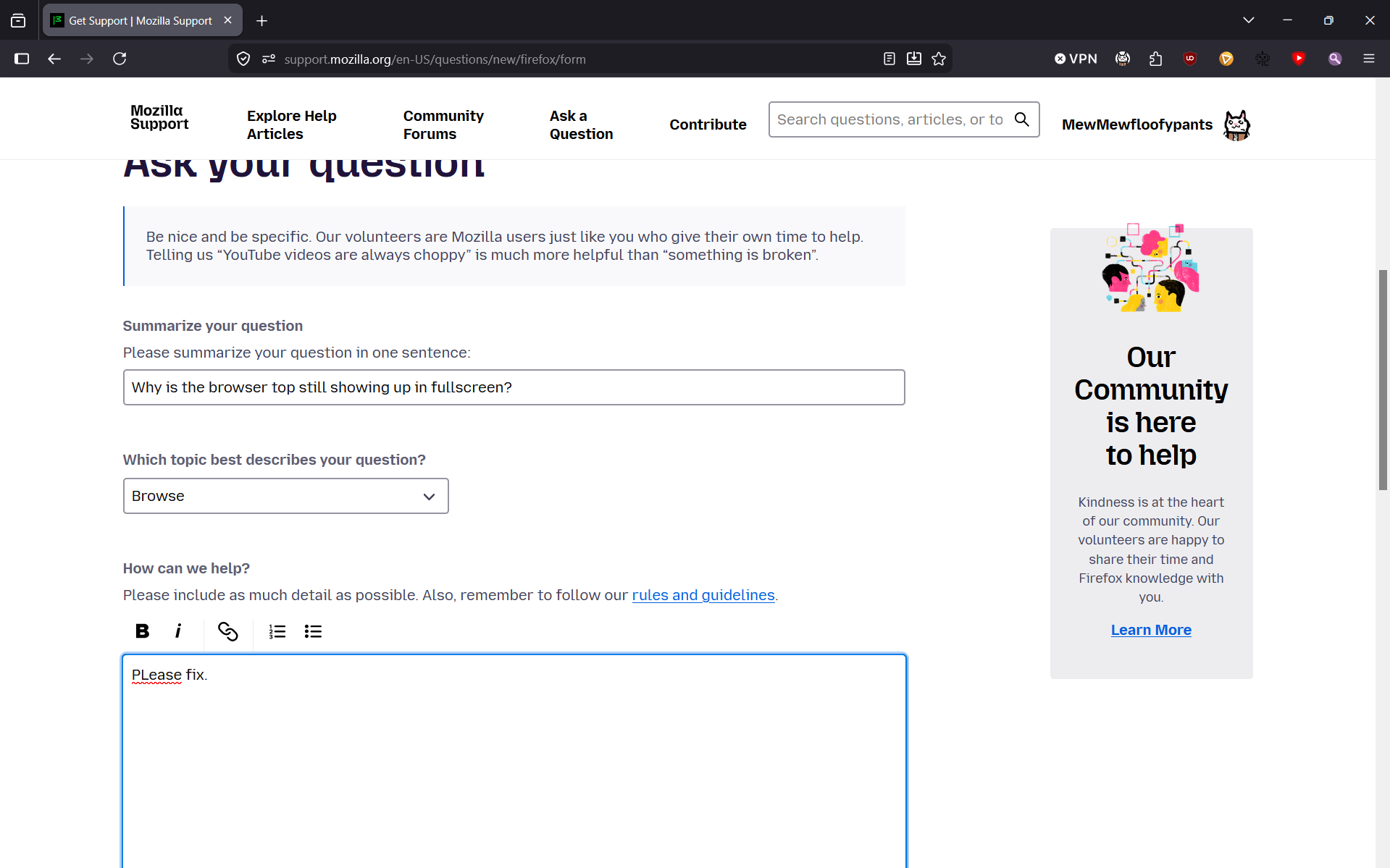
첨부된 스크린샷

모든 댓글 (3)

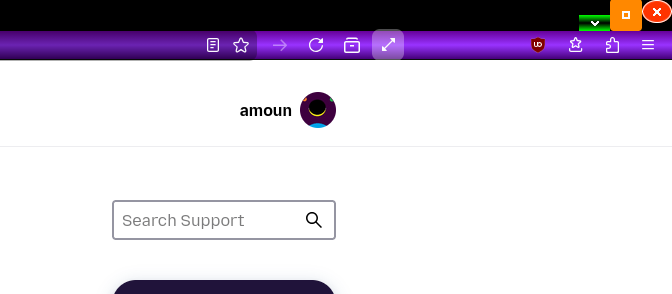
Did you use the inbuilt Firefox option or just Windows etc.

i.e. did you use the diagonal double arrow on the Fx toolbar? Do you have the arrow, if not right click on the toolbar and customise.

see image. If I move the mouse away the toolbars disappear.
amoun said

Did you use the inbuilt Firefox option or just Windows etc. i.e. did you use the diagonal double arrow on the Fx toolbar? Do you have the arrow, if not right click on the toolbar and customise. see image. If I move the mouse away the toolbars disappear.

No i'm using the built in fullscreen but my toolbar is still showing. I have no idea what causes this.

No i'm using the built in fullscreen

Built into what?

Windows or Firefox, like the double arrow ??

질문하기

글에 답글을 달기 위해서는 계정으로 로그인해야만 합니다. 계정이 아직 없다면 새로운 질문을 올려주세요.