Can't delete profile

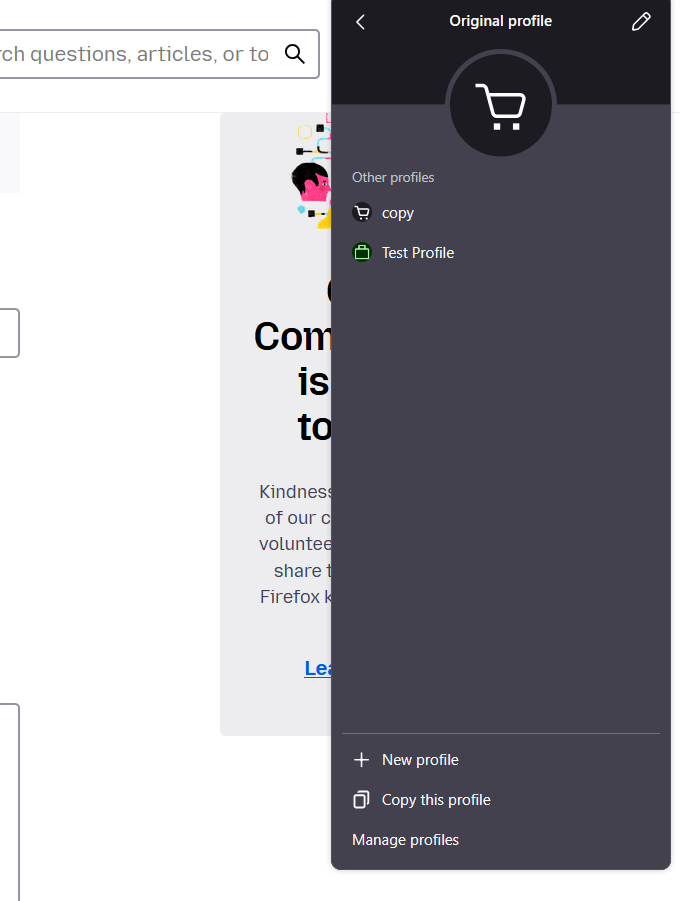
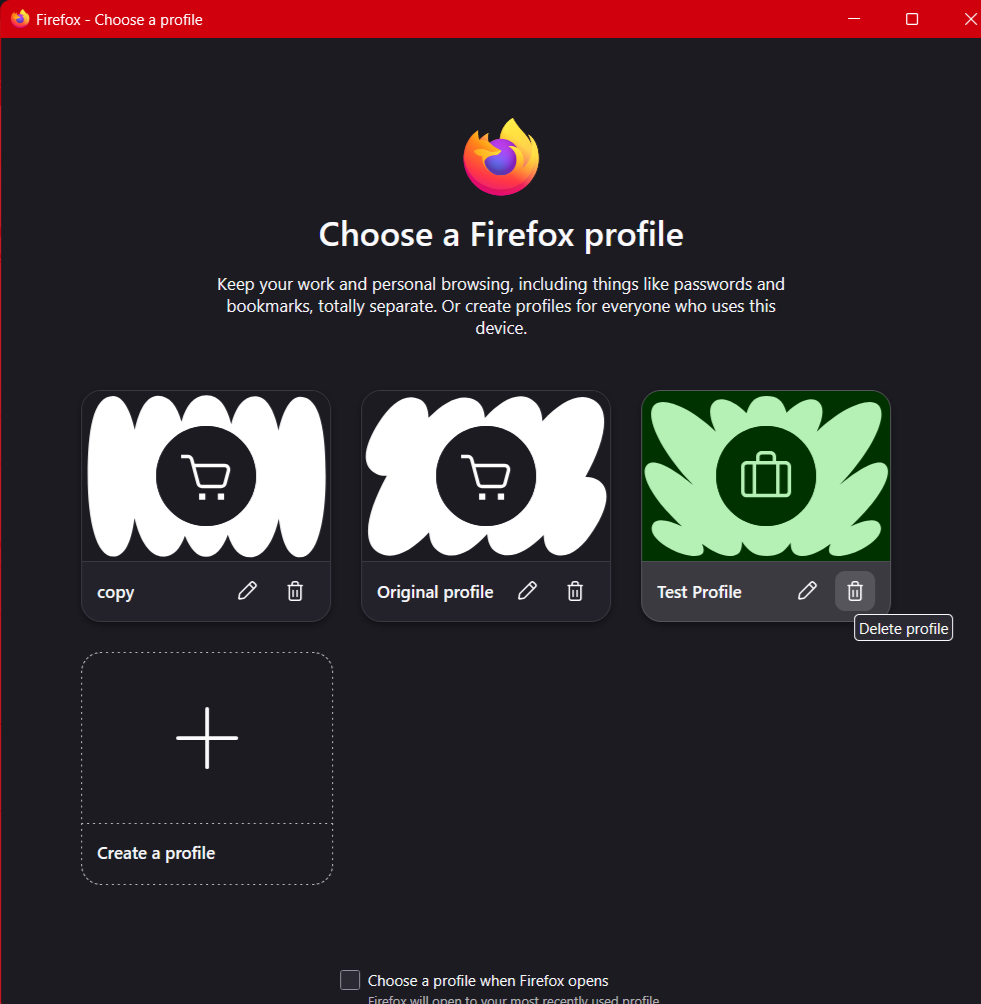
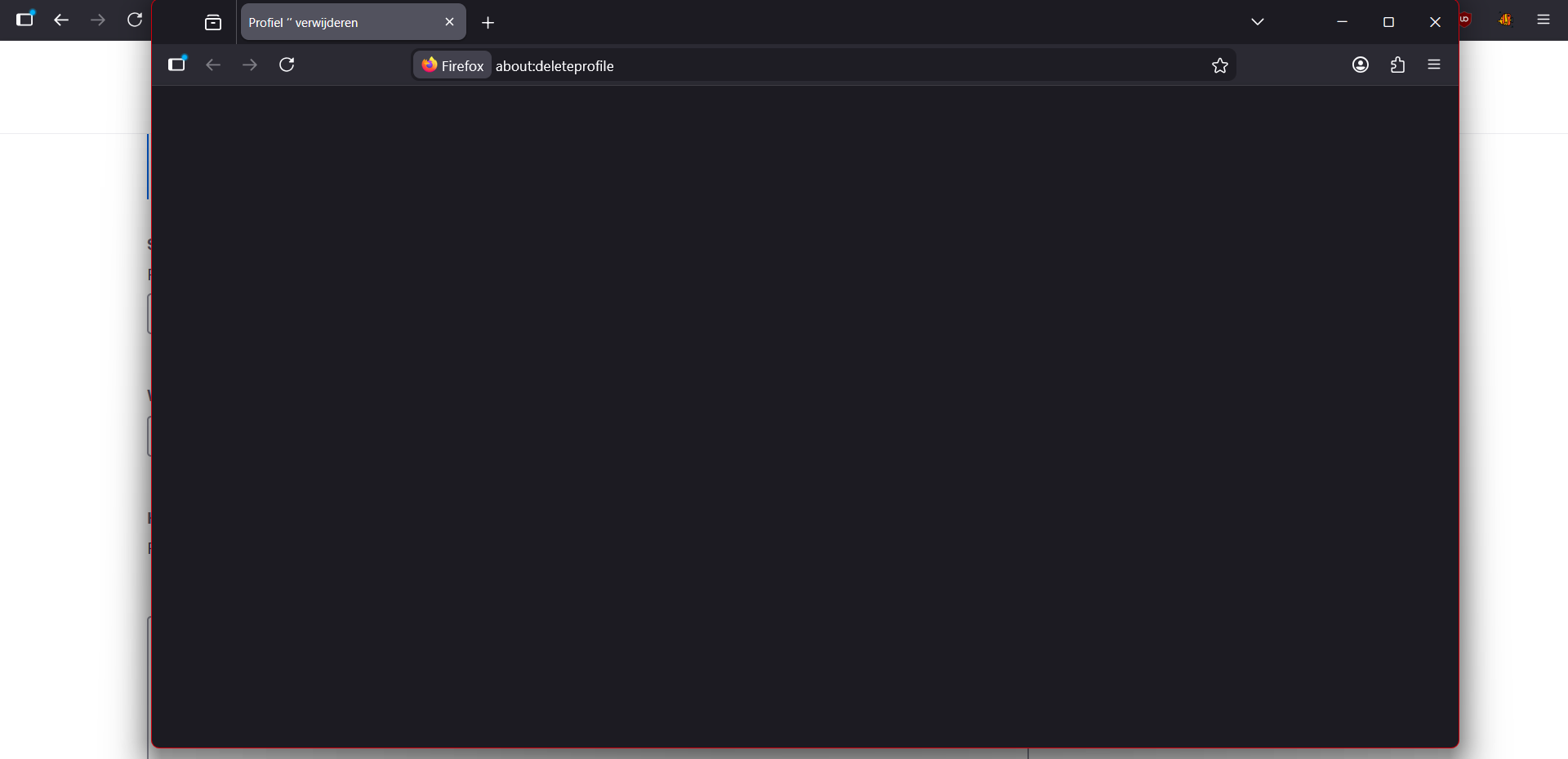
With the profile system, which I just used to try and fix another problem. Deleting them doesn't work I've tried manually deleting the profiles as well but they still show up in the UI and it just recreates the folder again if you try to delete it or open it. If you use the UI to try and delete it the instance and page it opens is simply blank. And now the profile I'm trying to delete isn't open. I'm trying to delete it from "original profile" and when I do it opens the a new instance of firefox with the profile I'm trying to delete with in the address bar: about:deleteprofile but the screen is empty.
선택된 해결법
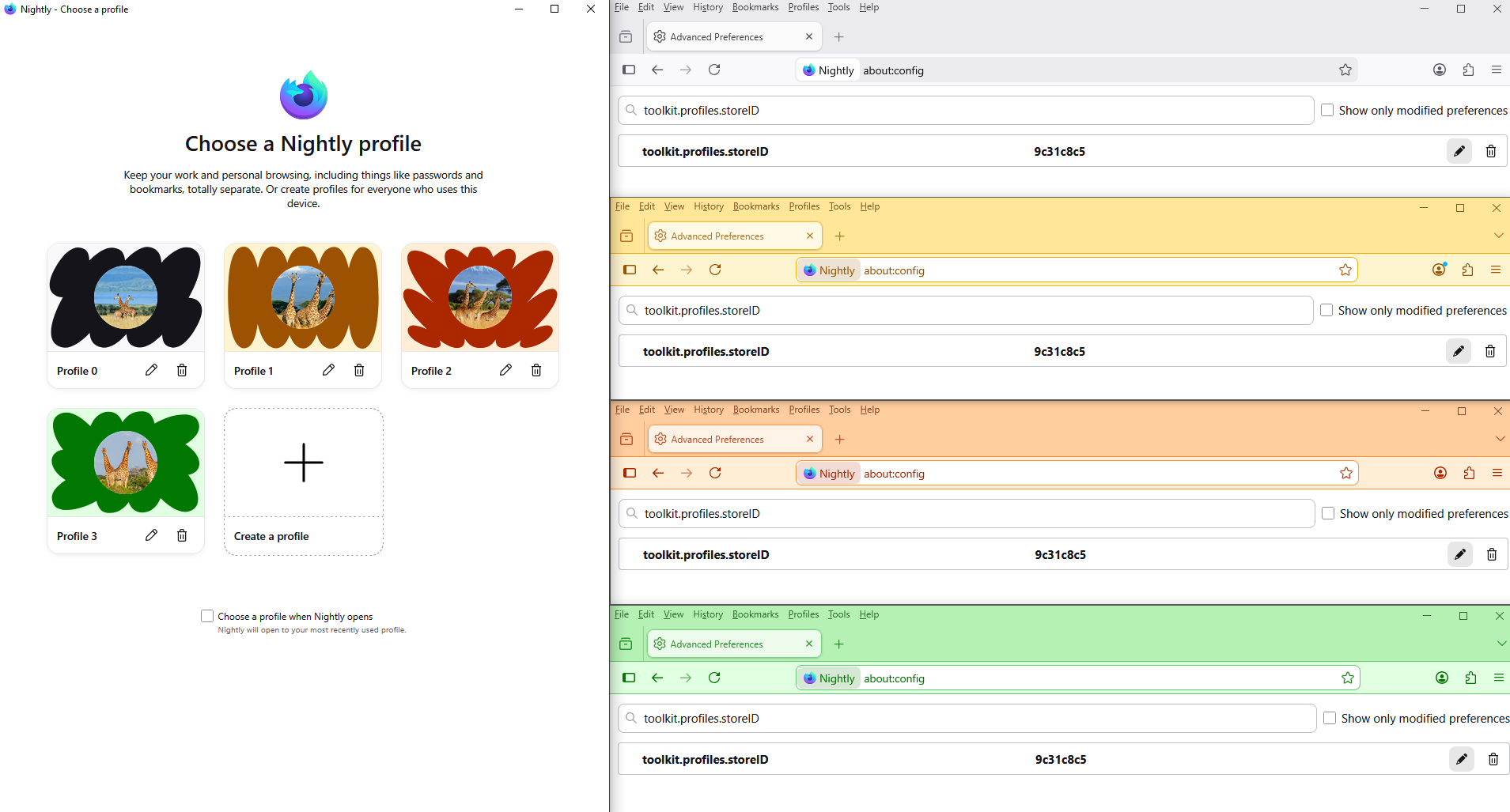
Reset toolkit.profiles.storeID to the value of the other profiles that work.
Below, as far as i'm concerned.
문맥에 따라 이 답변을 읽어주세요 👍 0모든 댓글 (4)
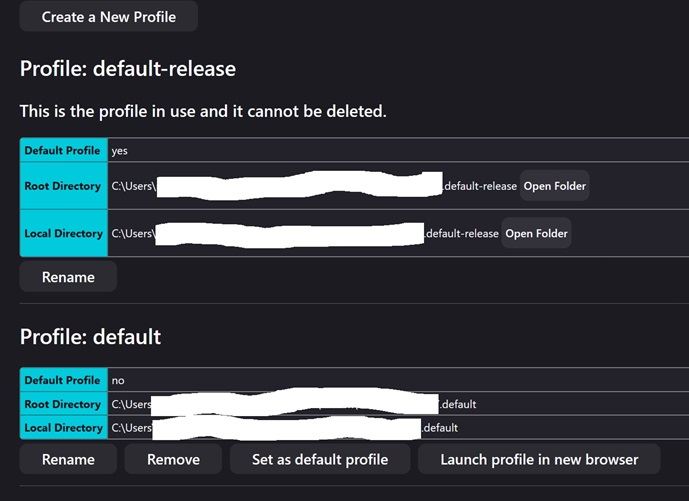
Hi Using [about:profiles] I get this. There are copies in both [Roaming] / root and [Local] folders in Win 11 etc.
글쓴이 amoun 수정일시
amoun said
Hi Using [about:profiles] I get this. There are copies in both [Roaming] / root and [Local] folders in Win 11 etc.
yup same I get those too. But I don't want to delete those. The "Default" and "Default-Release" profiles are different "kind" of profile from these other "original profile, copy and Test Profile" I made. I'm pretty sure they are two different systems. They just happen to both be called "profiles"
글쓴이 Noah Wattel 수정일시
Hello
For information, a similar question https://support.mozilla.org/en-US/questions/1572094
Maybe, take a look at https://bugzilla.mozilla.org/show_bug.cgi?id=2000125#c4
선택된 해결법
Reset toolkit.profiles.storeID to the value of the other profiles that work.
Below, as far as i'm concerned.