


Collections missing from Homepage despite being active in "Select collection" menu
I am experiencing an issue where my saved Collections are not appearing on the Firefox Homepage (New Tab page), even though they clearly exist in the system.
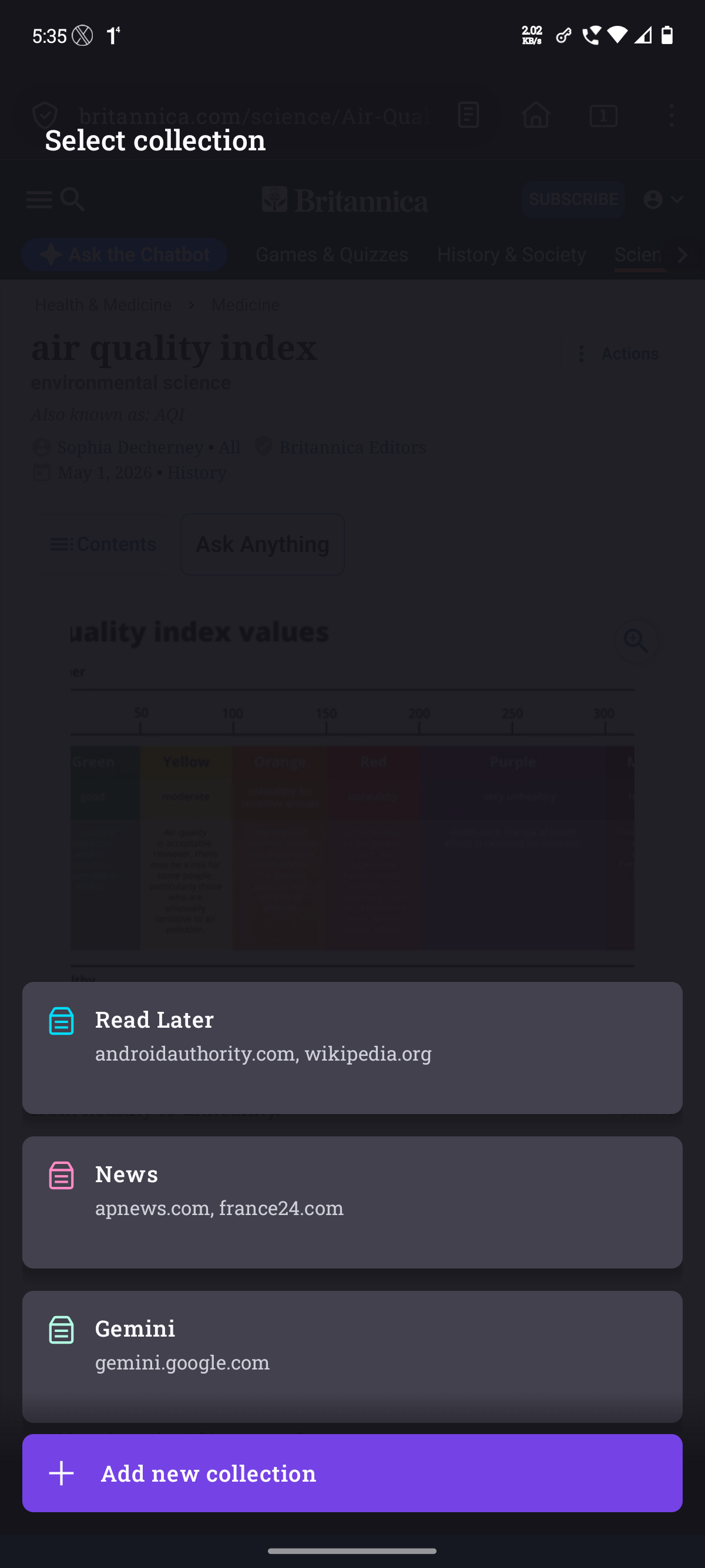
The Issue: When I attempt to add a page to a collection, the "Select collection" overlay correctly shows my existing categories: Read Later, News, and Gemini.
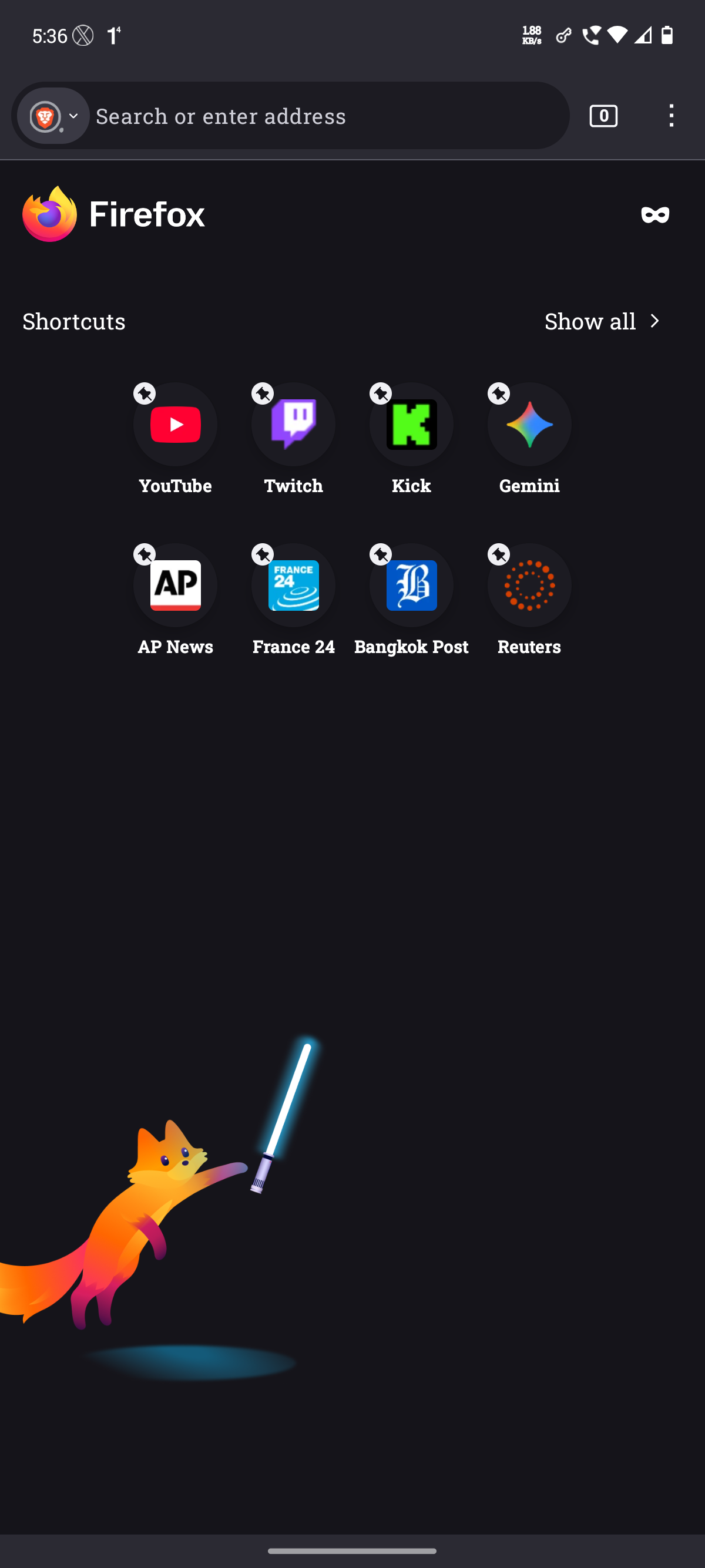
The Discrepancy: When I return to the Firefox Homepage, the Collections section is completely missing. Only "Shortcuts" are visible.
Troubleshooting done: I have verified that I have active tabs saved within these collections (as seen in the attached screenshots), but the homepage remains empty below the shortcuts.
Device Specifications:
- Firefox Version: 150.0.1 (Build #2016157687)
- Build ID: 094f3362dcbcefdce34f05b355607cdce06a4ef4
- GV: 150.0.1-20260427013024
- AS: 150.0.1
- OS: Android 16
Moderator note: This question has been edited to specify values in the "Firefox version" and "Operating system" fields based on the info above.
글쓴이 Denys 수정일시
선택된 해결법
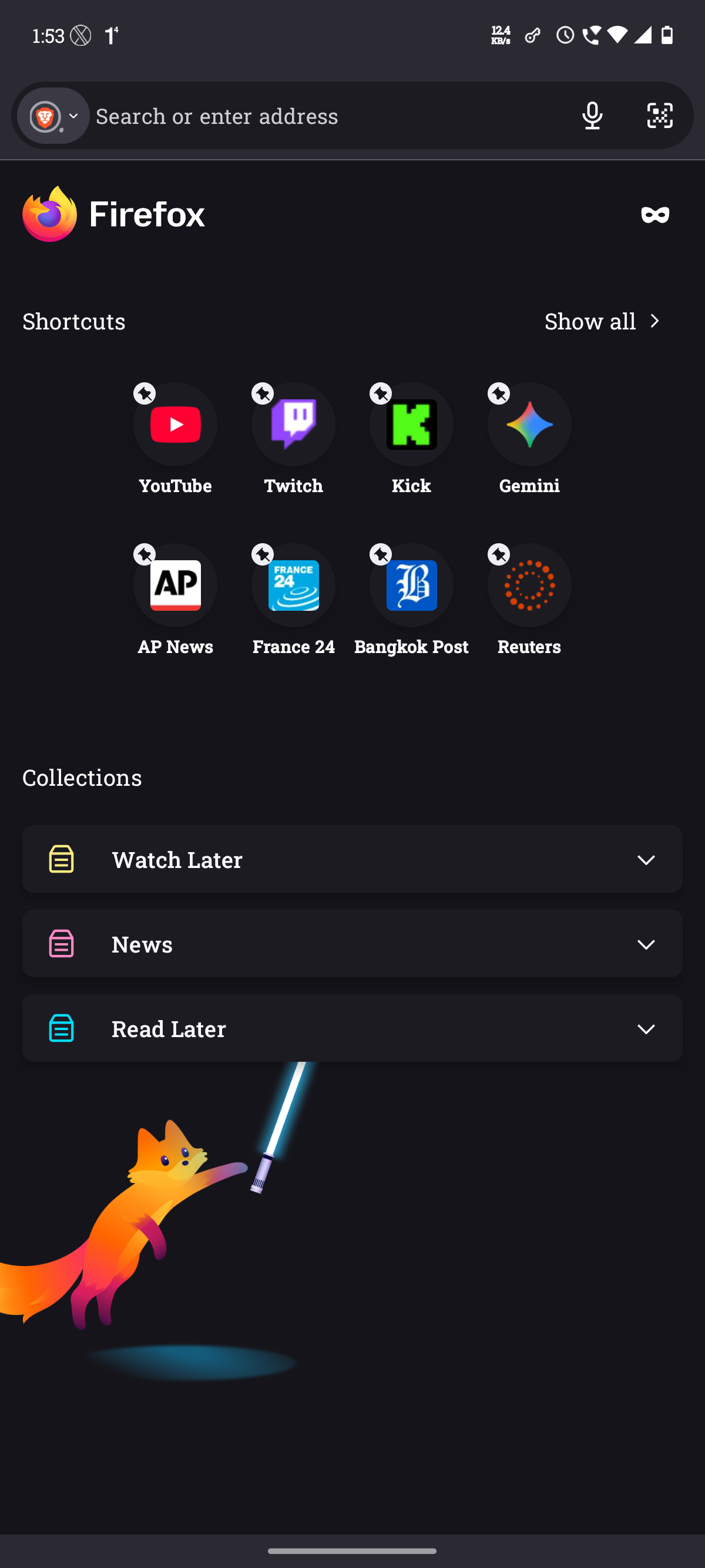
One of the Feature Studies in Data Collection was not allowing my collections to show on my Homepage, after deleting all the feature studies, the collections are now showing on my Homepage.
I still have the Allow Feature Studies switched ON but I have deleted all the studies from the Menu and it has solved the issue.
Thanks.

모든 댓글 (5)
Hi imakilluhoe,
Can you try to see if adding a new page to a new collection can help resurface the collection section in your homepage?
Hello Kiki,
Thank you for your response.
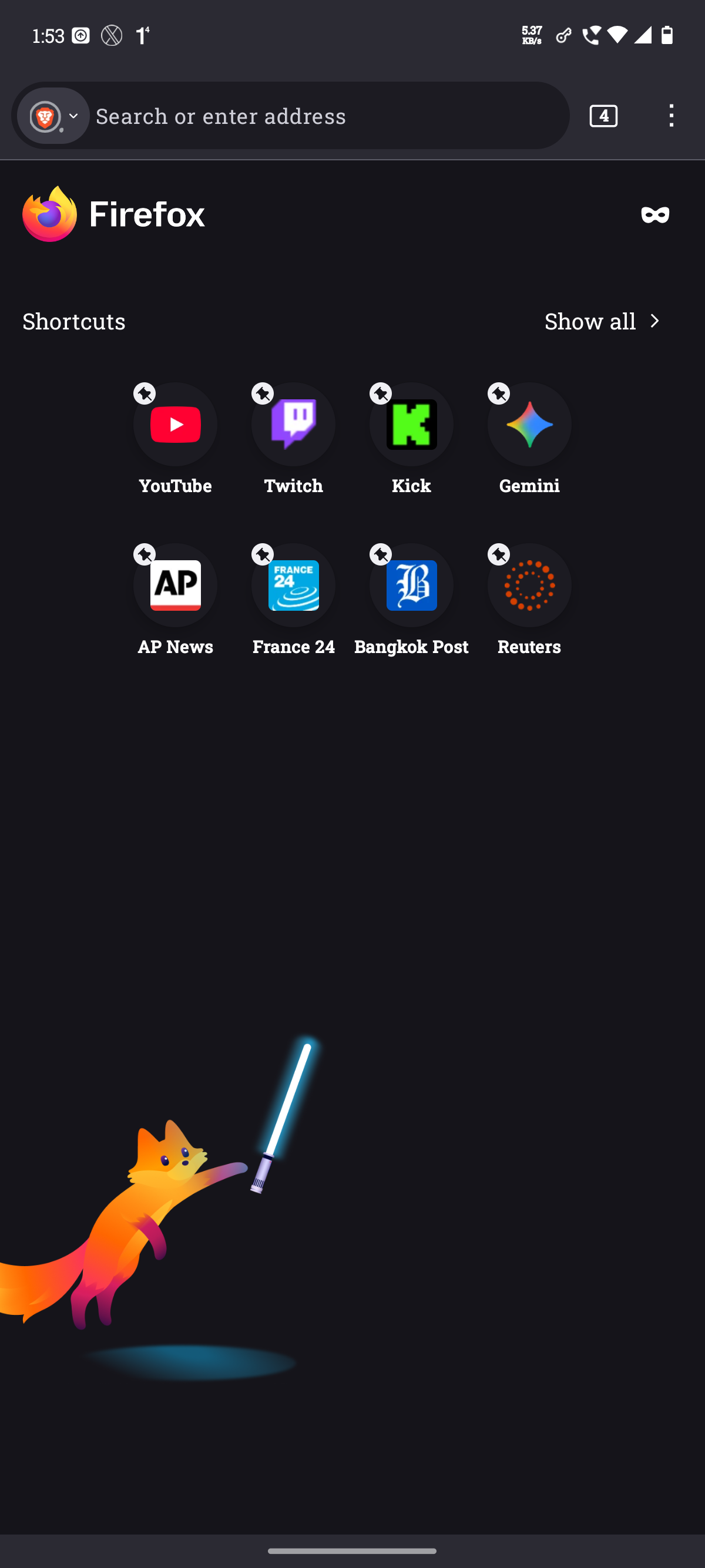
I tried what you mentioned as well: i. I added a new page to the collection of Read Later and I go and check the Home Page and collections did not resurface. ii. Further, I tried to create another Collection in the name of Watch Later and still the same issue persists - the collections are in the drawer but does not show on the homepage.
I have attached the screenshots for reference.
Also I tried adding page to collection via Tab Views and as soon as I select a webpage to add to the collection, my Firefox crashes. Below is the link to the crash report as well from Mozilla Crash Stats
https://crash-stats.mozilla.org/report/index/986f274d-e6b6-4f11-8f6a-1d5d40260506

글쓴이 imakilluhoe 수정일시
선택된 해결법
One of the Feature Studies in Data Collection was not allowing my collections to show on my Homepage, after deleting all the feature studies, the collections are now showing on my Homepage.
I still have the Allow Feature Studies switched ON but I have deleted all the studies from the Menu and it has solved the issue.
Thanks.
Oh, thank you so much for sharing what works for you. I'll make sure to forward your finding to our team.
Just for future reference, we filed a bug report here.