


Problems when opening xml local file with firefox

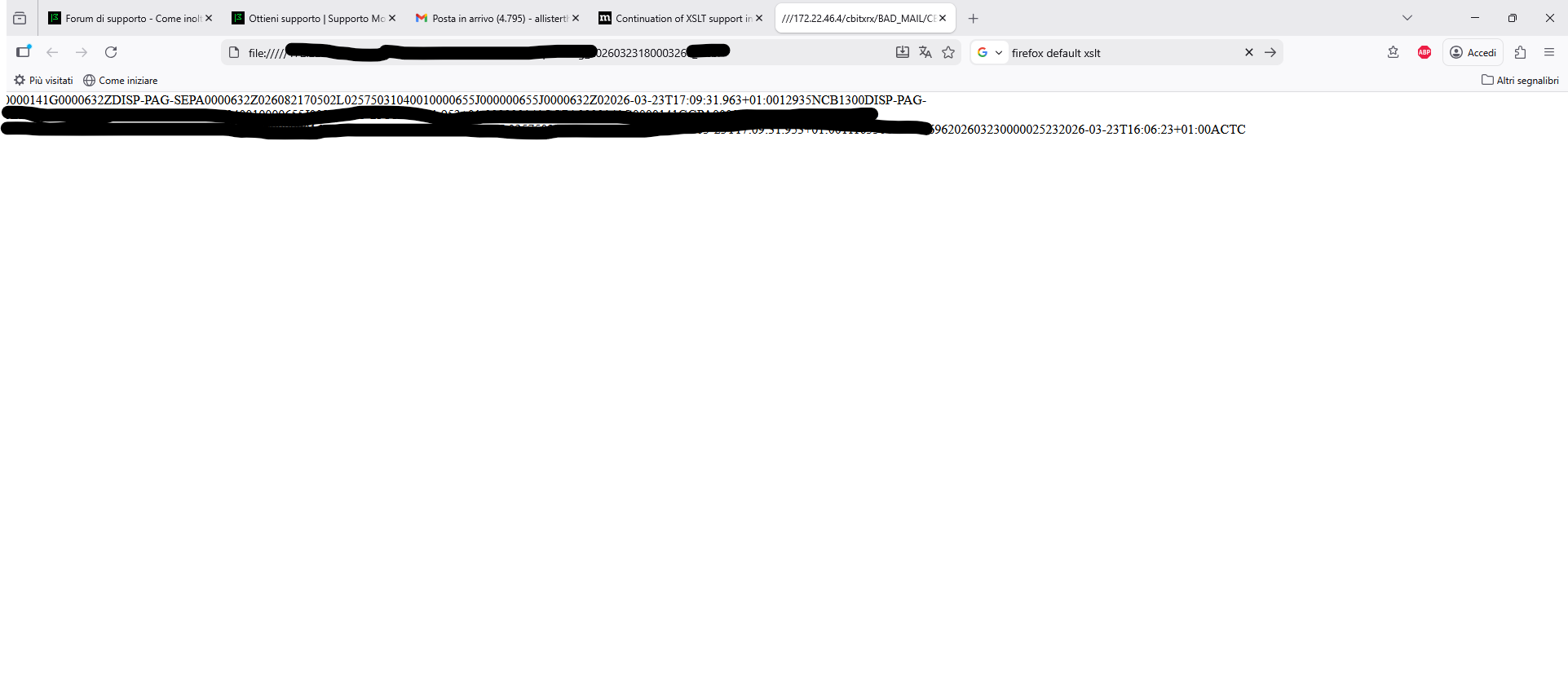
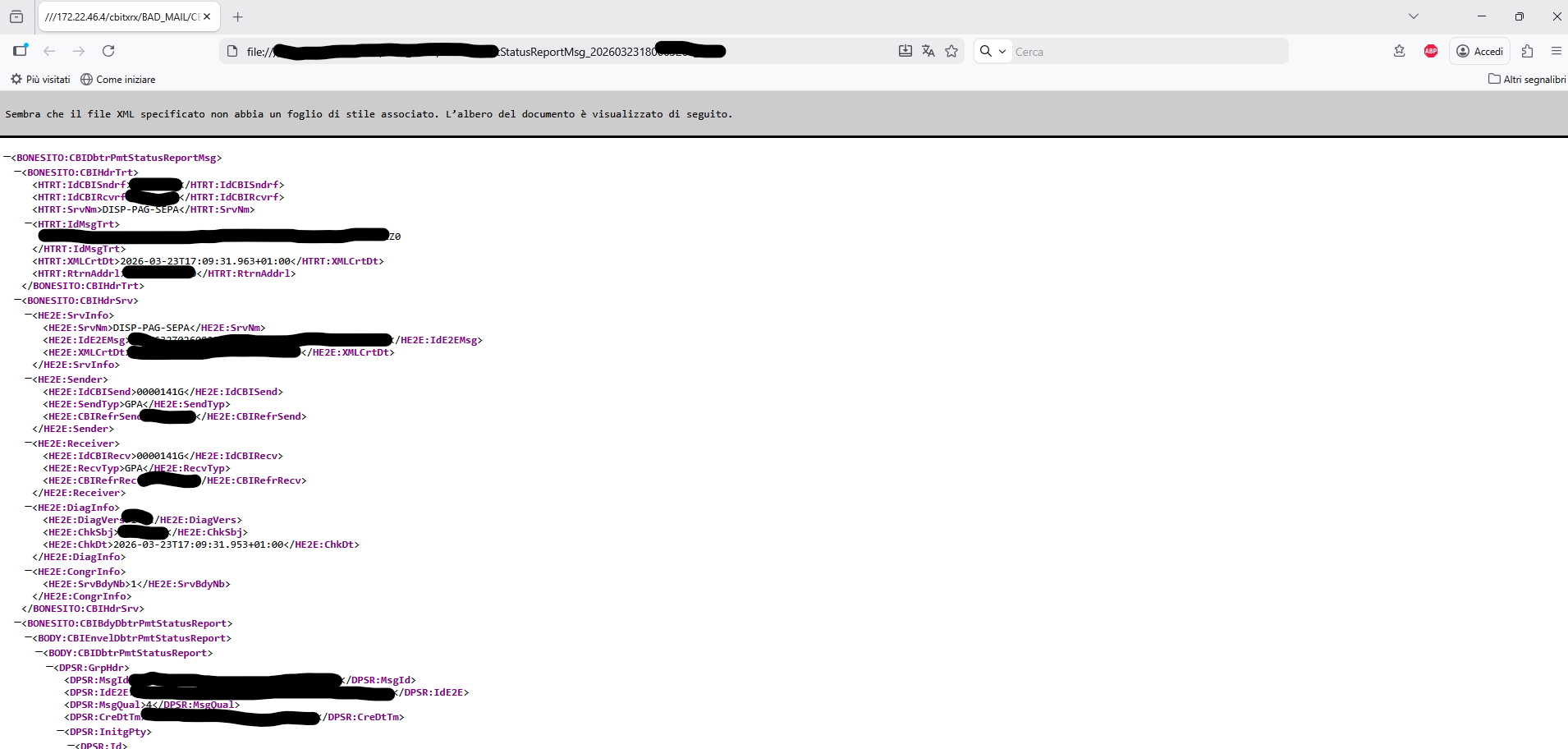
Sometimes I need to open XML files on my PC or in a network folder. If I open the file in the first tab in Firefox, it displays a neat and formatted rendering that makes it easier to read. However, if I open yet another tab, it displays a sequential text file that's difficult to read. How can I apply the style of the first tab to all open tabs? I've attached explanatory images (I hope). The second image shows how I'd like the XML file to always be displayed, regardless of the tab's position. Firefox 149.0.2 on windows 11
모든 댓글 (4)
In both cases the file is opened with "Open with" from the right mouse button menu inside the file explorer view.
This first one doesn't look like a valid XML file. Paste it to https://reqbin.com/xml-parser and check if there are any errors.
In both images there is the exact same xml file which is also a perfectly and legitimately formatted file
I've encountered some extensions that mess with displaying XML files. Usually just a line of text displays or a complete blank page will show. In my main profile, it shows a blank white window. In a clean profile, it displays the XML like in your image.
In my main profile I installed Pretty XML https://addons.mozilla.org/en-US/firefox/addon/pretty-xml/ that will show the XML files regardless of what other extensions are installed. I only enable it when I need it since it also causes RSS feeds to also be rendered in XML.
I just checked and I can also get it to display in my main profile if I go to Help -> Troubleshoot Mode.. and then open the file there without all the other stuff loading.
글쓴이 MarkRH 수정일시