


how to change color at top of Thunderbird window

How do I change the color on the top part of Mozilla Thunderbird window? It's a very light gray now.
모든 댓글 (8)
The simplest solution is to use a theme. Click tools>addons&themes and then click 'themes' in left column. Next, in the search box, enter a color and themes focused on that color will appear. You can install, evaluate, and remove easily. It is also possible by setting up custom CSS, but that's not trivial.
Thanks David, That did change the color at the top of the page, BUT it also changed the email body background color to black (as shown in my attached screen shot). I want black text on a white text background.
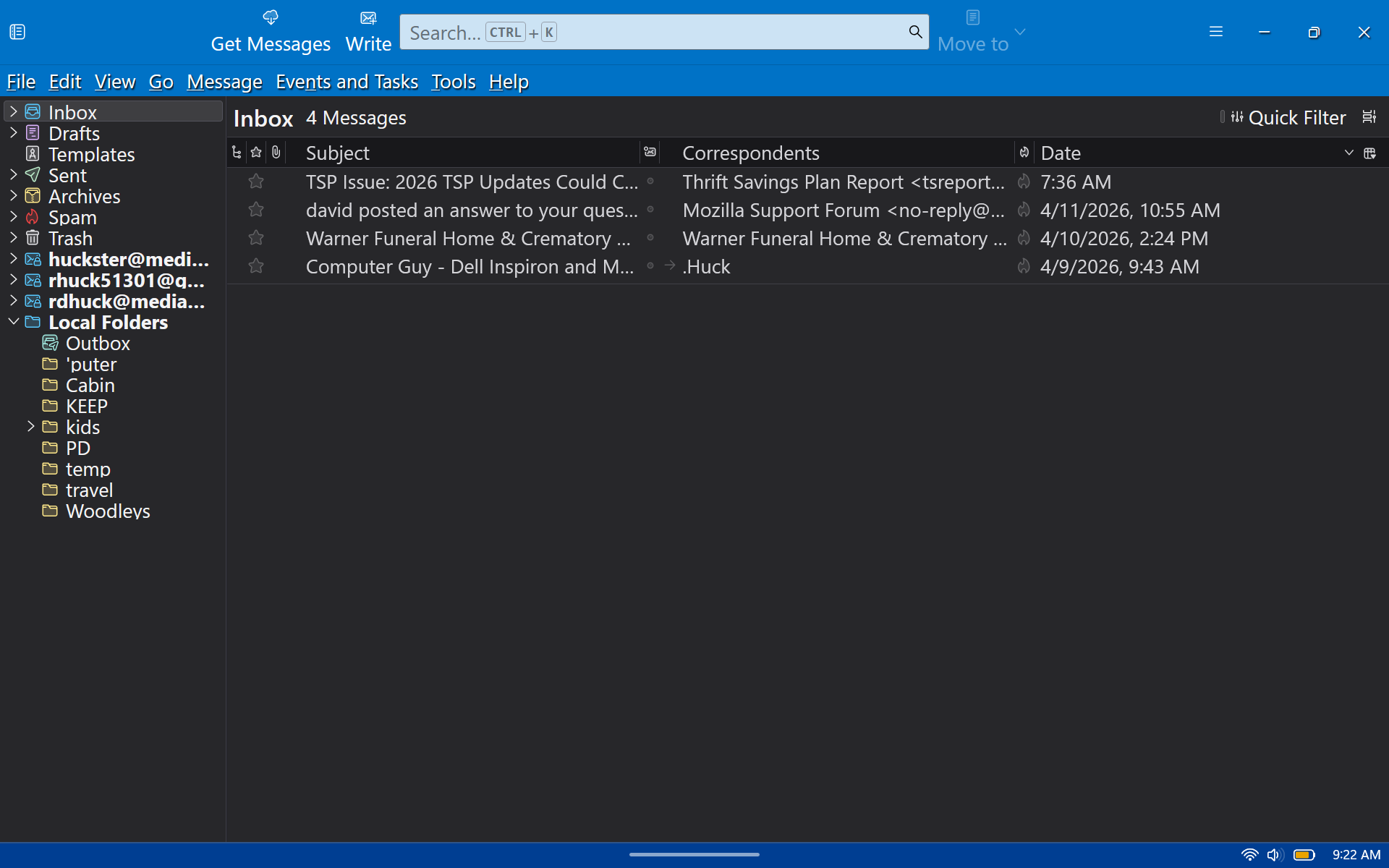
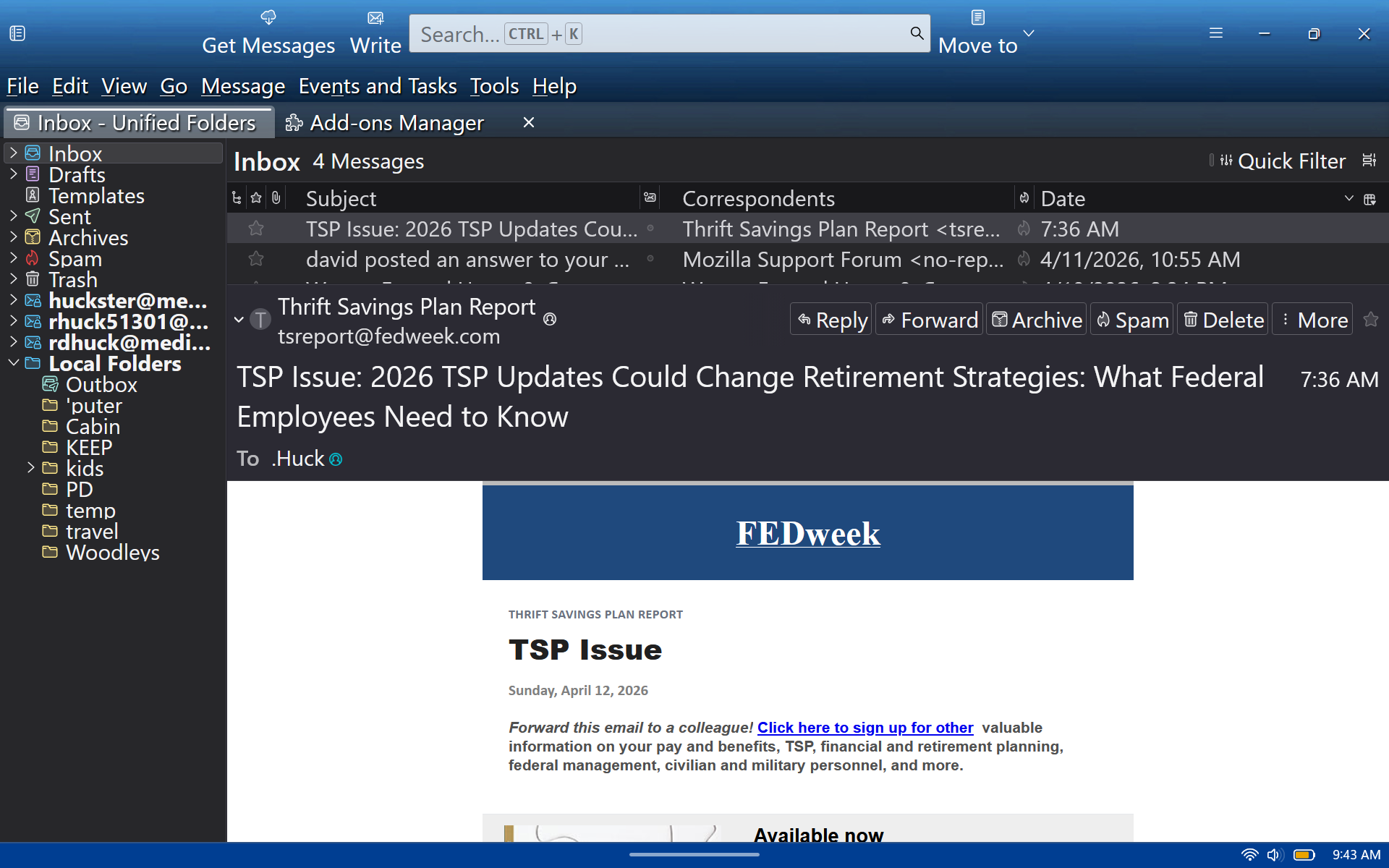
Experimenting with the themes can be fun. Some just color the top, and some do complete makeovers. :)
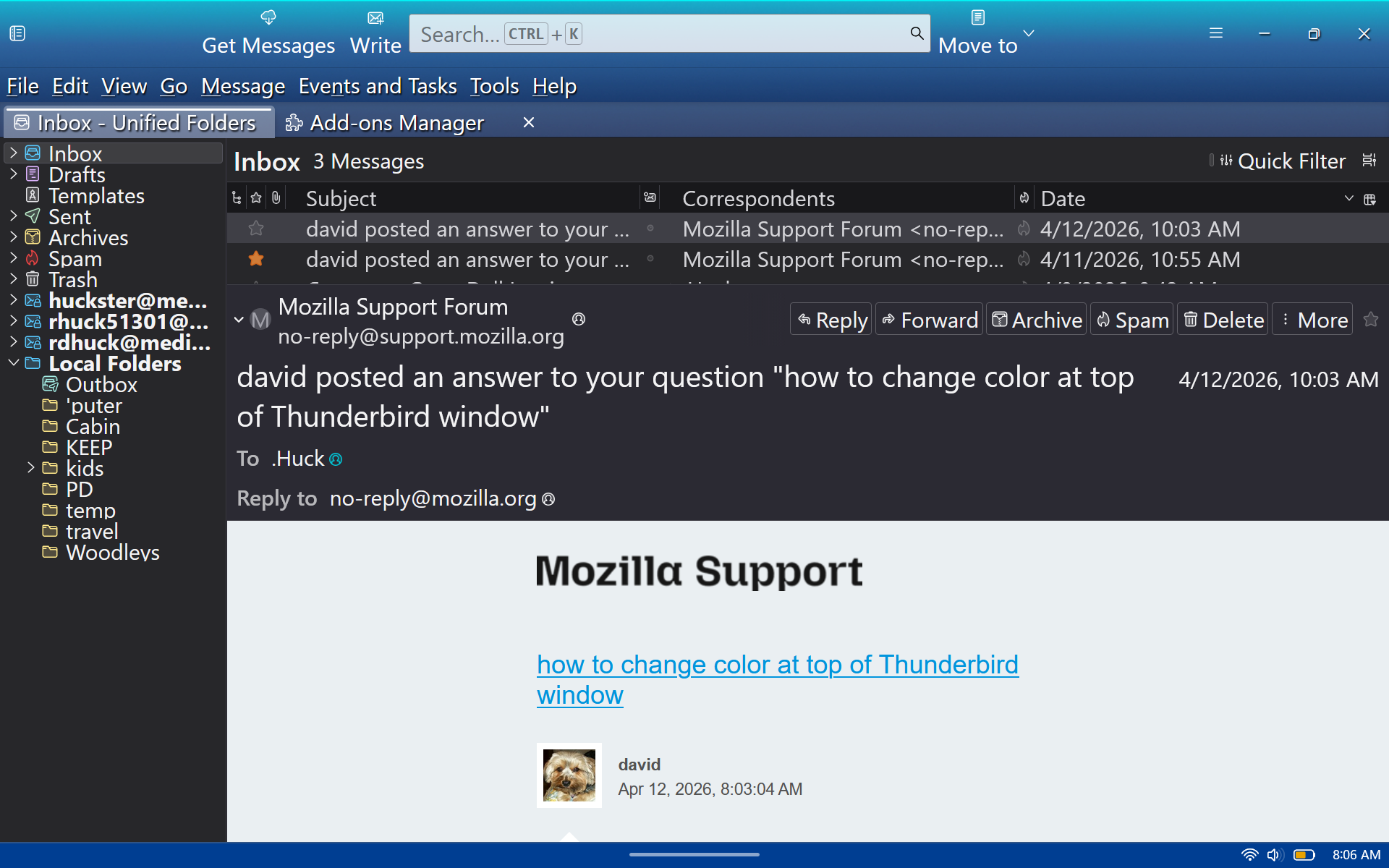
I like the blue top in this screenshot...BUT I don't like the black background in the folder pane and the header pane! How can I get black text on a white background? I've tried several themes and can't find what I want!
I have asked a person with more expertise if he has time to look at this. It puzzles me as well.
It is always helpful to let us know what addon theme you have installed. I tested by first setting the Windows theme to Light for apps. Selecting system theme in Thunderbird Downloaded a blue theme eg:'Outlook 2013 Blue' I get blue at top as expected but a dark theme rendered in all other areas. I did notice there were several feedback coments already posted on that addon page stating the same problem.
It seems the addons are only responsible for the top header area and in some cases the Status bar as well. But are not including code to cover all other areas. Only addon themes that specifically include complete code to cover all parts of the UI will control and override that dark theme.
If you are using an addon and there is a problem ot something undesirable, then you need to inform the author of the addon what is expected and what is occuring. Only the author has control over their addon and it's solely their responsibility to make it compatible with the versions of Thunderbird.
you can usually find a link, feedback etc on the addon webpage.
There is an alternative, but it means using a 'userChrome.css' file to control sections of the UI.
Basically, when it comes to themes, I suggest you search for 'complete themes'.
I can offer full instructions on creating and using a 'userChrome.css' file to alter eg: the main UI for the following areas:
Unified toolbar, Menu Bar, Tabs, Message Header etc.
It would be useful to know exactly what areas you would like altered. Are you only looking to colour these areas in a darker blue with white font: Unified toolbar, Menu Bar and Tabs.
글쓴이 Toad-Hall 수정일시